

How do I filter the power duration curve by activity type?
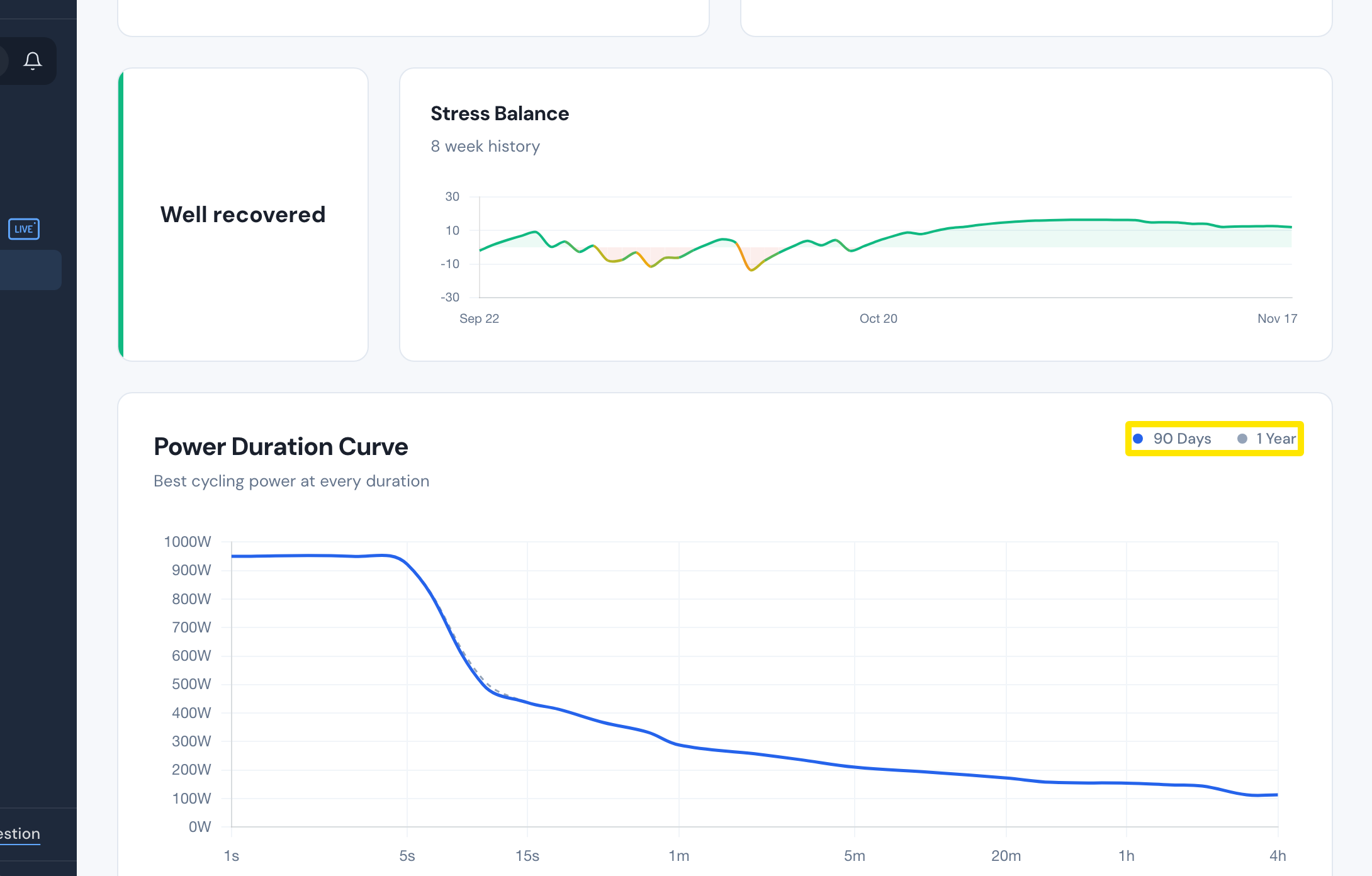
You can't filter the Power Duration Curve by activity type: on the Progress page it always uses your cycling rides only, and its 90 Days and 1 Year labels are a legend, not buttons.
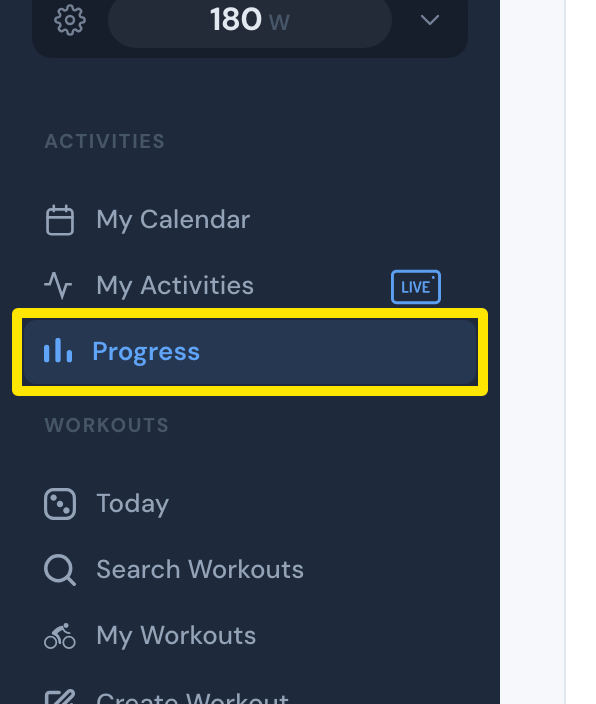
- On the website, click Progress in the left sidebar (app.trainerday.com/analytics).
 Where: Website · Progress · open it
- Scroll to Power Duration Curve at the bottom. It is built from your cycling rides only and has two lines, 90 Days and 1 Year. These are a legend, not buttons. There is no filter by activity type.
 Where: Website · Progress · open it
Works on: Website and desktop app (Progress tab) show the same curve with no filter. On mobile, go to Today → Progress → power curve card. It also has no activity-type filter.