

How do I import my past Garmin or Strava rides into FitScore?
Bulk-import your past Garmin or Strava rides on the TrainerDay website: open My Activities, go to Import history, and upload the ZIP of your data export.
- On the website, click My Activities in the left sidebar (app.trainerday.com/activities).
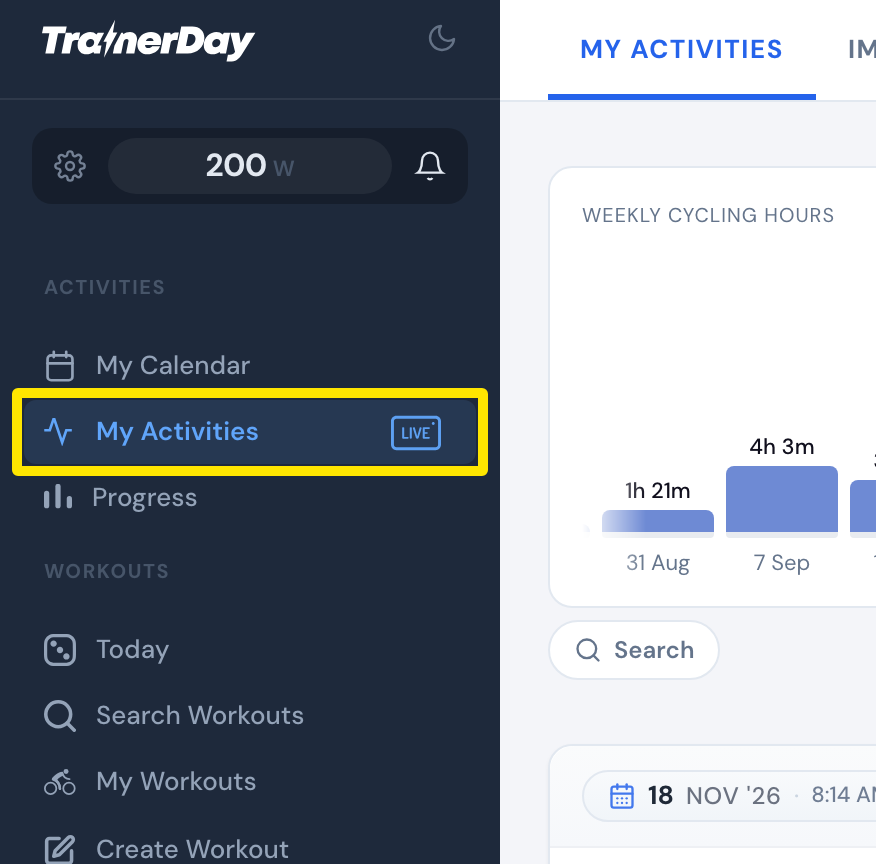 Where: Website · My Activities · open it
- Click the Import history tab at the top.
- Choose Strava or Garmin.
- Follow the export steps shown on the page to get your data export ZIP. For Strava, use the Strava Data Export link and click Request Your Archive.
- Drop the ZIP on the upload box, or click to browse. Upload it as you received it, without unzipping it.
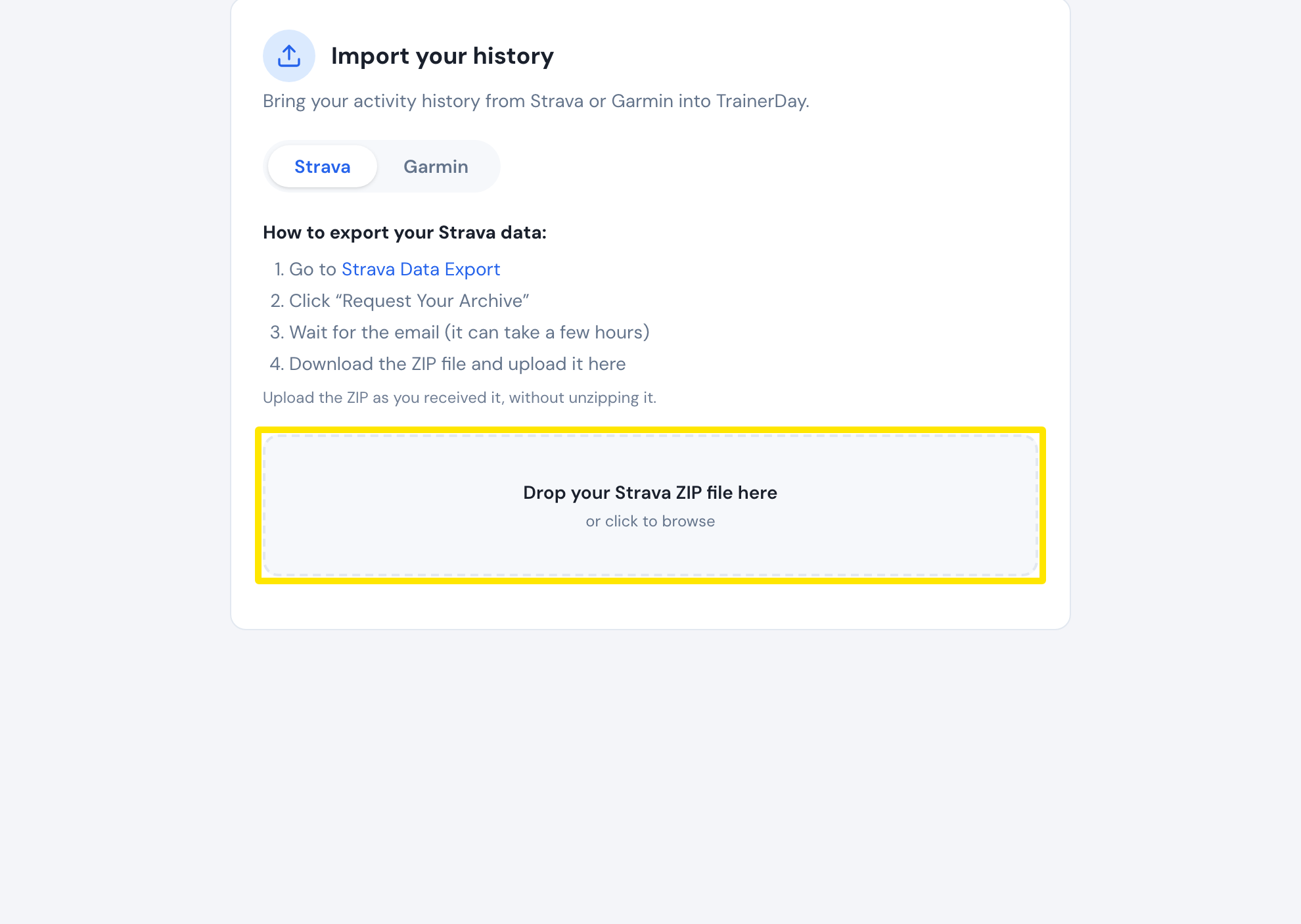 Where: Website · My Activities → Import history
Good to know: Bulk import of Garmin and Strava history for FitScore is in beta. It is also available at fitscore.trainerday.com/import.