

How do I replace a recorded workout file?
TrainerDay doesn't let you replace a saved activity's recorded file or edit its data; on the website you can only change its name (and perceived exertion) from My Activities.
- On the website, click My Activities in the left sidebar (app.trainerday.com/activities).
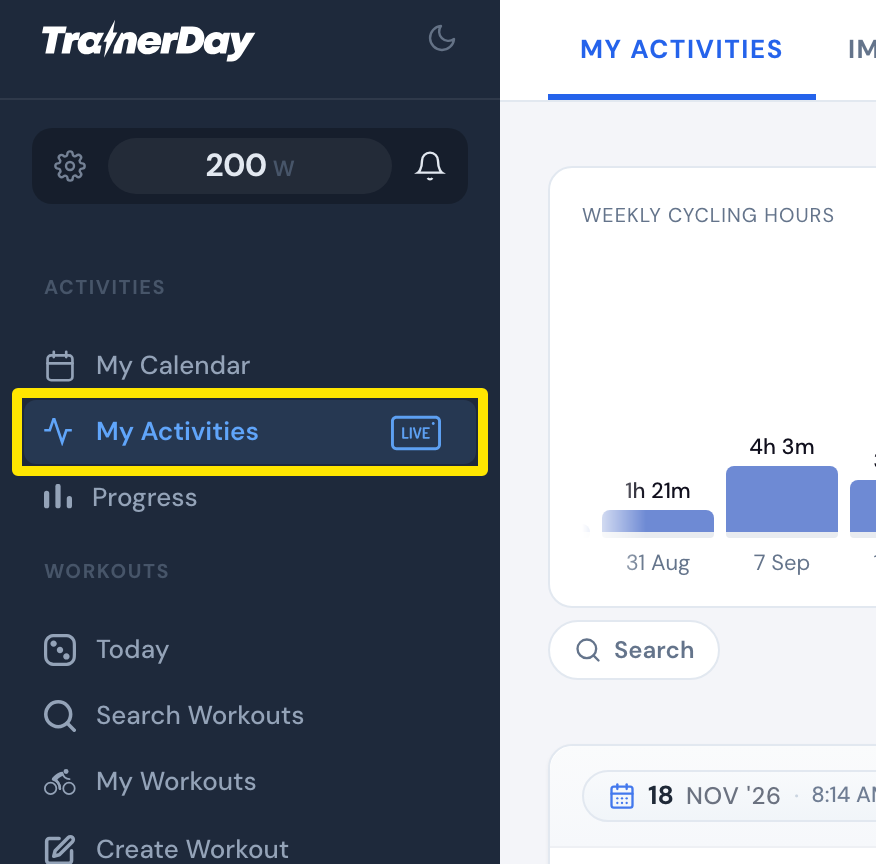 Where: Website · My Activities · open it
- Click the activity's name.
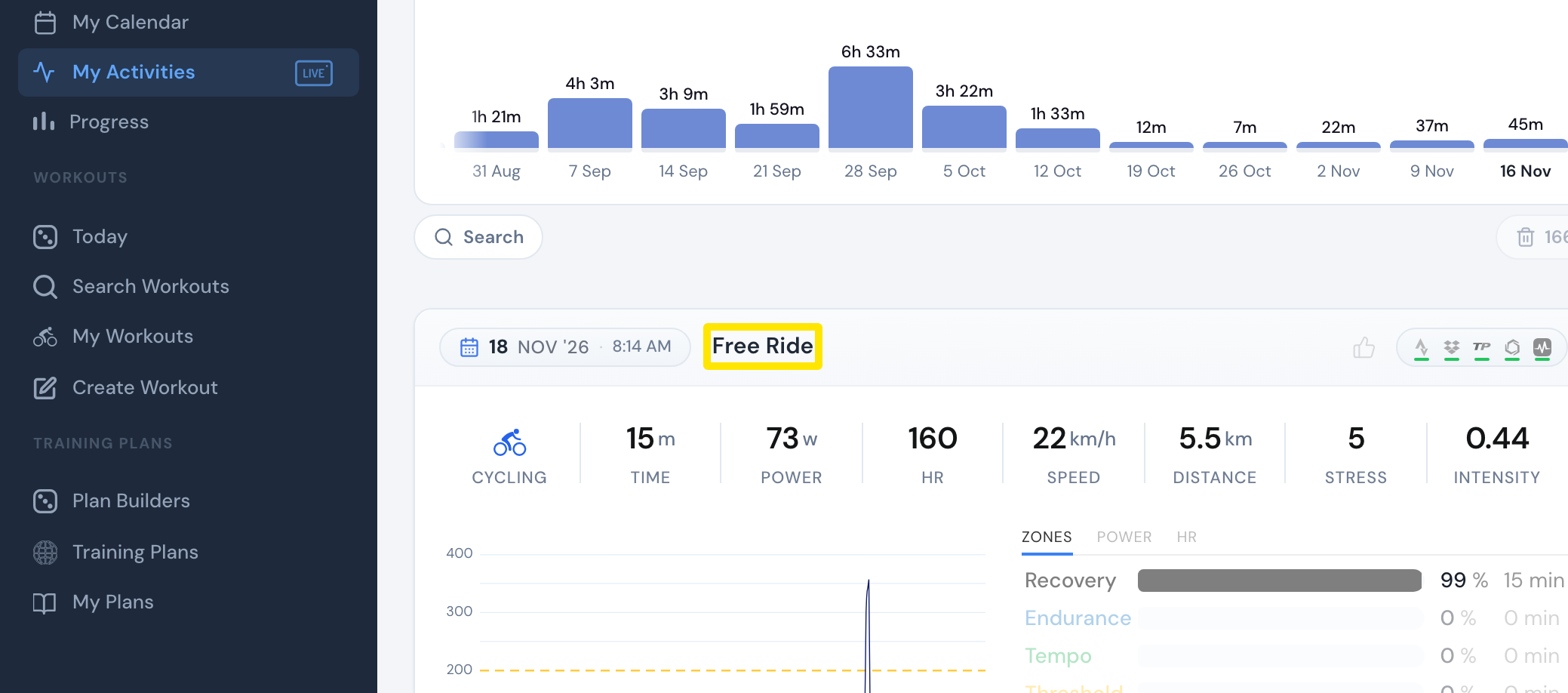 Where: Website · My Activities · open it
- On the activity's page, click the pencil next to the title, type the new name and click the tick (or press Enter).
 Where: Website · My Activities → click the activity's name · open it
Good to know: No TrainerDay app lets you change a saved activity's type (for example Biking to Indoor Cycling) or edit its stress score.
Works on: Website and mobile app (on the Activities tab, open the activity and tap its name at the top). The desktop app can't rename activities.