

Why doesn't an activity I uploaded to TrainerDay show up in my activities?
An activity you upload, by uploading a ride file or syncing from another app, does not show up when TrainerDay already has that same ride, so look for the original in My Activities on the website.
If the activity is a run or another non-cycling activity, see whether TrainerDay accepts it: Can I upload or sync non-cycling activities, like runs, to TrainerDay?
TrainerDay does not show an uploaded activity that is a duplicate of a ride already in your account. This applies whether you uploaded a ride file or synced from another app. To find the original ride:
- On the website, click My Activities in the left sidebar (app.trainerday.com/activities).
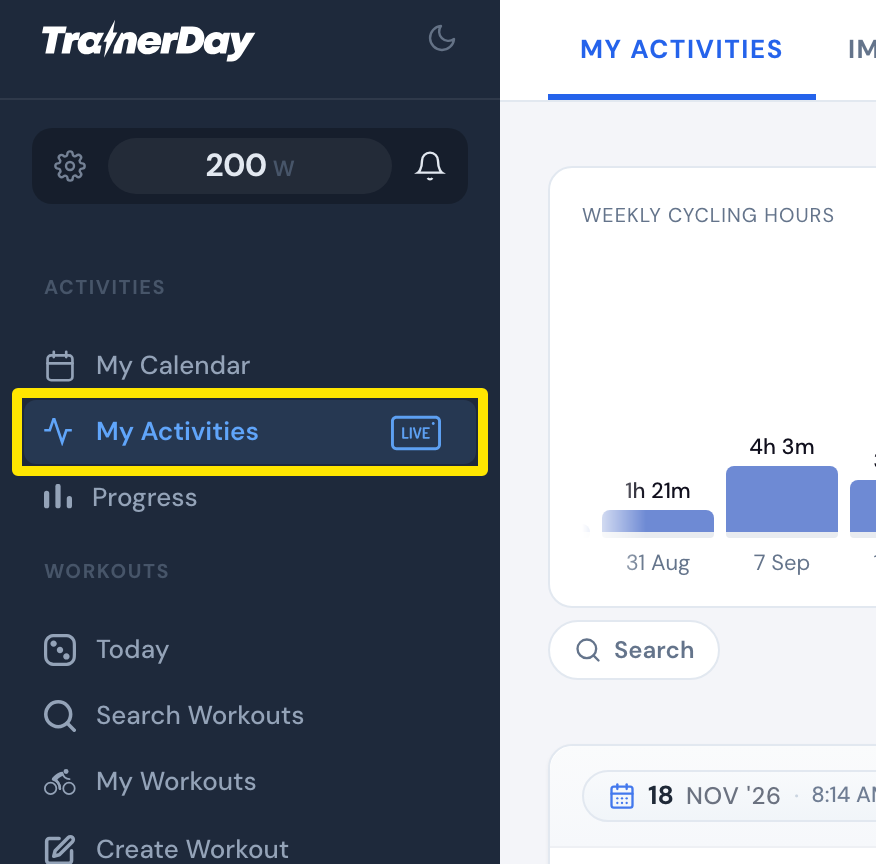 Where: Website · My Activities · open it
- Scroll the list to the month of the ride, or click Search to search your activities.
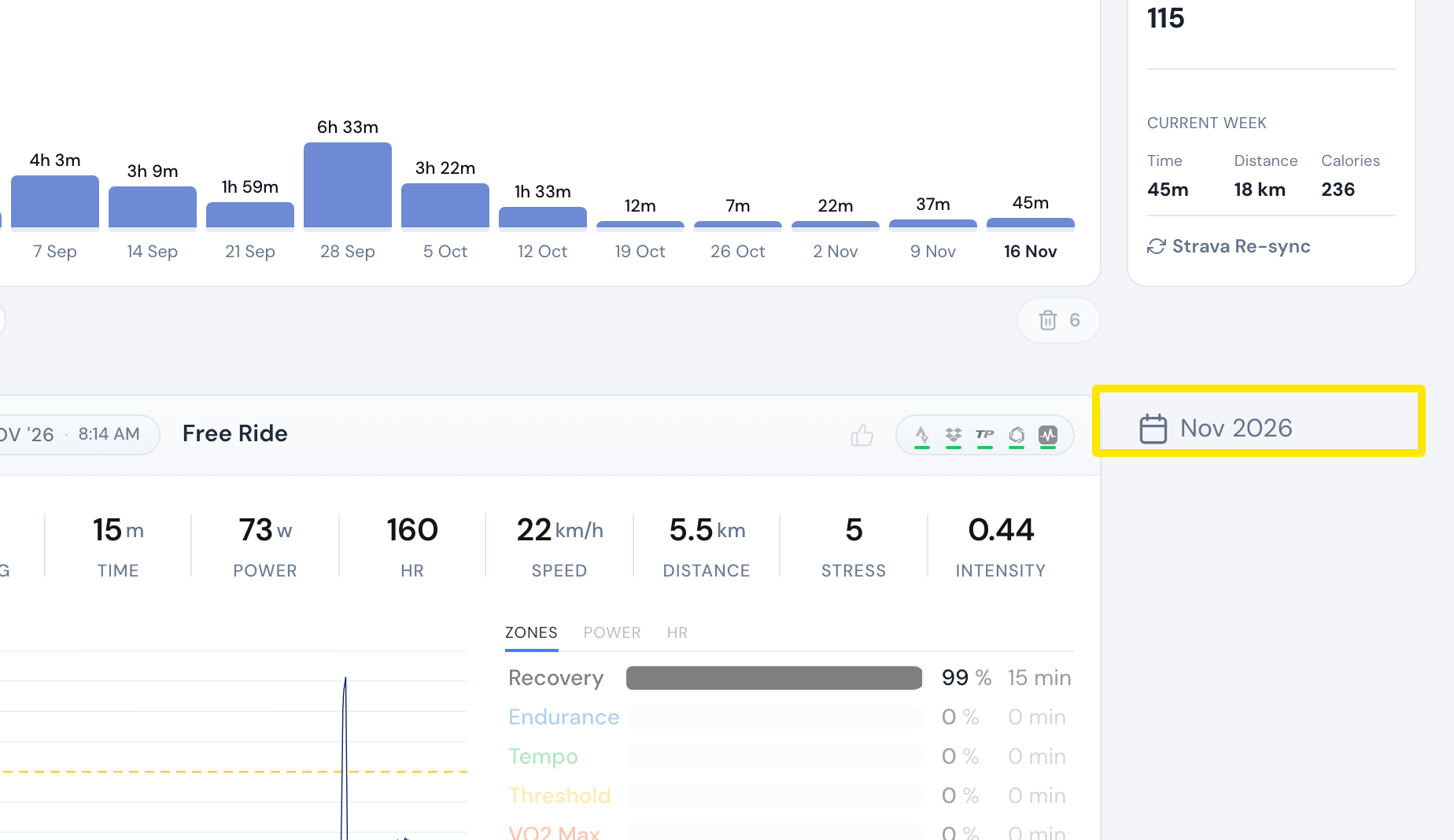 Where: Website · My Activities · open it