

How do I choose my gear and cadence when riding in ERG mode?
In ERG mode, choose any gear and cadence you can hold comfortably: TrainerDay sends your trainer a watts target, and the trainer adjusts resistance to hold that power whatever gear or cadence you use.
- In the desktop app, open the Today tab and click Ride Now on a workout.
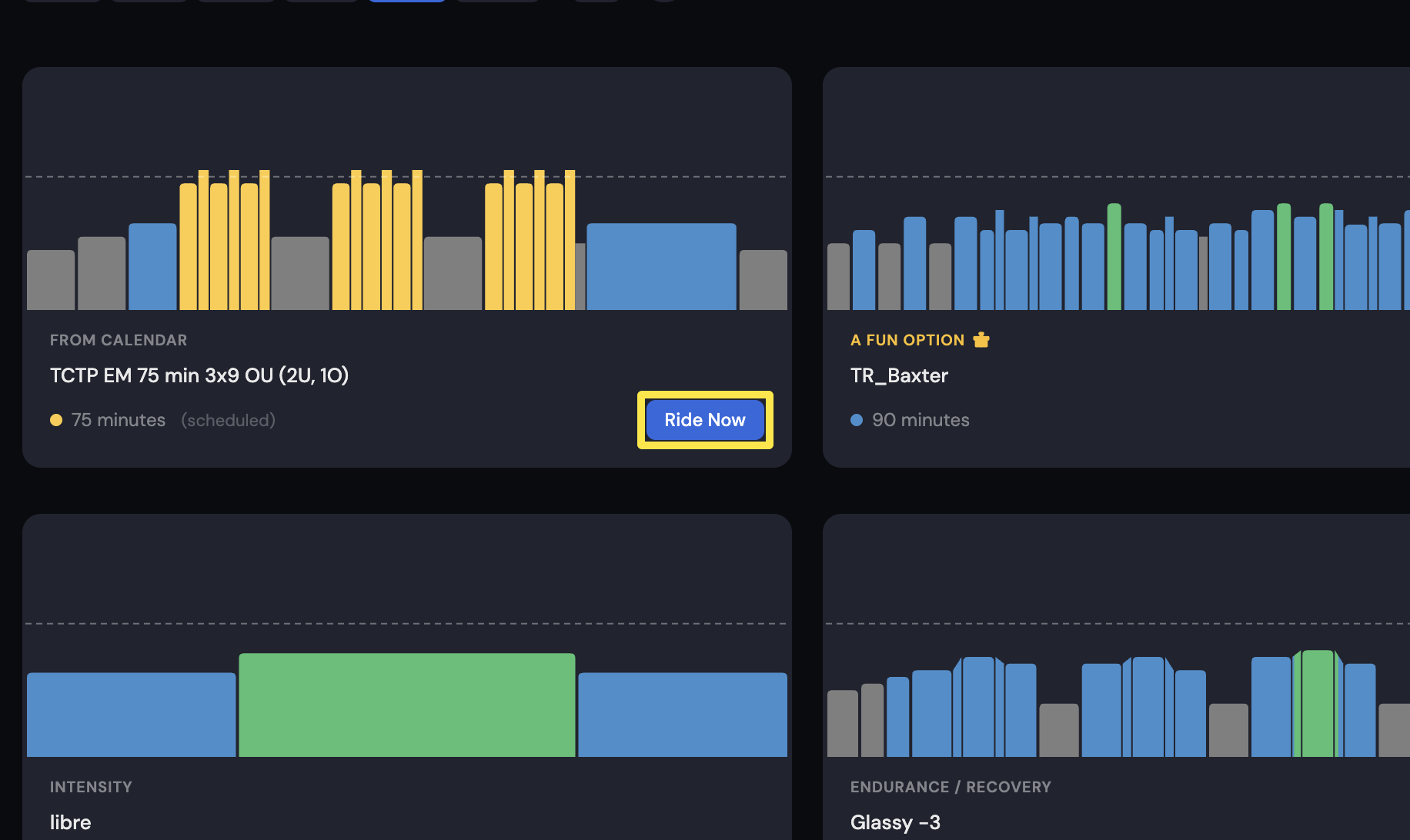 Where: Desktop app · Today tab
- On the workout screen, click ERG in the bottom bar.
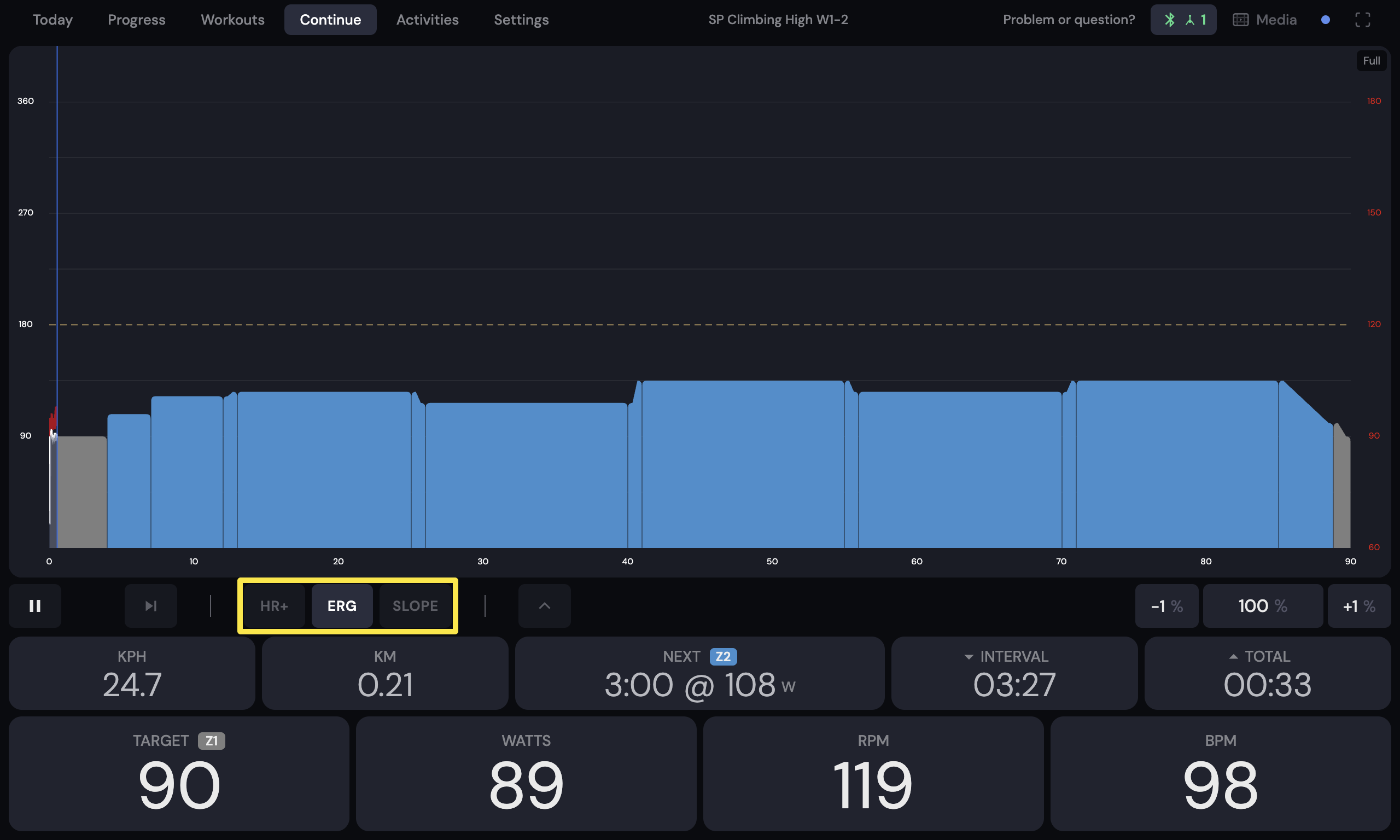 Where: Desktop app · the workout screen during a ride (Today tab → Ride Now)
In the mobile app, tap ERG in the mode buttons during a ride.
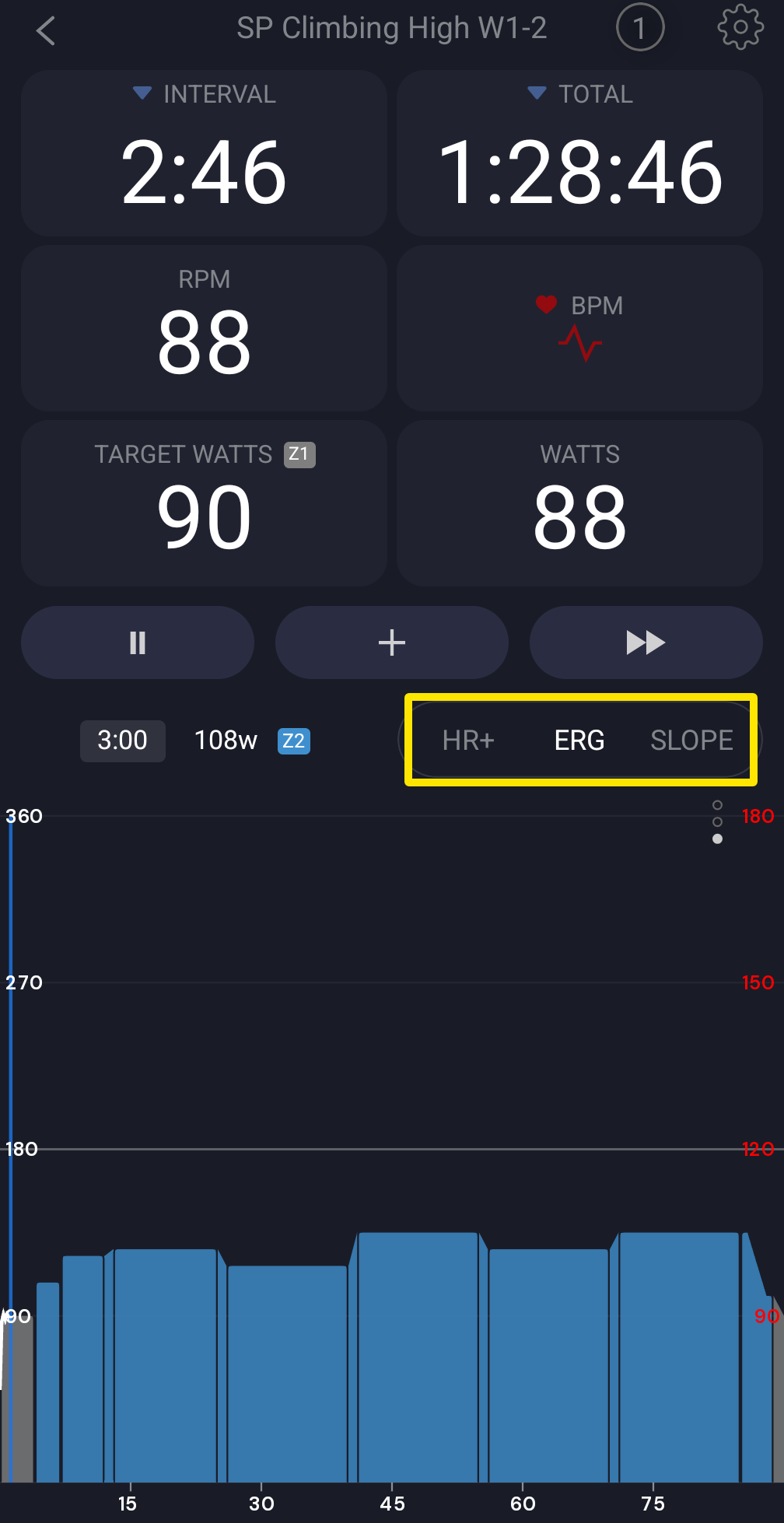 Where: Mobile app · the workout screen during a ride
- Pick a gear and a cadence you can hold for the whole workout. Shifting or pedaling faster or slower does not change your target power. The trainer adjusts resistance to hold it.
Good to know: TrainerDay has no gear or virtual shifting. Zwift Click buttons only raise or lower intensity.
Works on: Mobile app and desktop app.