

How do I make the workout harder or easier in ERG mode?
During a ride in the TrainerDay mobile or desktop app, use the down and up buttons at the bottom of the workout screen to lower or raise the ERG target by a percent of FTP.
- In the mobile app, start your workout in ERG mode.
- On the workout screen, tap the up (+) or down (-) button on either side of the percent in the bottom bar. Each tap moves the ERG target by the ERG step, 5% by default.
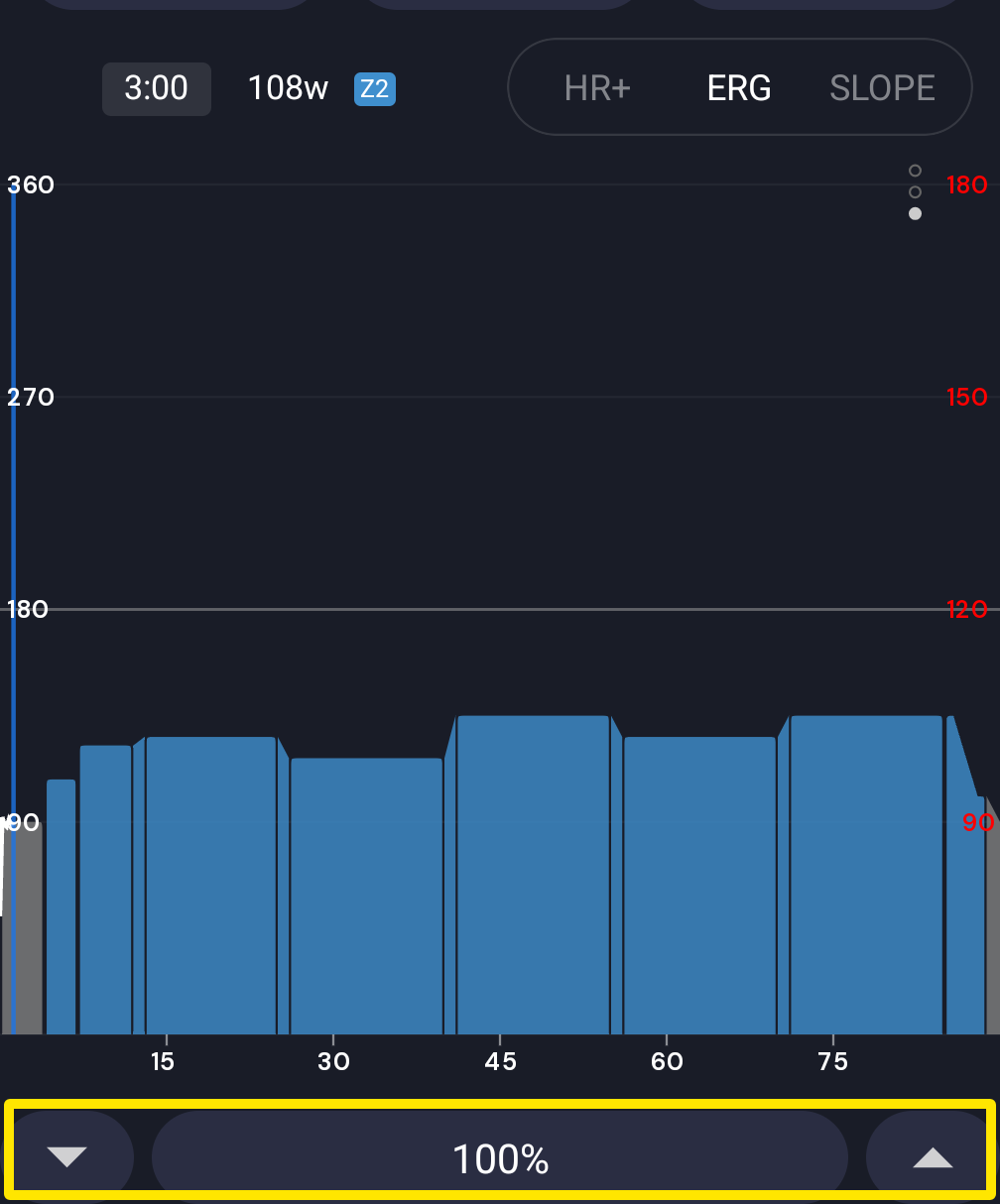 Where: Mobile app · the workout screen during a ride
- In the desktop app, go to the Today tab and click Ride Now on a workout.
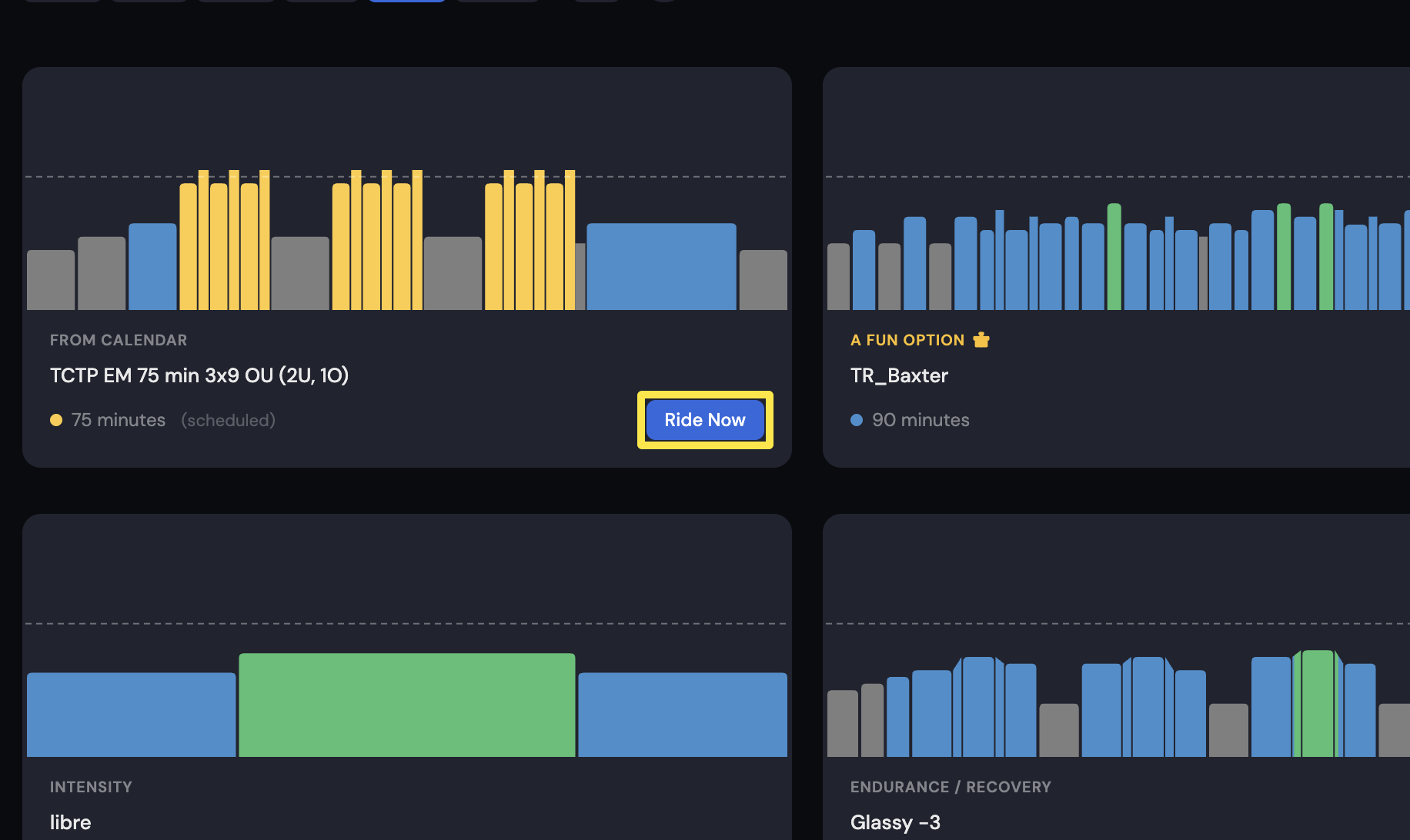 Where: Desktop app · Today tab
- On the workout screen, click - or + in the bottom bar, next to the mode buttons. Each click moves the ERG target by 1% by default.
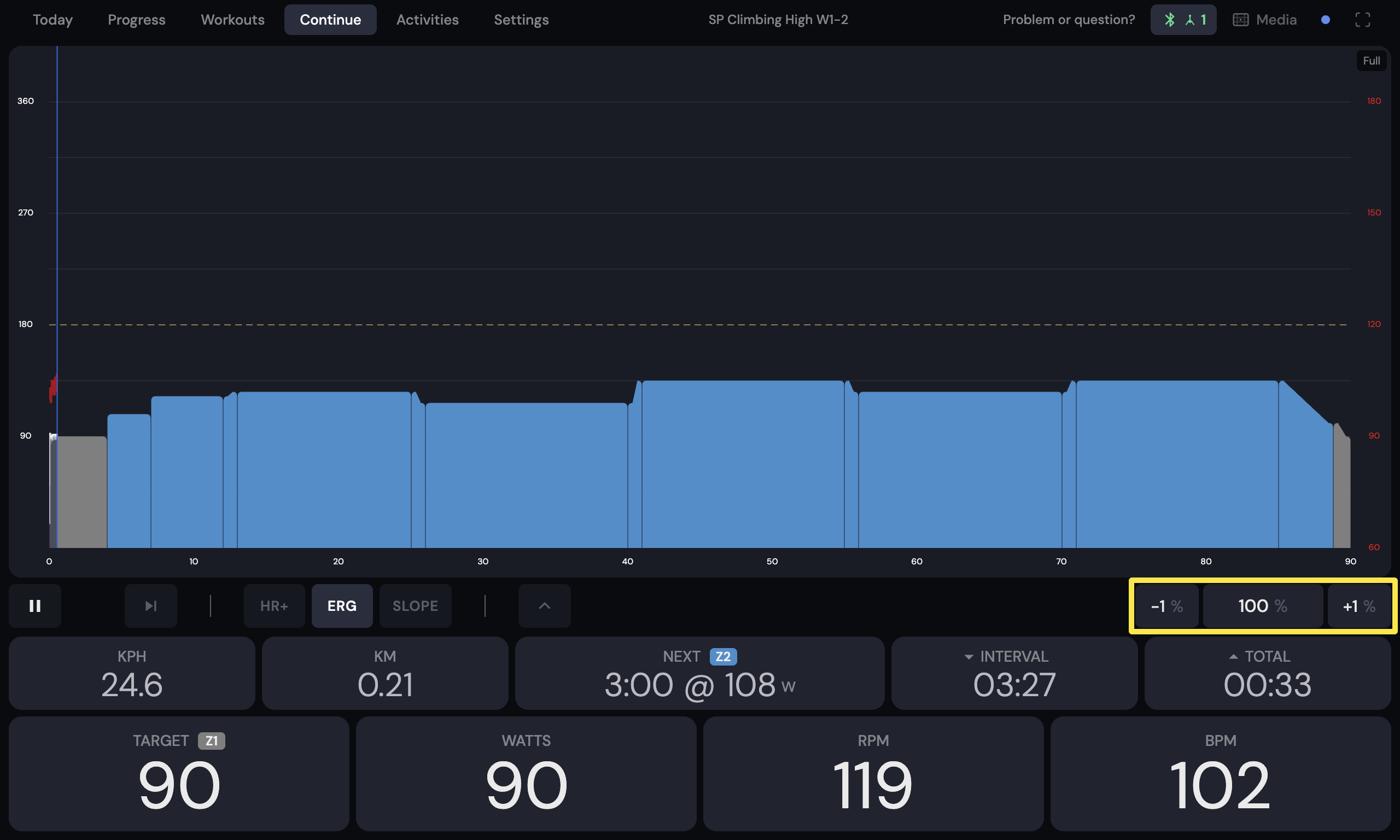 Where: Desktop app · the workout screen during a ride (Today tab → Ride Now)
Good to know: The buttons change a percent of your FTP, not watts.
Works on: mobile app and desktop app. The website has no workout player.