

How do I install a beta version of the app?
There is no beta sign-up in the TrainerDay apps or on the website, so ask TrainerDay for a test build from the website's I have a problem or question link and Alex replies by email; iPhone and iPad test builds come through TestFlight.
- On the website (app.trainerday.com), click I have a problem or question at the bottom of the sidebar.
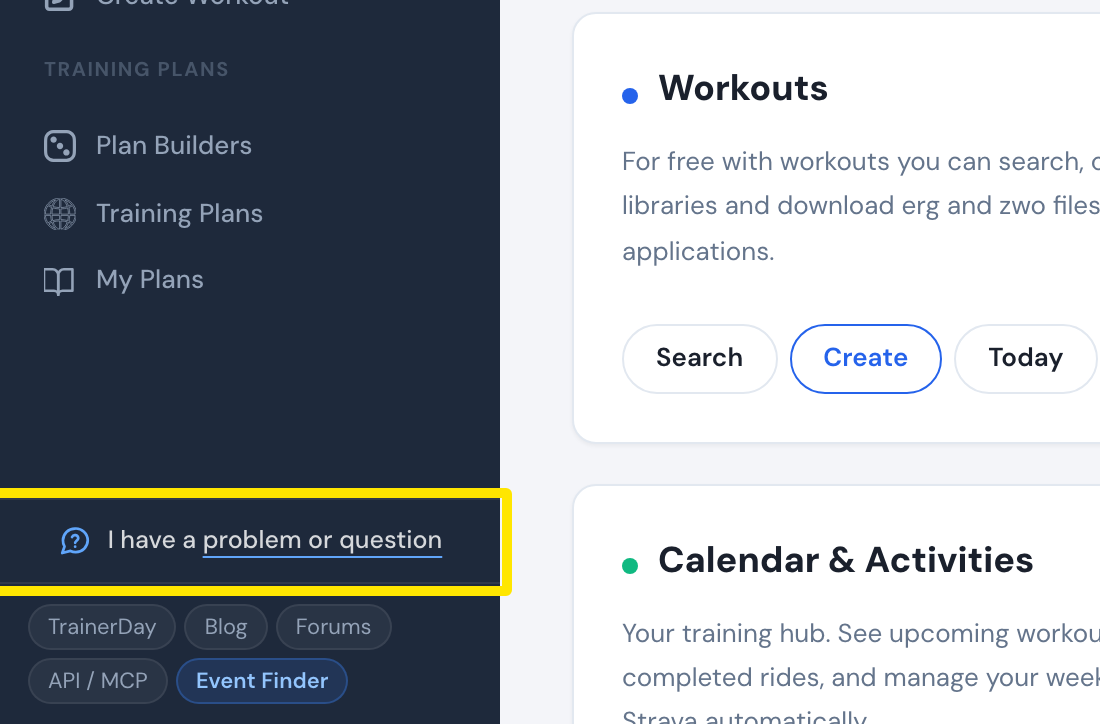 Where: Website · Home · open it
- In the window that opens, write that you would like the beta and say which app: iPhone/iPad, Android or desktop. Click Send. Alex replies by email.
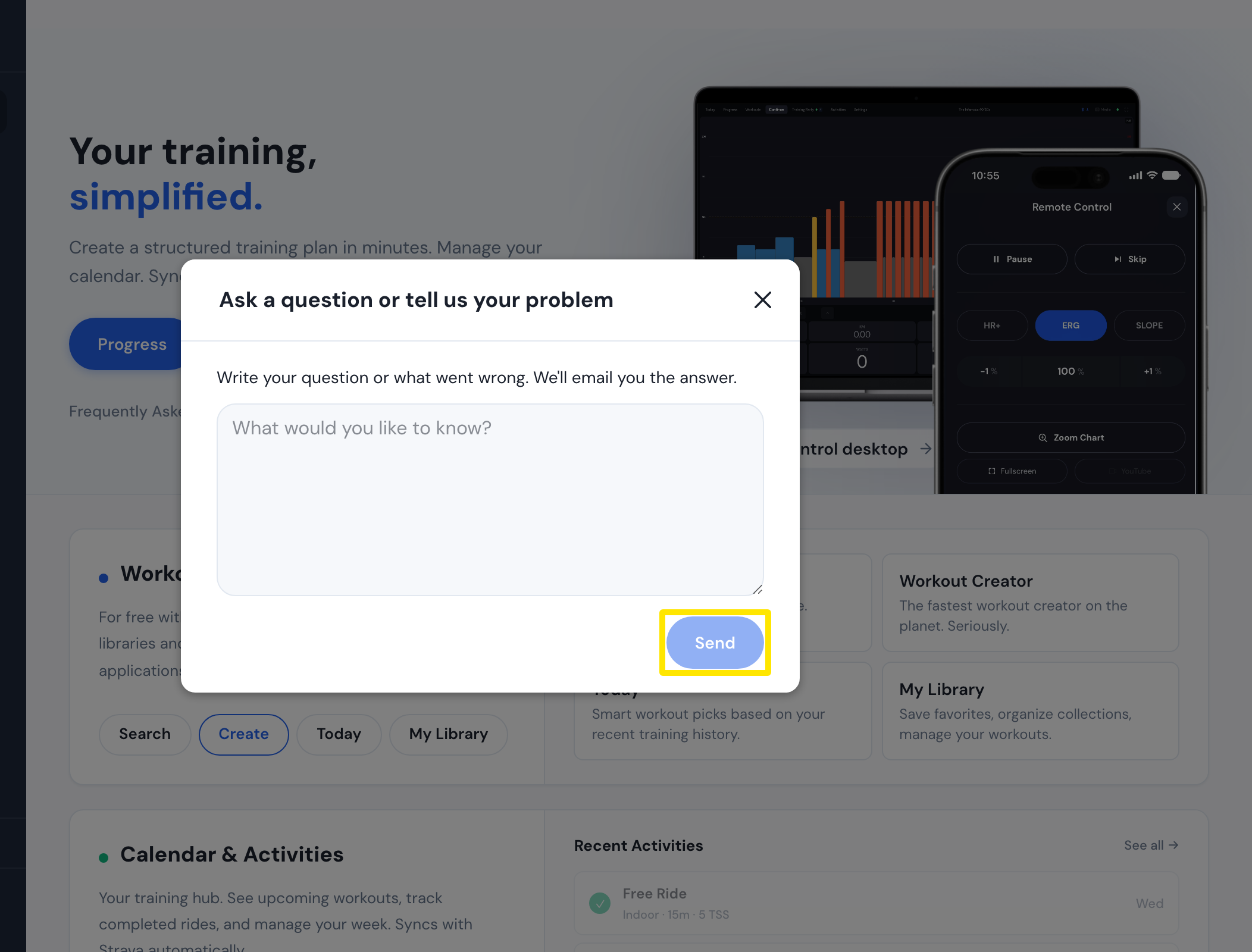 Where: Website · Home · open it
Good to know: The desktop app has a beta channel, but no desktop beta build is published right now (2026-11-18).
Works on: iPhone/iPad test builds come through TestFlight. Android test builds come through Google Play's internal and closed testing only. There is no open Android beta.