

How do I reinstall the app without losing my data?
To reinstall TrainerDay without losing data, let the app upload your rides first, then reinstall it from trainerday.com/download and log in with the same account so your workouts, calendar, activities, FTP and settings come back.
- Before you delete anything, make sure your rides have reached your account:
- Desktop app: stay online and let it finish uploading any ride it has not sent yet.
- Mobile app: check that your last rides show in Activities on the website at https://app.trainerday.com. Deleting the phone app deletes rides that only the phone holds.
- Uninstall the app. Then open https://trainerday.com/download, download the app for your device and install it.
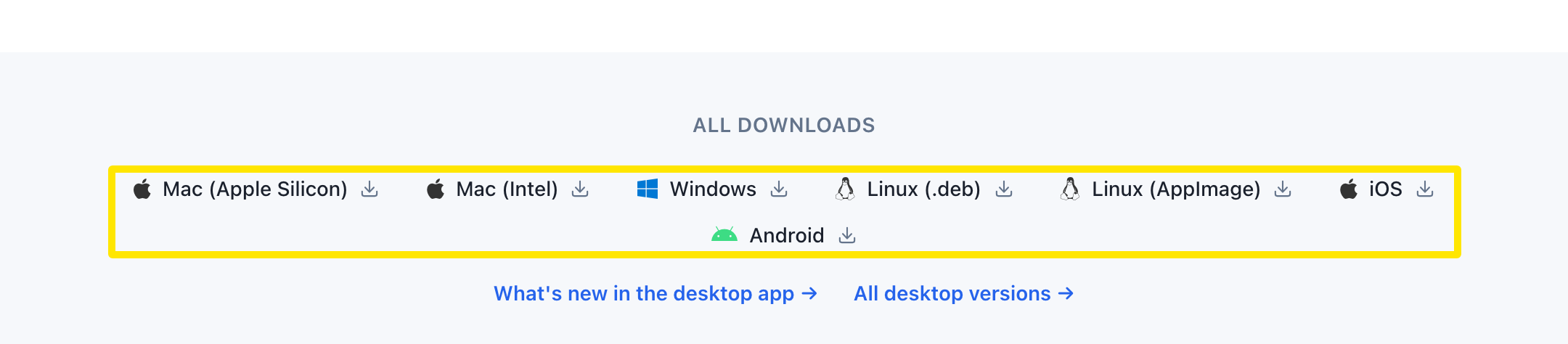 Where: Website · trainerday.com/download · open it
- Open the app and log in with the same account. Your workouts, calendar, activities, FTP and settings come back.
Good to know: On Windows, the uninstaller does not delete the app's local data folder.