

How do I roll back to an older version of the TrainerDay app?
Download and install an older TrainerDay desktop version from "All desktop versions" on trainerday.com/download.
- On the website, open trainerday.com/download.
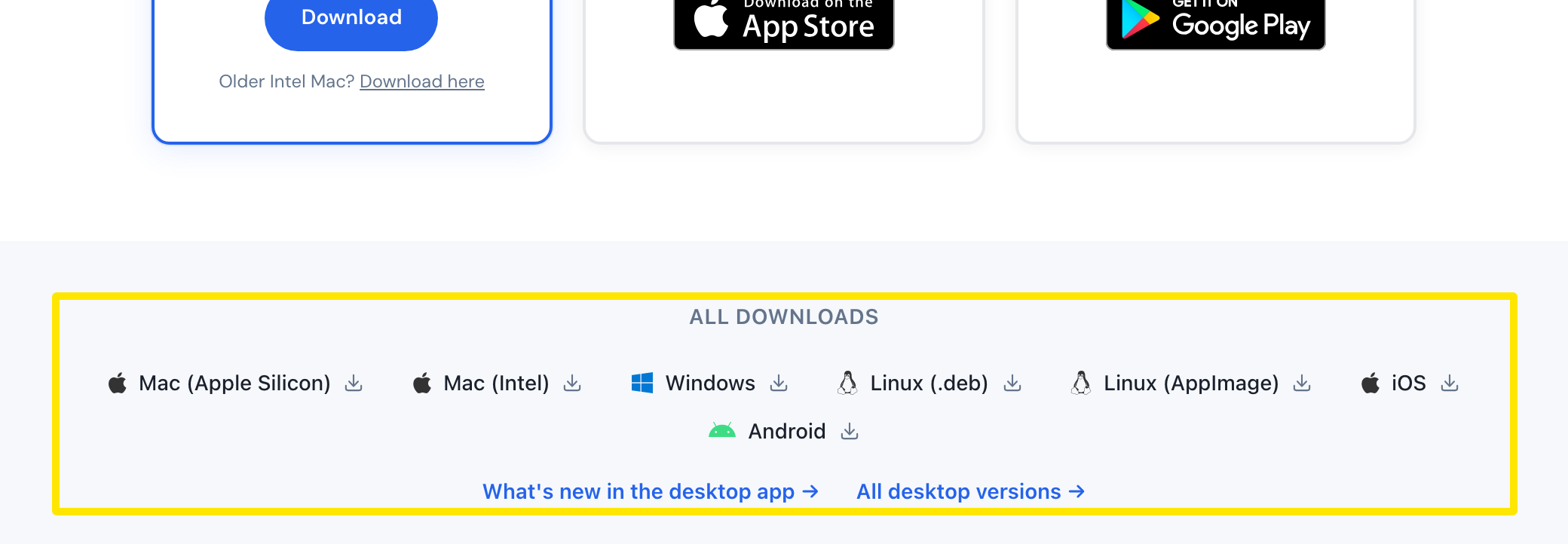 Where: Website · trainerday.com/download · open it
- Under All Downloads, click All desktop versions →.
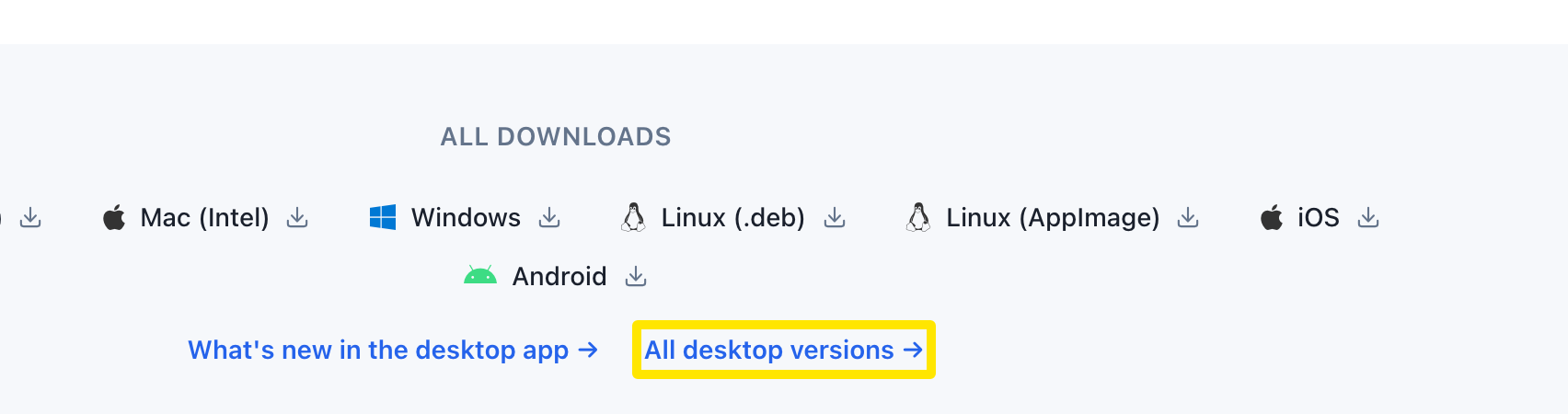 Where: Website · trainerday.com/download · open it
- In the table, find the version you want and click your platform: Mac (Apple Silicon), Mac (Intel), Windows, Linux (.deb) or Linux (AppImage).
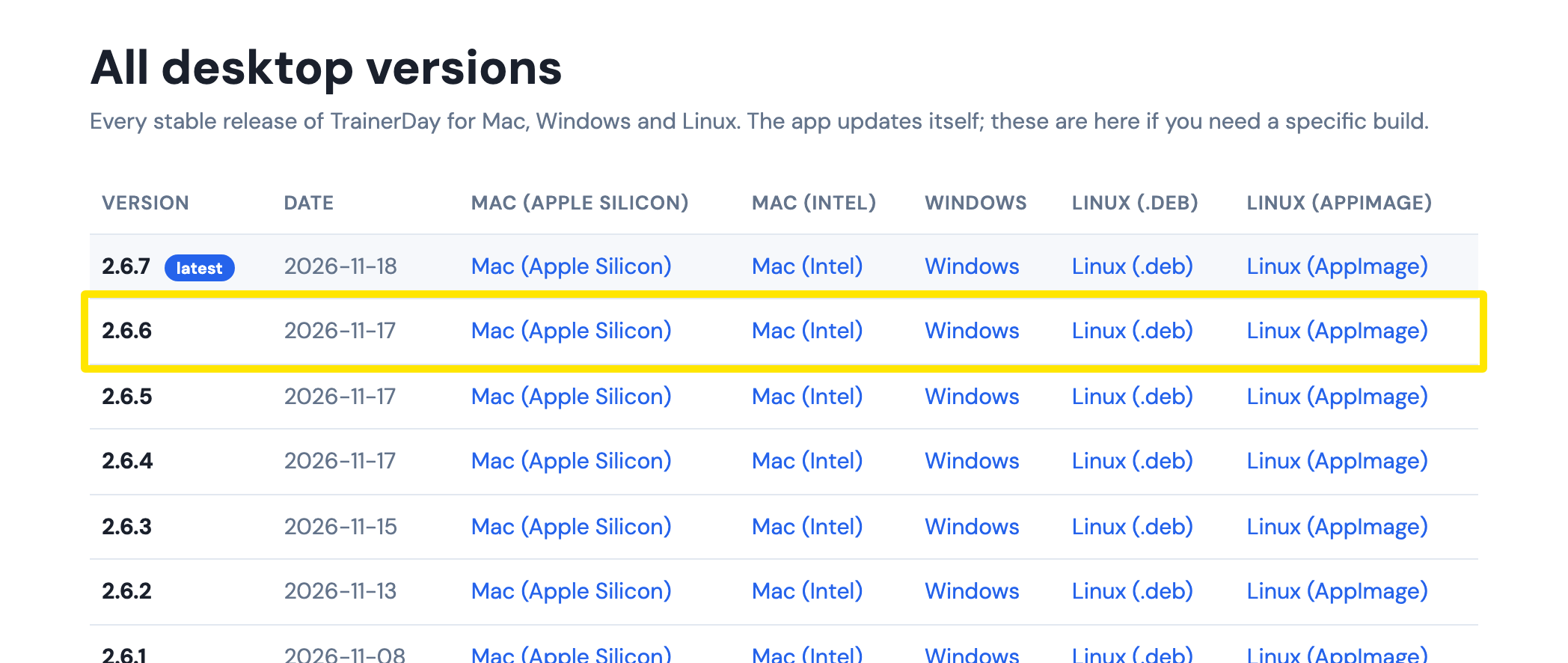 Where: Website · download.trainerday.com/versions.html
- Install it over the app you have.
Good to know: The app will offer the newest version again with Restart to update. It only installs it if you click that button.
Works on: Desktop app (Mac, Windows, Linux), versions back to 1.3.0. On iPhone and Android, older versions and APKs can't be downloaded. Only the store's current version is available.