

How do I find out when a new app version is released?
See each new TrainerDay version and its changes in the desktop release notes on trainerday.com/download or in desktop Settings, and for the mobile app in the App Store or Google Play "What's New" text.
If you're waiting for the next TrainerDay update, there's no fixed release schedule; the release notes below show what's already been released.
- On the website, open trainerday.com/download and, under All Downloads, click What's new in the desktop app →.
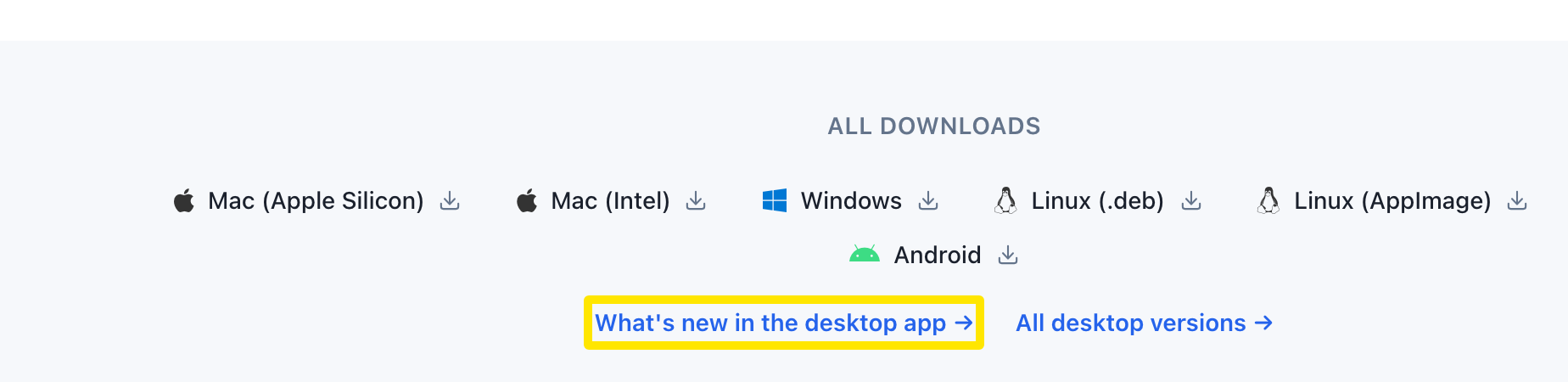 Where: Website · trainerday.com/download · open it
- Every stable desktop update is listed with its date.
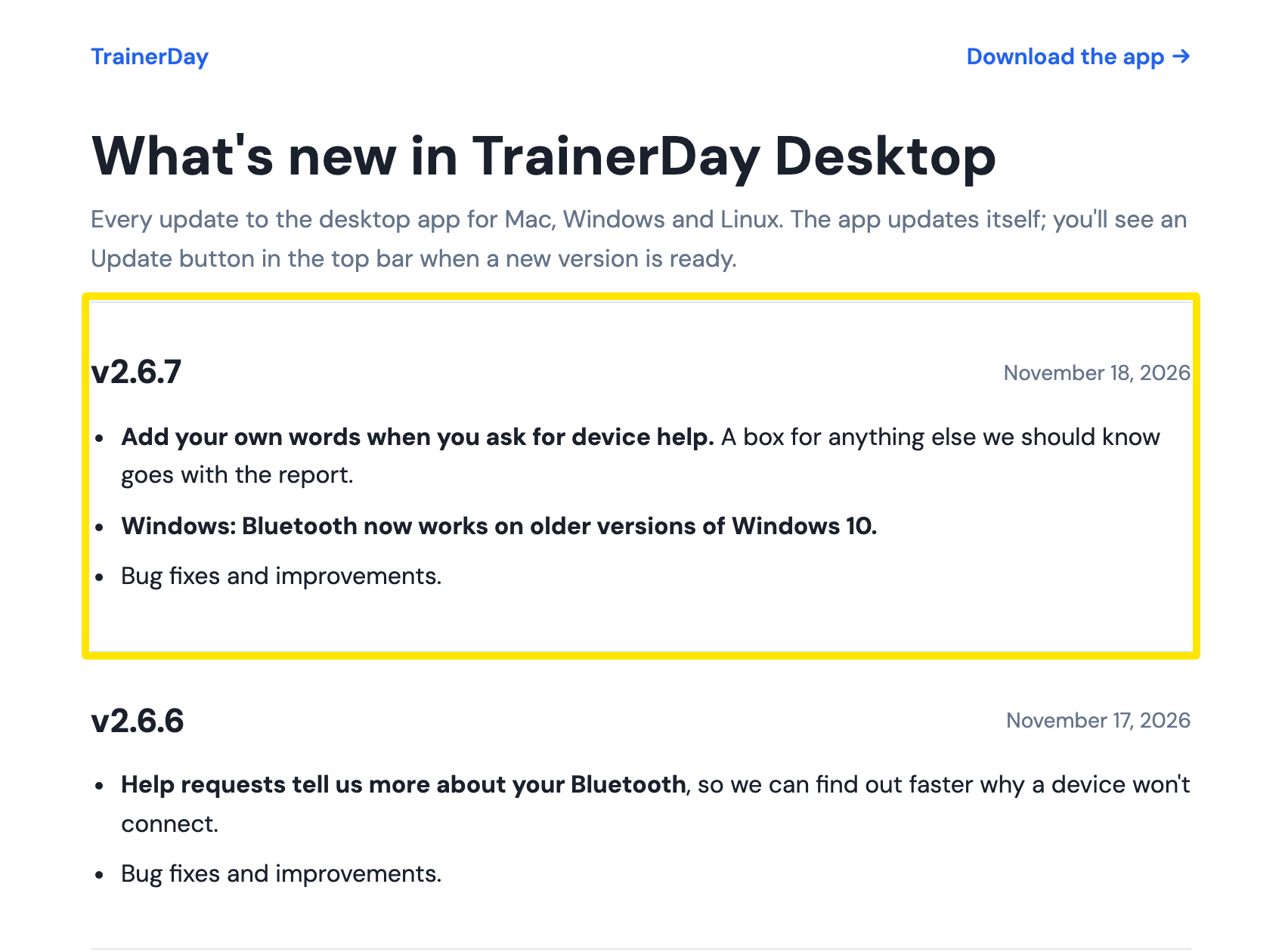 Where: Website · download.trainerday.com/release-notes.html
- In the desktop app, click Settings. Under More Information, click Release Notes, then What's new.
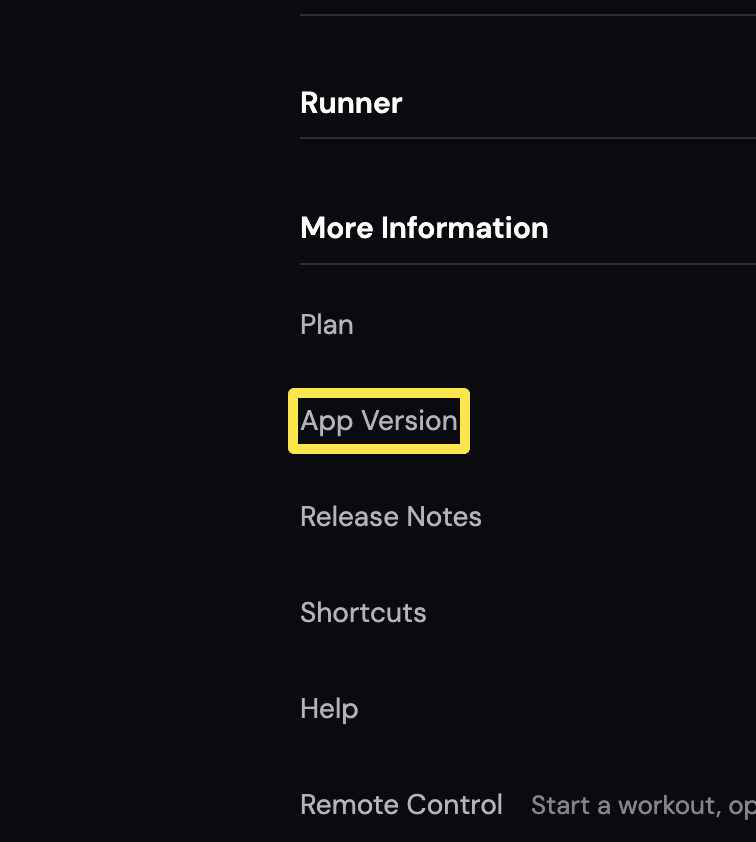 Where: Desktop app · Settings tab → More Information
- For the mobile app, read the What's New text on the TrainerDay page in the App Store or Google Play.
Good to know: After the desktop app updates, it shows a What's new card once on the first start of the new version, never during a ride.
Works on: Desktop app and website for desktop release notes. The mobile app has no release notes in the app; use the store listing.