

How do I check which version of the TrainerDay app I am using?
Find the installed TrainerDay version in Settings: under More Information → App Version in the desktop app, or on the TrainerDay App Version line at the bottom of the Settings tab in the mobile app.
If you're checking whether you have the latest version, see How do I update the TrainerDay app?
Desktop app (Mac or Windows)
- In the TrainerDay desktop app, click Settings in the top bar.
- Under More Information, the App Version line shows your installed version. A test build also shows a Beta or Internal tag.
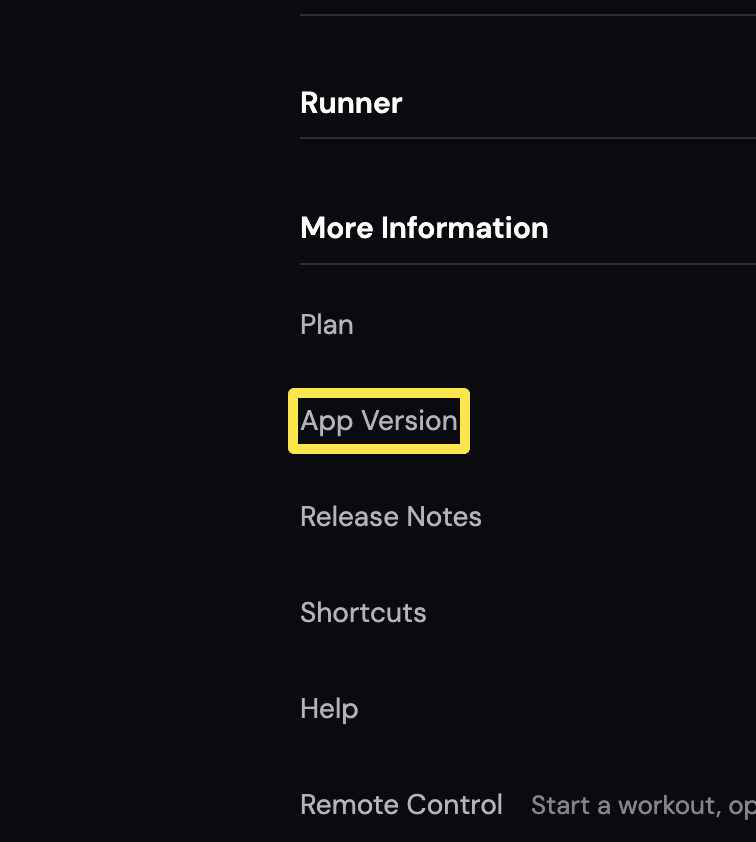 Where: Desktop app · Settings tab → More Information
Mobile app (iPhone or Android)
- In the TrainerDay mobile app, open the Settings tab and scroll to the bottom. The TrainerDay App Version line shows your installed version.
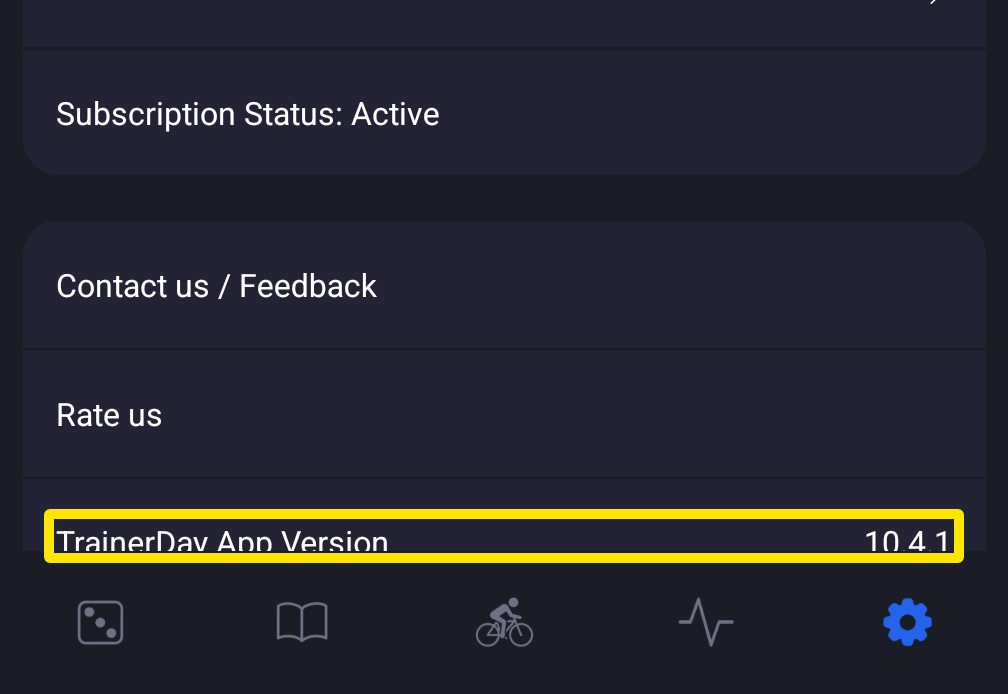 Where: Mobile app · Settings tab
Good to know: The website (app.trainerday.com) has no version number. It is always the current one.