

How do I get the live page to show my ride data instead of zeros?
To see your ride on the live page instead of zeros, ride in the TrainerDay phone app and open https://ride.trainerday.com signed in to the same account, with your trainer and sensors connected on the phone.
- Ride the workout in the TrainerDay mobile app on your phone. Only the phone sends data to the live page. A ride in the desktop app shows nothing there.
- On your computer, open https://ride.trainerday.com. If you are not signed in, click Sign In and use the same TrainerDay account as the phone app.
 Where: Website · Live viewer (not signed in) · open it
- In the phone app, go to Settings → Add Devices and connect your trainer and sensors. A sensor the phone is not connected to shows 0 on the live page too.
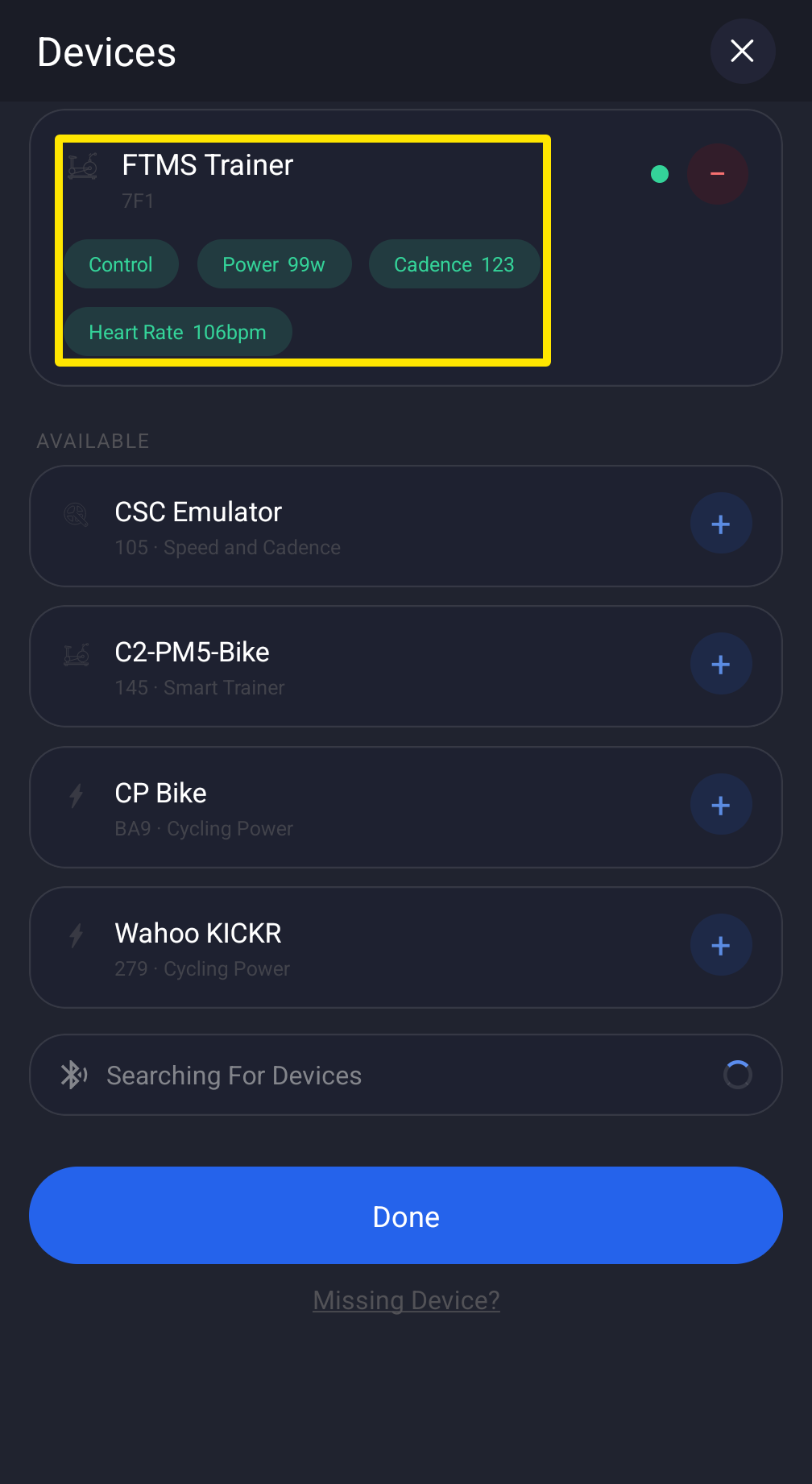 Where: Mobile app · Settings tab → Add Devices
- Start the workout on the phone. Keep the phone and the computer online. If the live page still shows zeros, reload it. It asks the phone again for the ride so far.
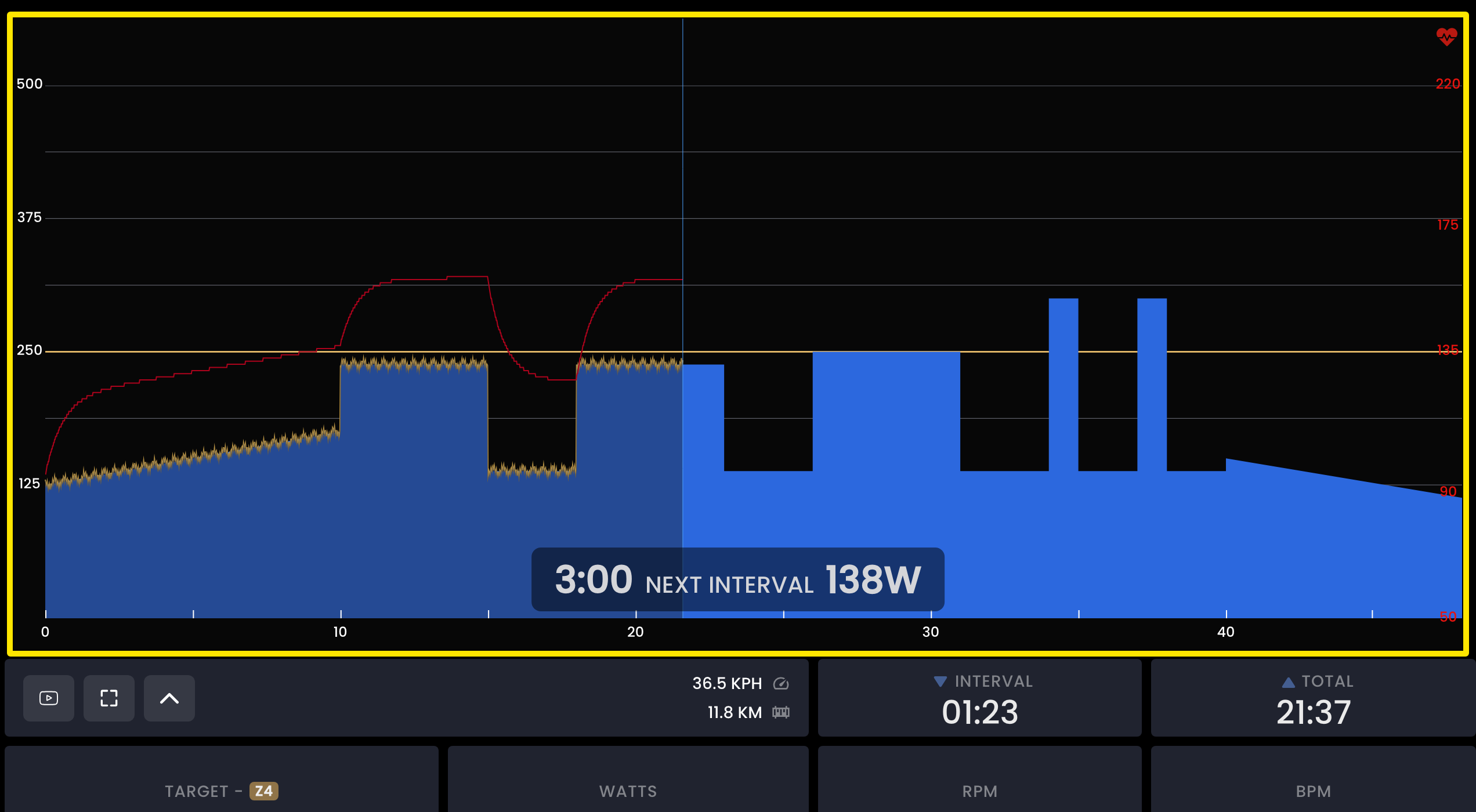 Where: Website · Live viewer · open it
Good to know: The page works out calories/kilojoules, average cadence, and interval cadence and heart-rate averages itself, so these can differ from the phone app.
Works on: Mobile app (iOS and Android) as the sender. The desktop app does not send data to the live page.