

How do I watch my workout live in a browser on another computer?
Open https://ride.trainerday.com in a browser on the other computer, sign in with your TrainerDay account, and start your workout in the TrainerDay mobile app to watch it live.
- On the computer, open https://ride.trainerday.com in a browser.
- If the page says Welcome to TrainerDay Live, click Sign In and log in with the same TrainerDay account you use in the phone app.
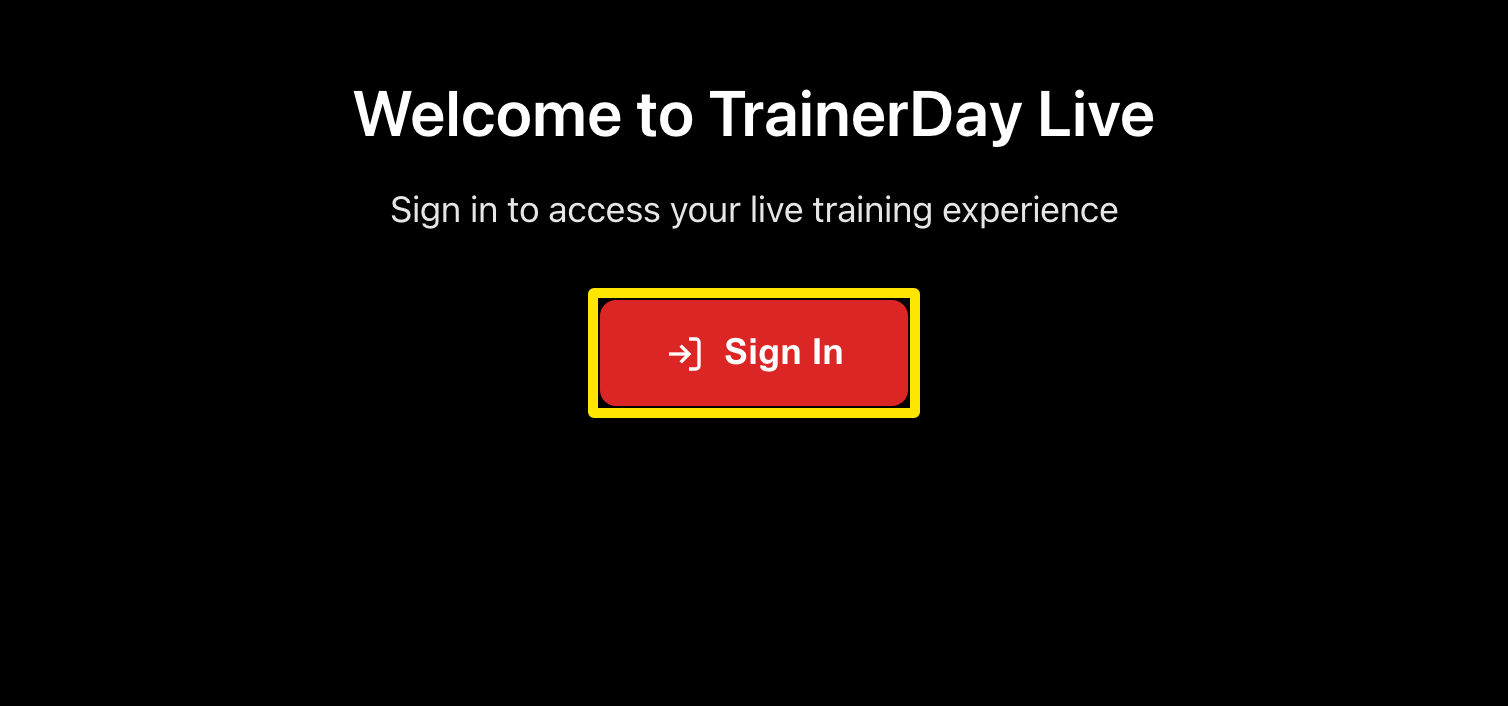 Where: Website · Live viewer (not signed in) · open it
- On the phone, start your workout in the TrainerDay app. The page on the computer shows it live: power, heart rate, cadence and the workout chart.
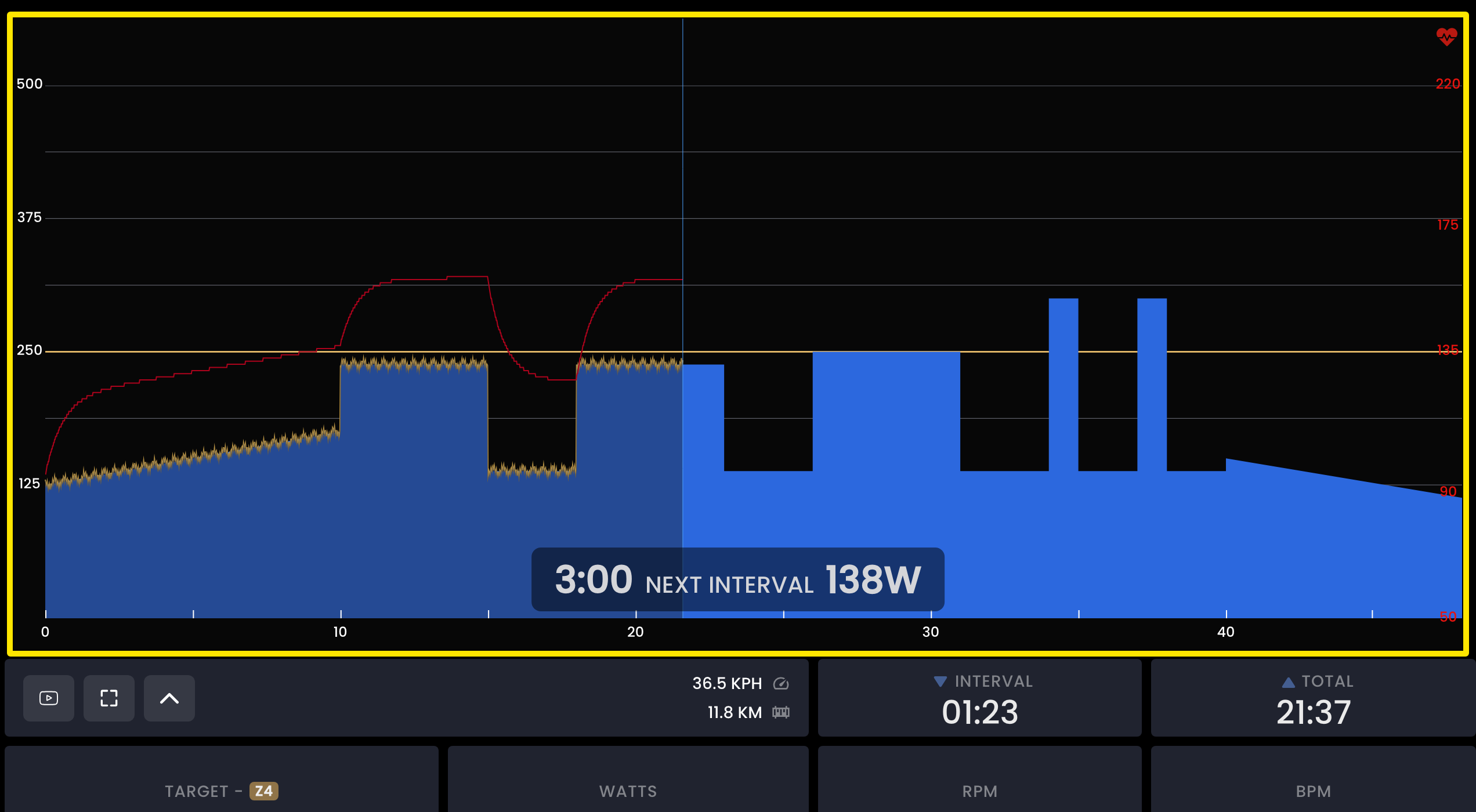 Where: Website · Live viewer · open it
- To send the address to the computer, in the phone app go to Settings → Other Options → View Workout in Real-time on PC or Mac and tap here to copy URL.
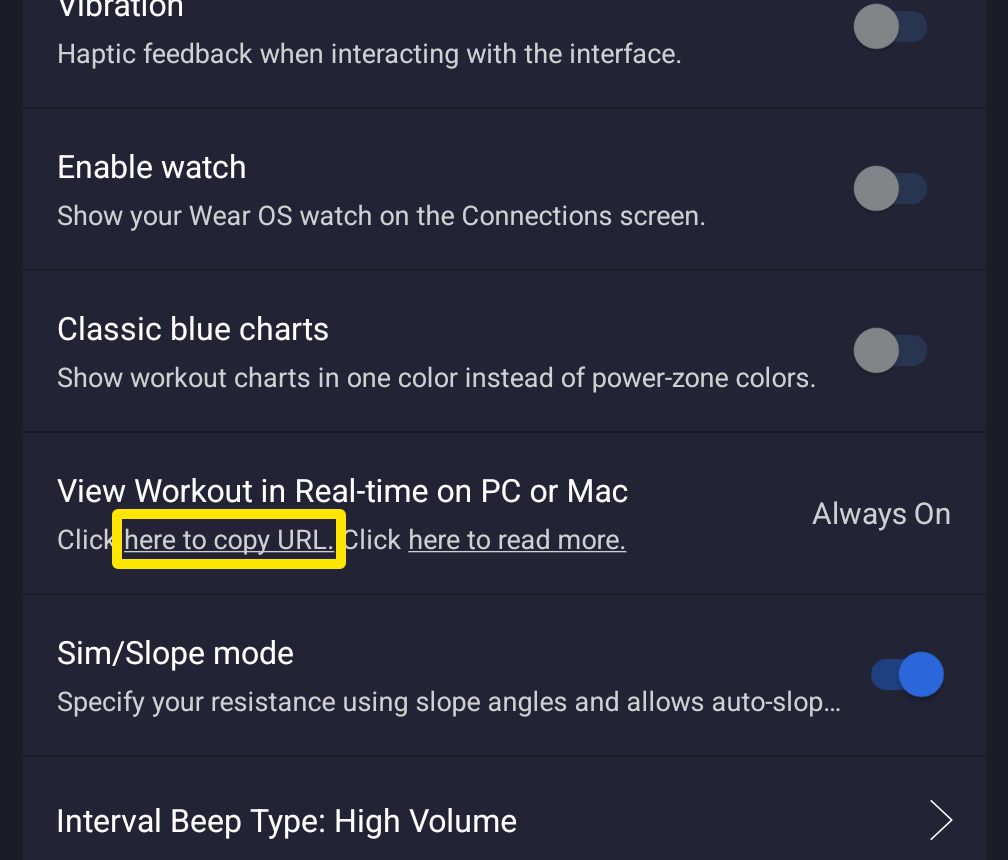 Where: Mobile app · Settings tab → Other Options
Good to know: The setting is always on, and if you open the page mid-workout it draws the ride so far.
Works on: Mobile app (iPhone and Android) only. The desktop app does not stream to the live page.