

How do I keep the live view on top of a video I'm watching?
TrainerDay has no overlay-only live view and no always-on-top window, so instead play your YouTube video inside the live page at ride.trainerday.com, with your ride numbers under it.
TrainerDay can't float the live view on top of another video. There is no overlay-only view and no always-on-top window in any TrainerDay app. Instead, the live page can play YouTube itself:
- On the computer, open ride.trainerday.com and sign in with your TrainerDay account.
- Click the YouTube button in the toolbar.
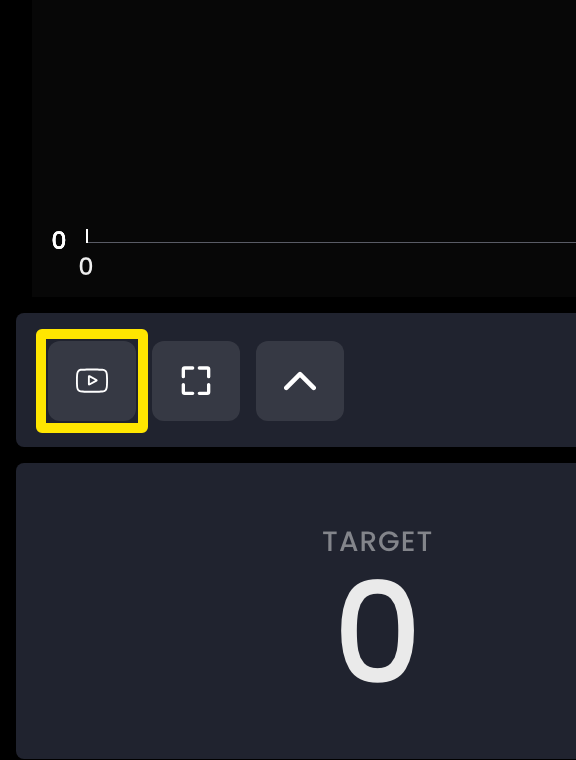 Where: Website · Live viewer · open it
- Pick a video from the list, or add one with Add Video/Playlist to Library. It plays on the page above your ride numbers.
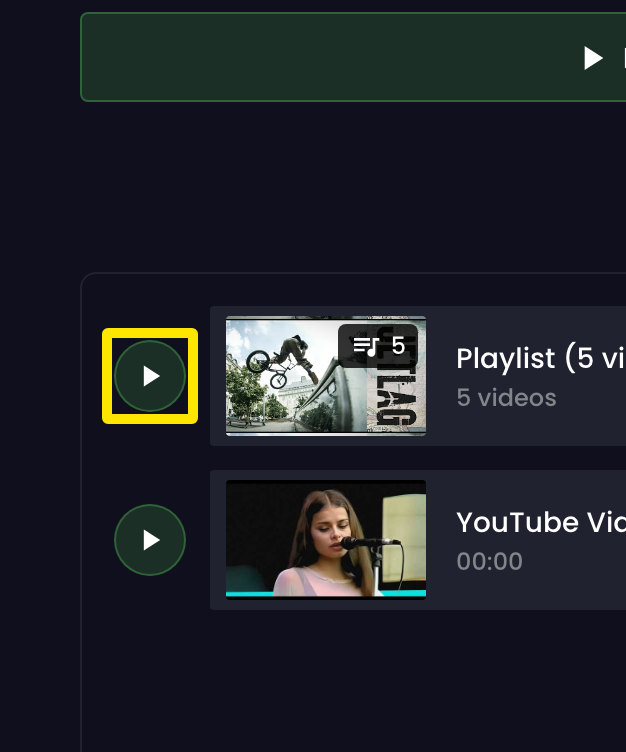 Where: Website · Live viewer · open it
- Start the workout in the TrainerDay phone app. The numbers stay in the bar under the video.
Good to know: The live page plays YouTube only. The desktop app has its own video player but no option to stay on top of other windows.