

How do I add a warm-up to my workout?
On the TrainerDay website, open Create Workout (or edit your workout), show the Type column, and set the first row's Type to warm-up.
- On the website, click Create Workout in the sidebar (https://app.trainerday.com/workouts/create), or open your workout and choose Edit workout.
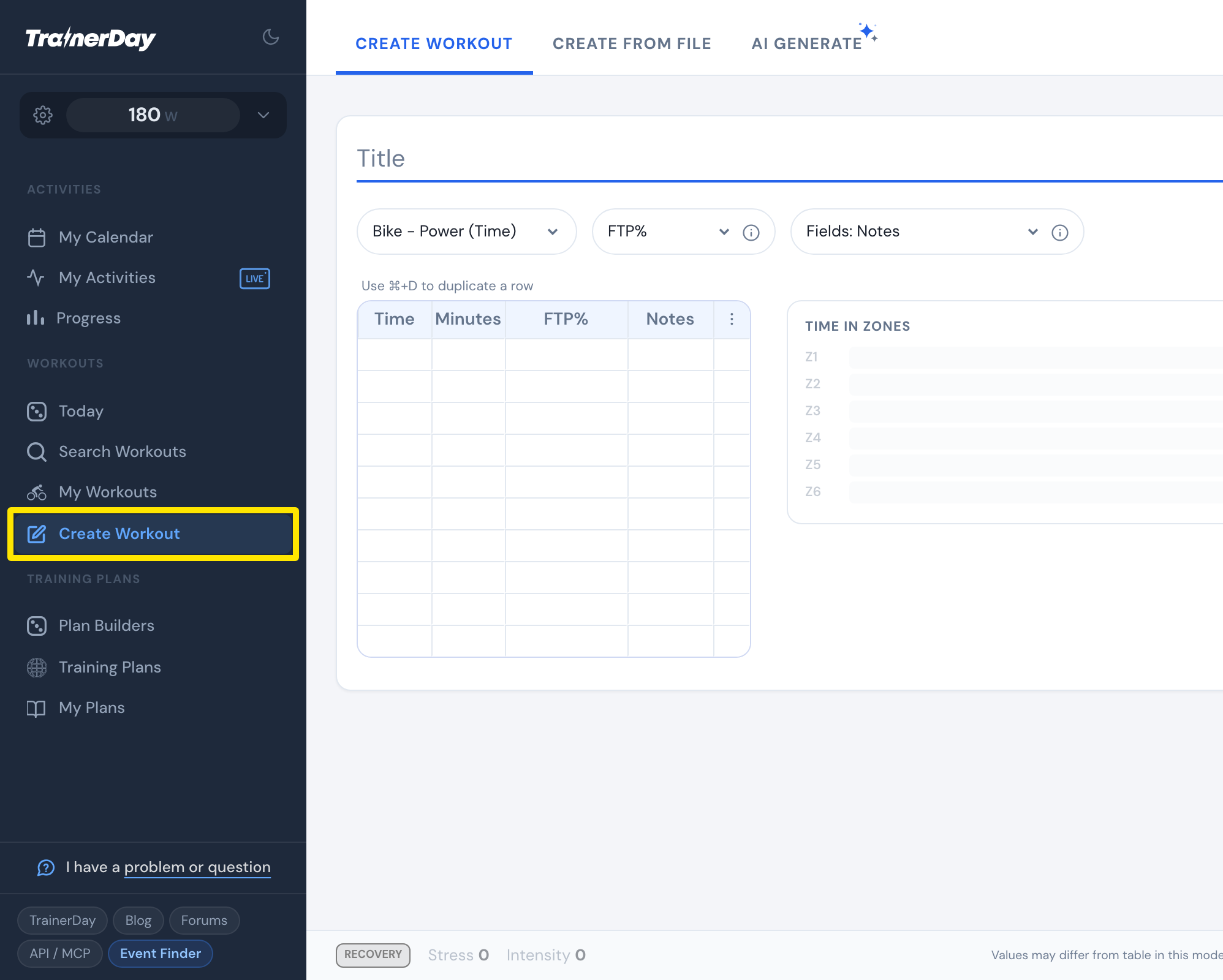 Where: Website · Create Workout · open it
- Click the Fields: dropdown and tick Type.
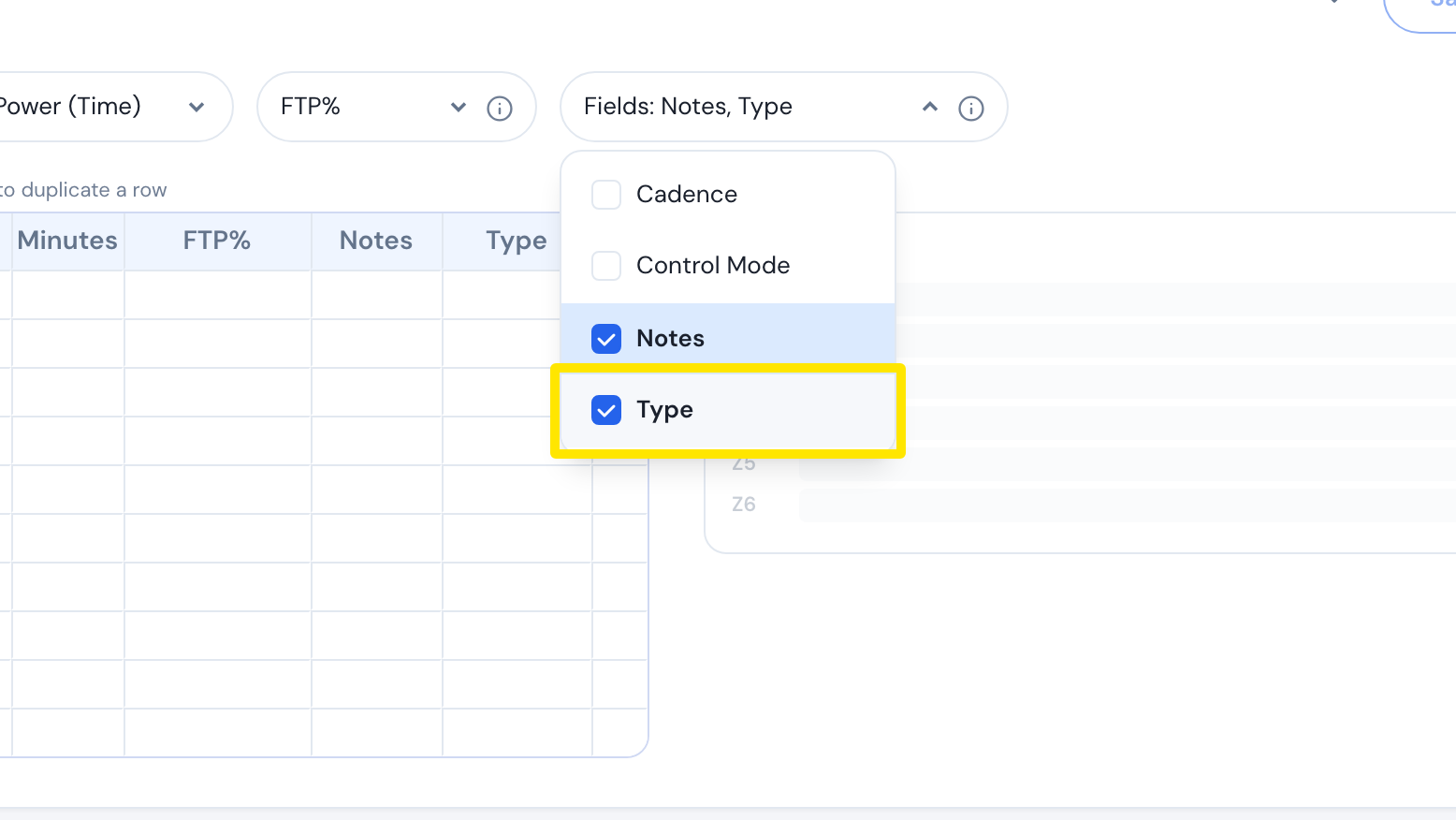 Where: Website · Create Workout · open it
- In the first row, type the Minutes and the FTP%, for example 10 and 50-75 (a ramp from 50 to 75%).
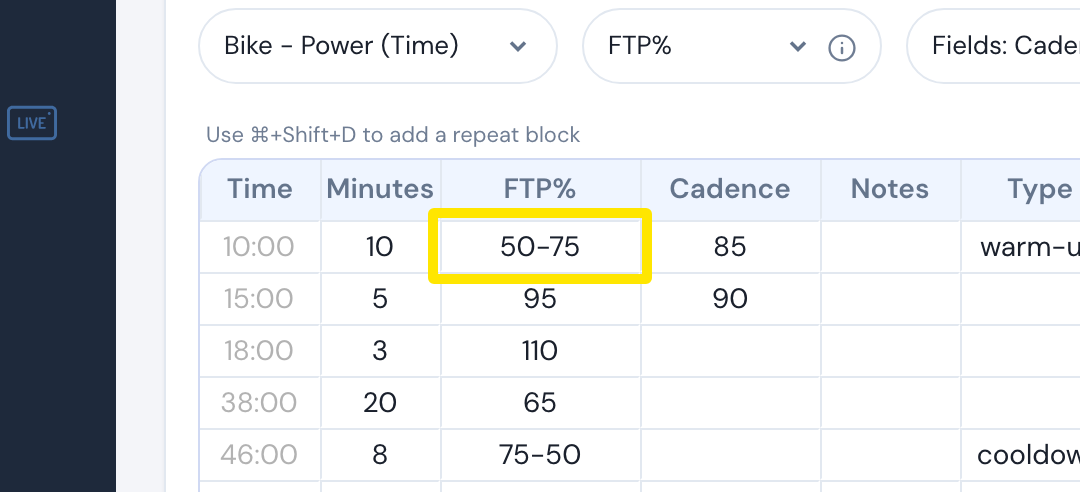 Where: Website · Create Workout · open it
- Click that row's Type cell and pick warm-up.
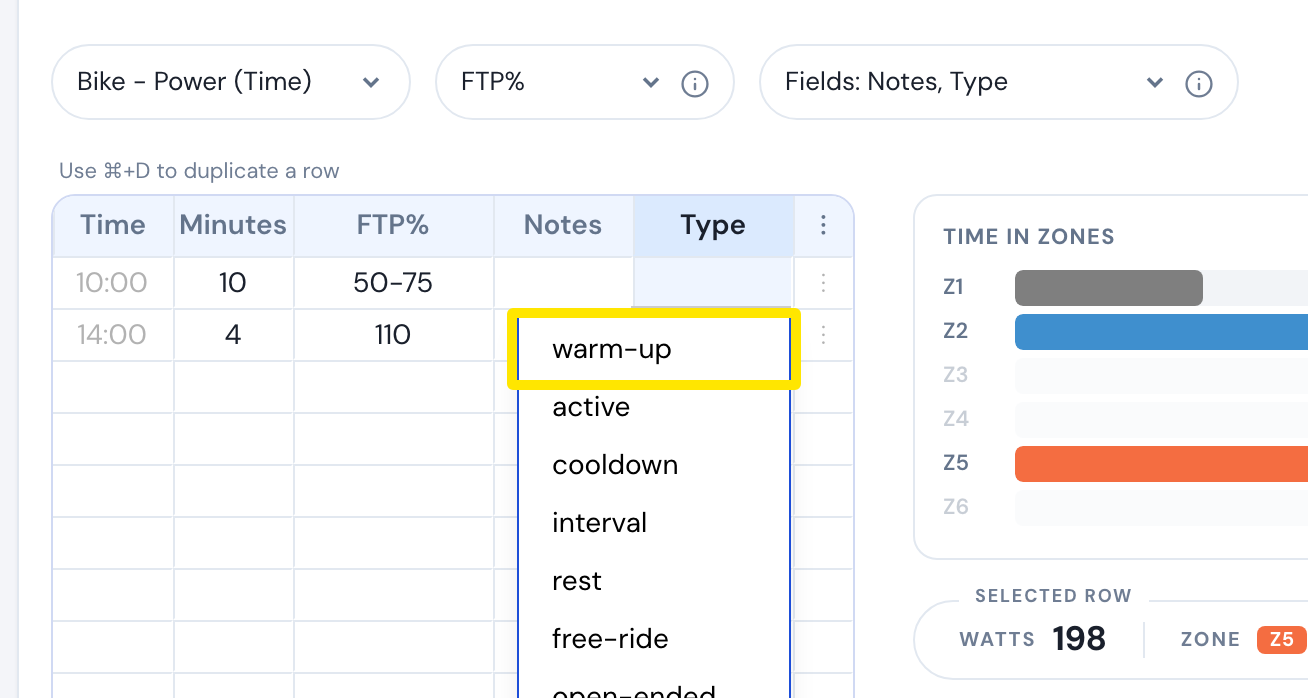 Where: Website · Create Workout · open it
- Click Save workout, then Save.
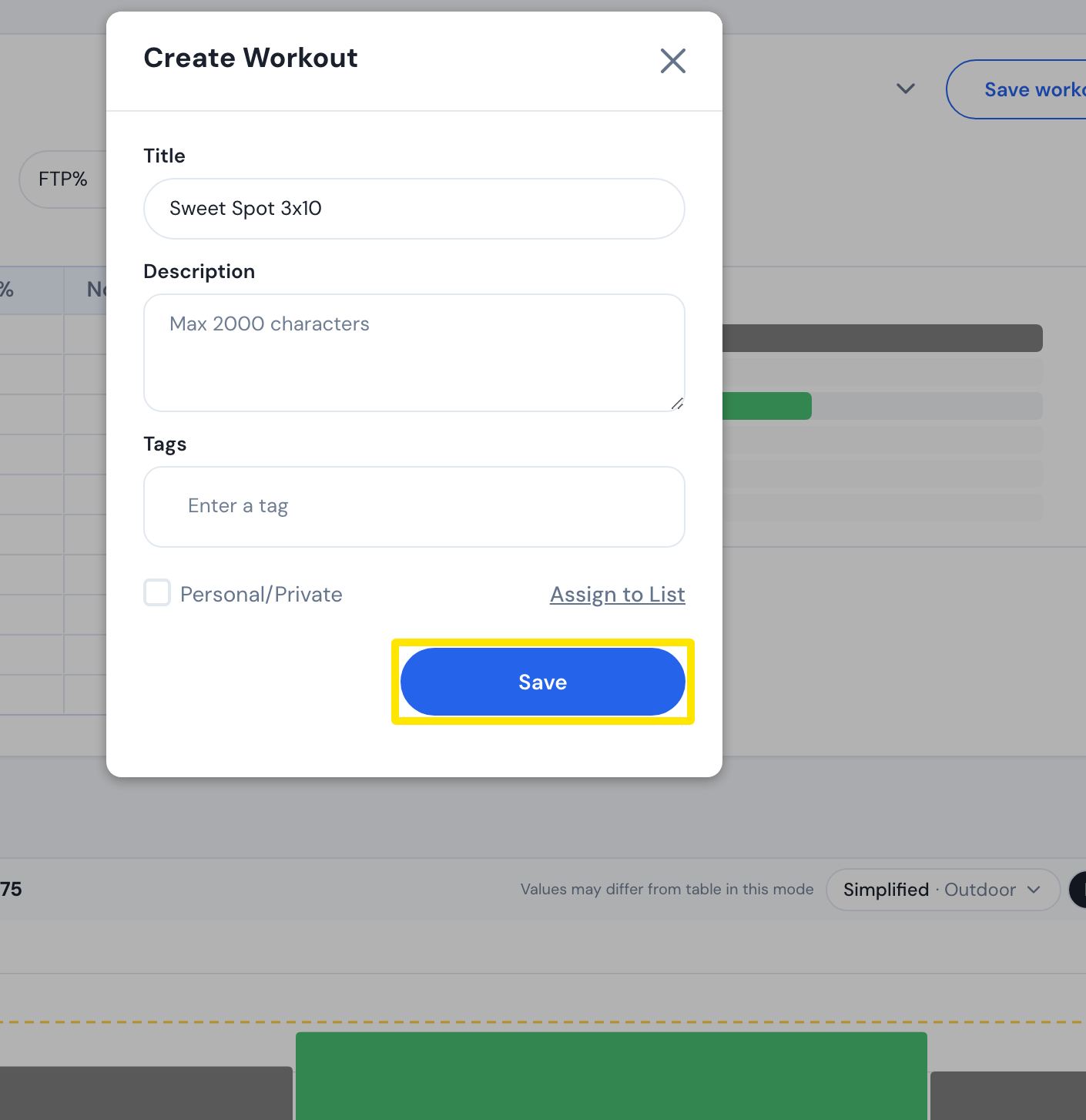 Where: Website · Create Workout · open it
Good to know: A warm-up row goes to Garmin as a warm-up step; with Set open-ended interval for warmup on in the Garmin settings, it ends when you press lap.
Works on: Website. Mobile and desktop have no row editor, but the phone's AI Workout Builder adds a warm-up when you ask for one.