

How do I delete one row from a workout block without deleting the whole block?
In the website's workout editor, open the row's ⋮ menu and click Delete row to remove just that row while the rest of its repeat or set block stays.
- On the website, open the workout editor at Create Workout in the left sidebar.
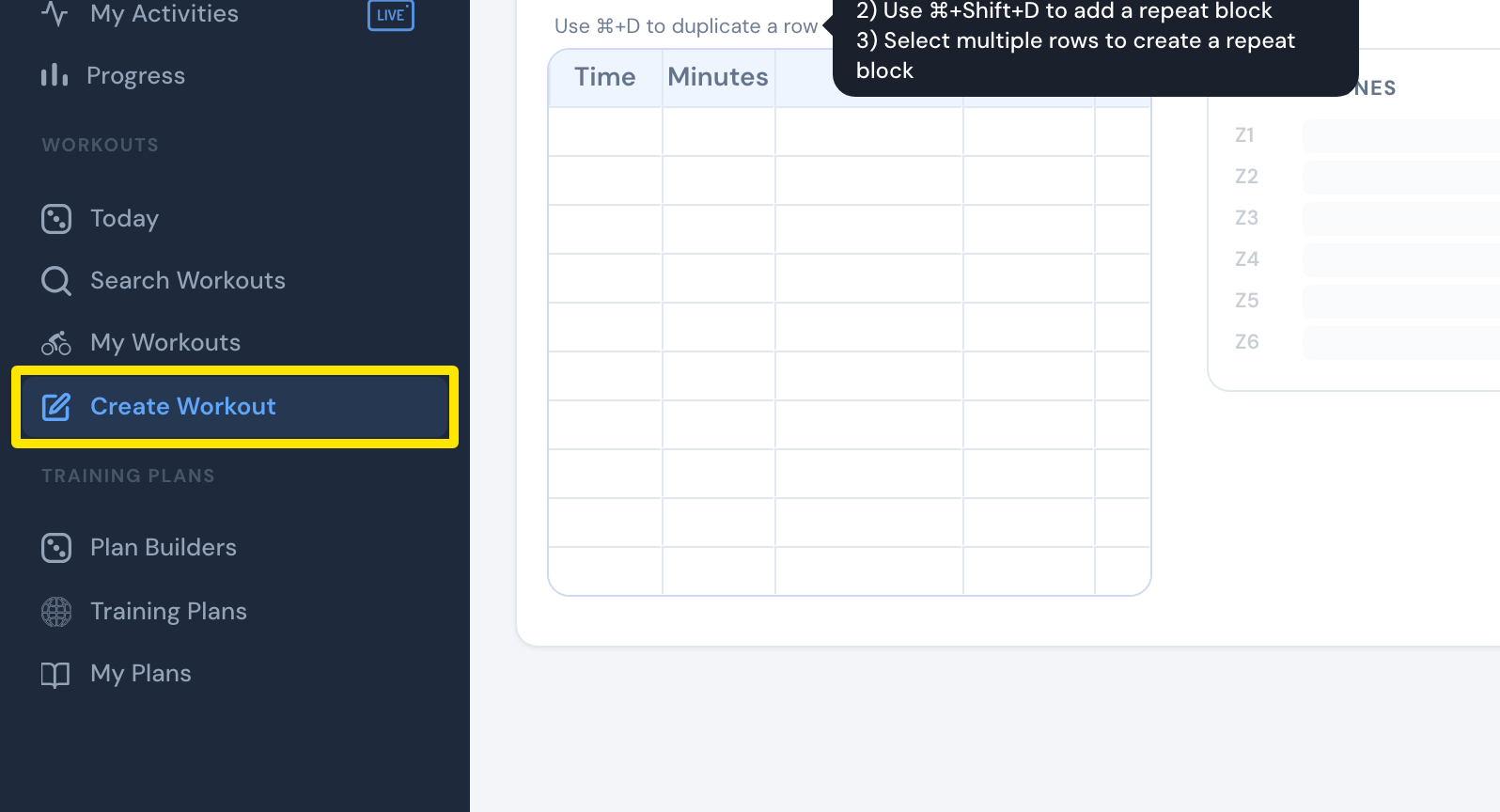 Where: Website · Create Workout · open it
- In the workout table, click the ⋮ at the end of the row you want to remove.
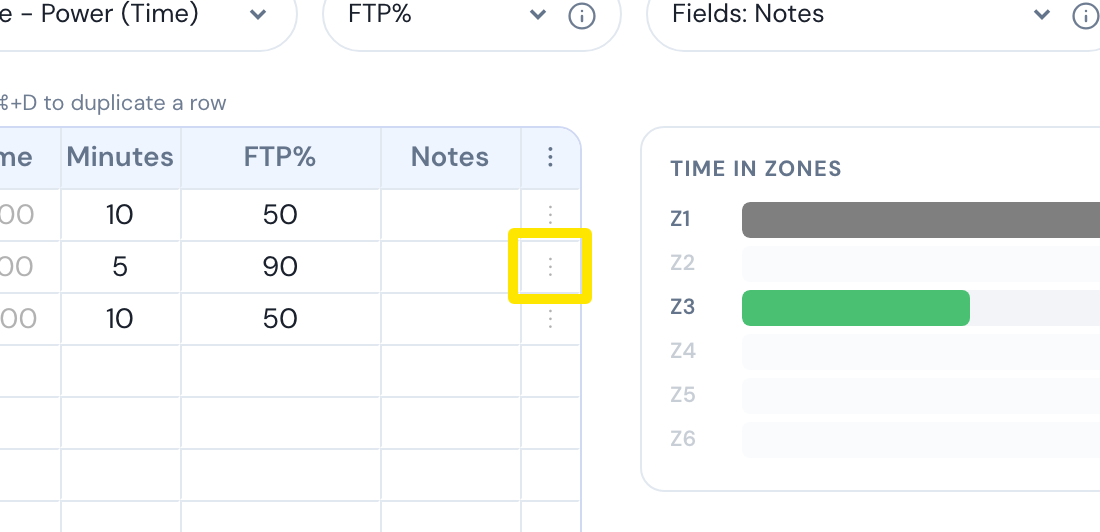 Where: Website · Create Workout · open it
- Click Delete row. Only that row is removed. The rest of its repeat or set block stays. Delete block in the same menu removes the whole block, so don't pick that one.
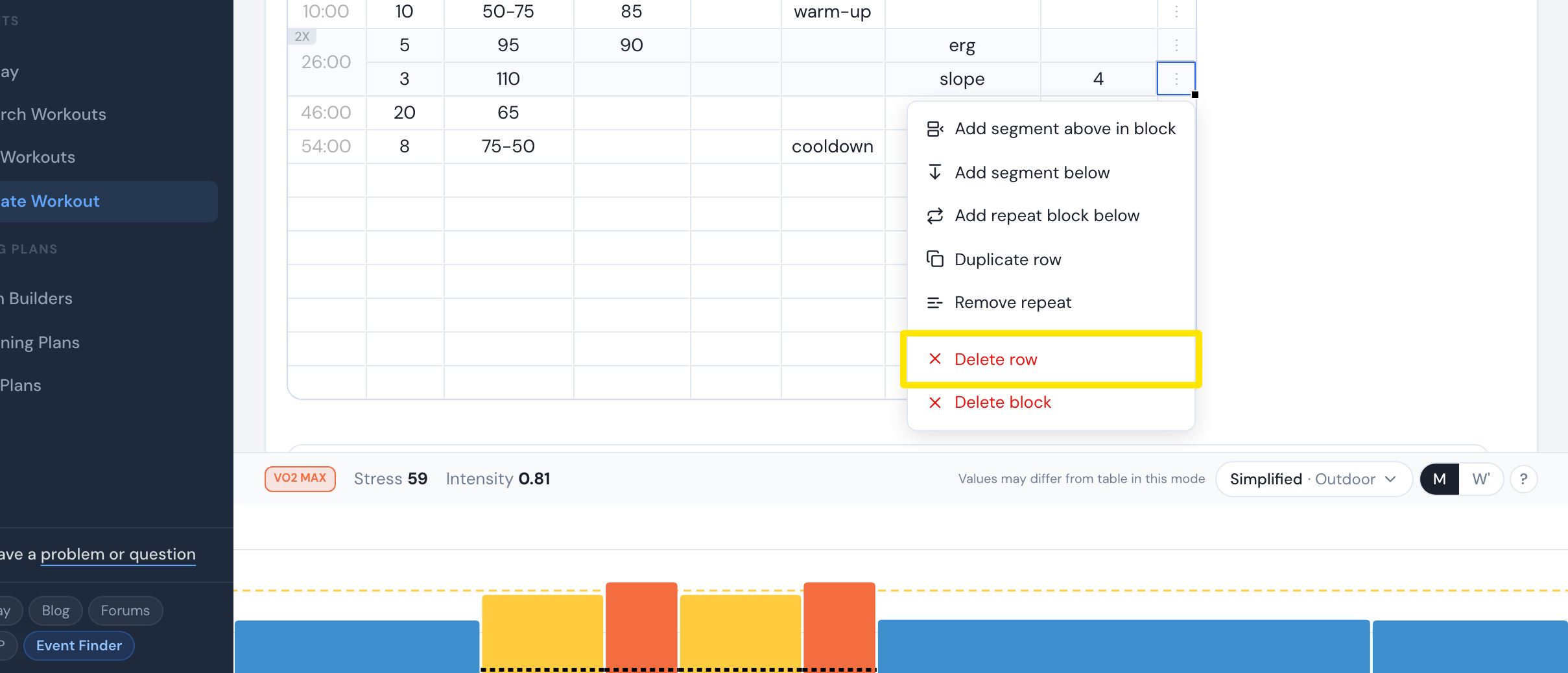 Where: Website · Create Workout · open it
Good to know: Pressing Delete or Backspace with one row selected does not delete it. The keys only work when several rows are selected.
Works on: website only. The mobile and desktop apps have no row editor.