

How do I estimate my ride time with the route speed calculator?
Open the route speed calculator website, add your GPX or TCX route (or pick a famous climb), fill in your rider settings, and read the predicted moving time.
- Open the route speed calculator at calculators.trainerday.com/cycling/route-speed-calculator.
- Leave Region on My Own GPX or TCX File and drop your GPX or TCX file on the box (or click to browse). Or choose a Region and a famous Climb or Route.
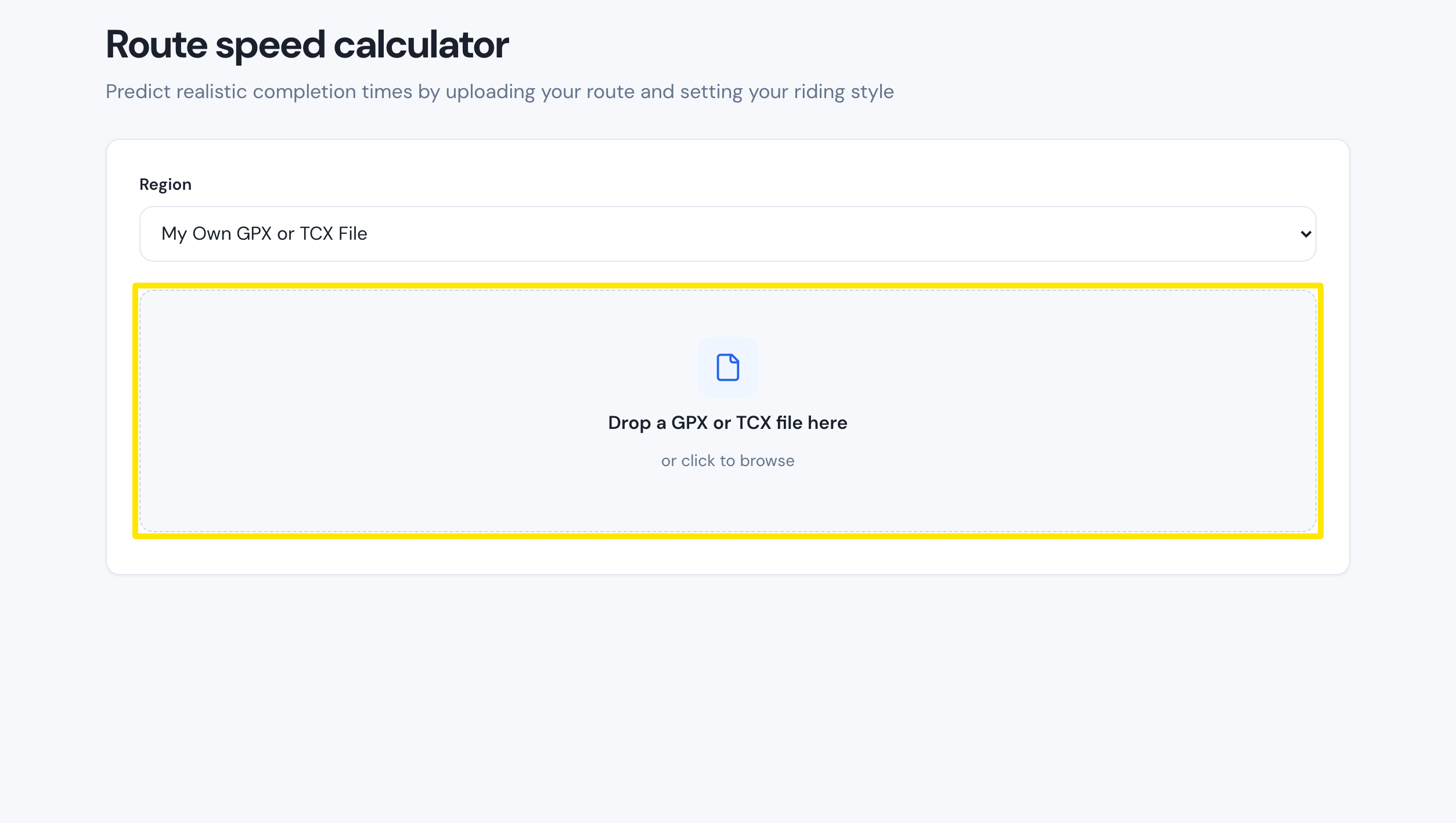 Where: Route speed calculator
- Fill in FTP, Total Weight (Rider + Bike), Ride Intensity, Drafting/Group Style, Descent Style, Climbing Behavior, Aero Position and Road Surface. The result updates as you change them.
- Read Predicted moving time at the top of the results. The Terrain breakdown (Climbing, Descending, Flats) and Performance analysis are below it.
Good to know: There is no Calculate button. The result recalculates as soon as you change a setting.
Works on: Website only. The calculator is its own website and is not in the mobile or desktop apps.