

Does editing my workout update the training plans that use it?
No, not by itself: a training plan keeps the version of the workout it was made with, so after you edit your workout on the website, answer Yes to Update My Plans when saving to put the new version in your plans.
- On the website, open your workout from its page or from My Workouts.
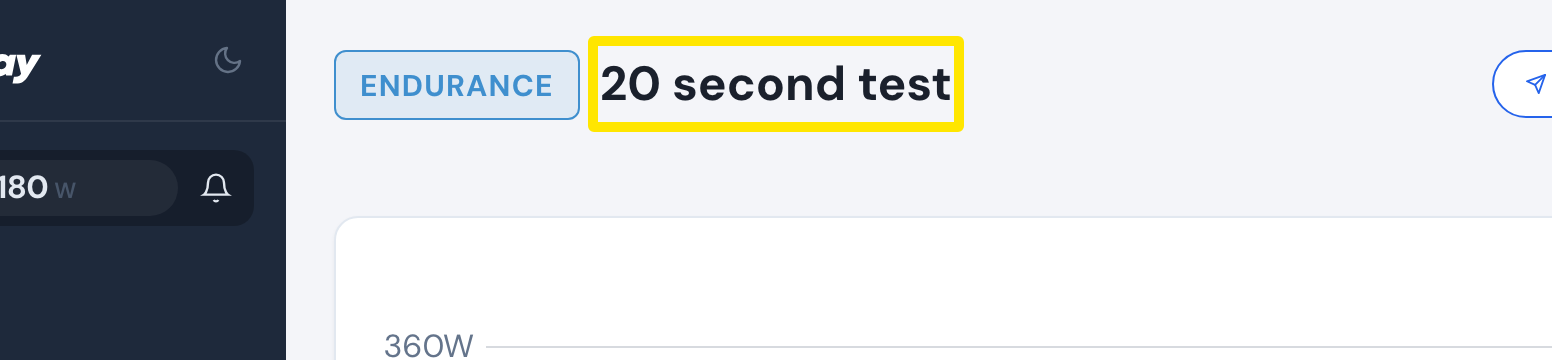 Where: Website · a workout's page
- Click the three-dots menu on the workout.
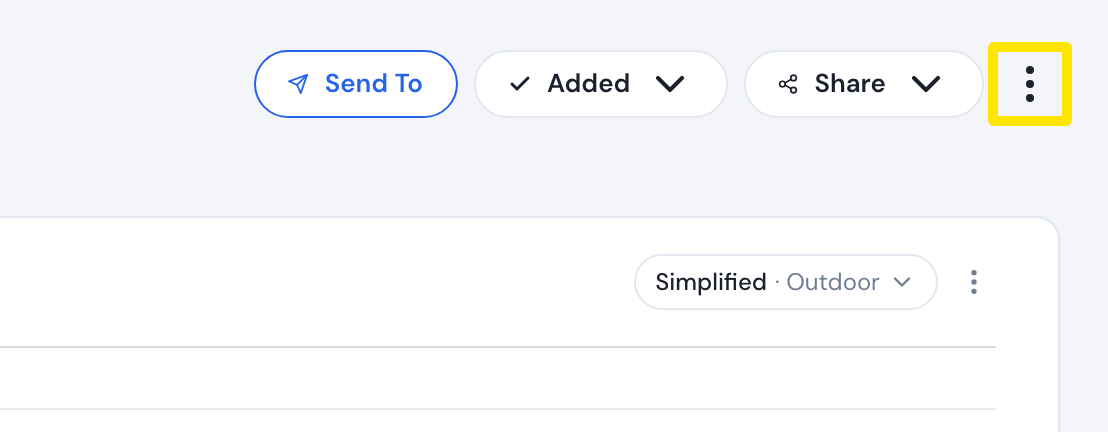 Where: Website · a workout's page
- Click Edit workout. It appears only for workouts you made.
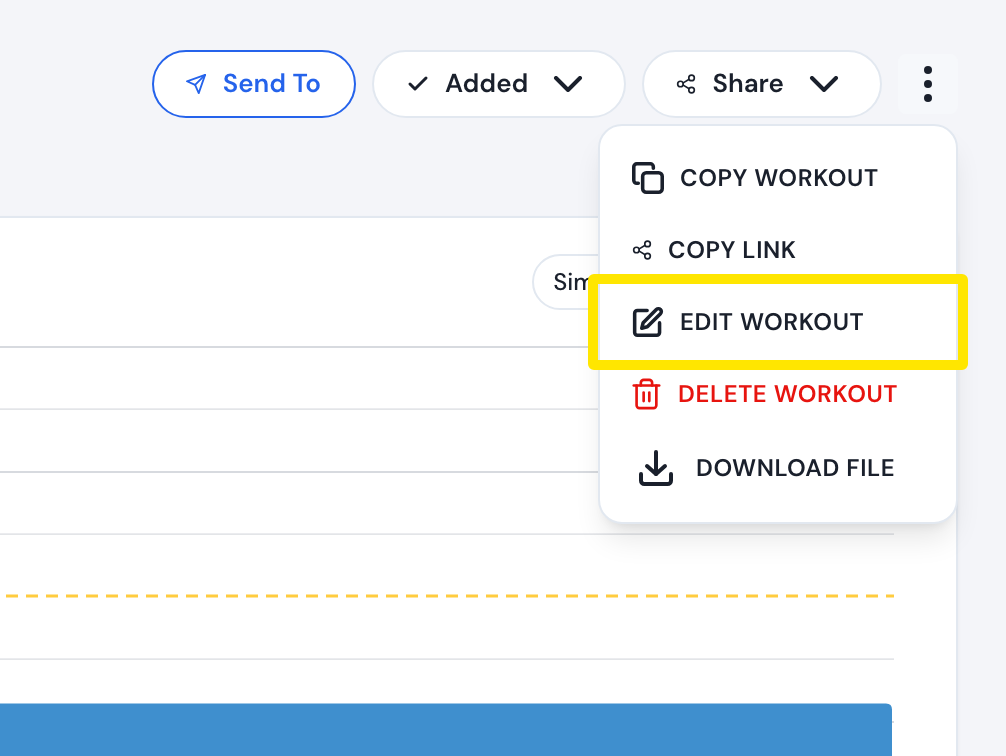 Where: Website · a workout's page
- Change the rows, click Save workout, then Save.
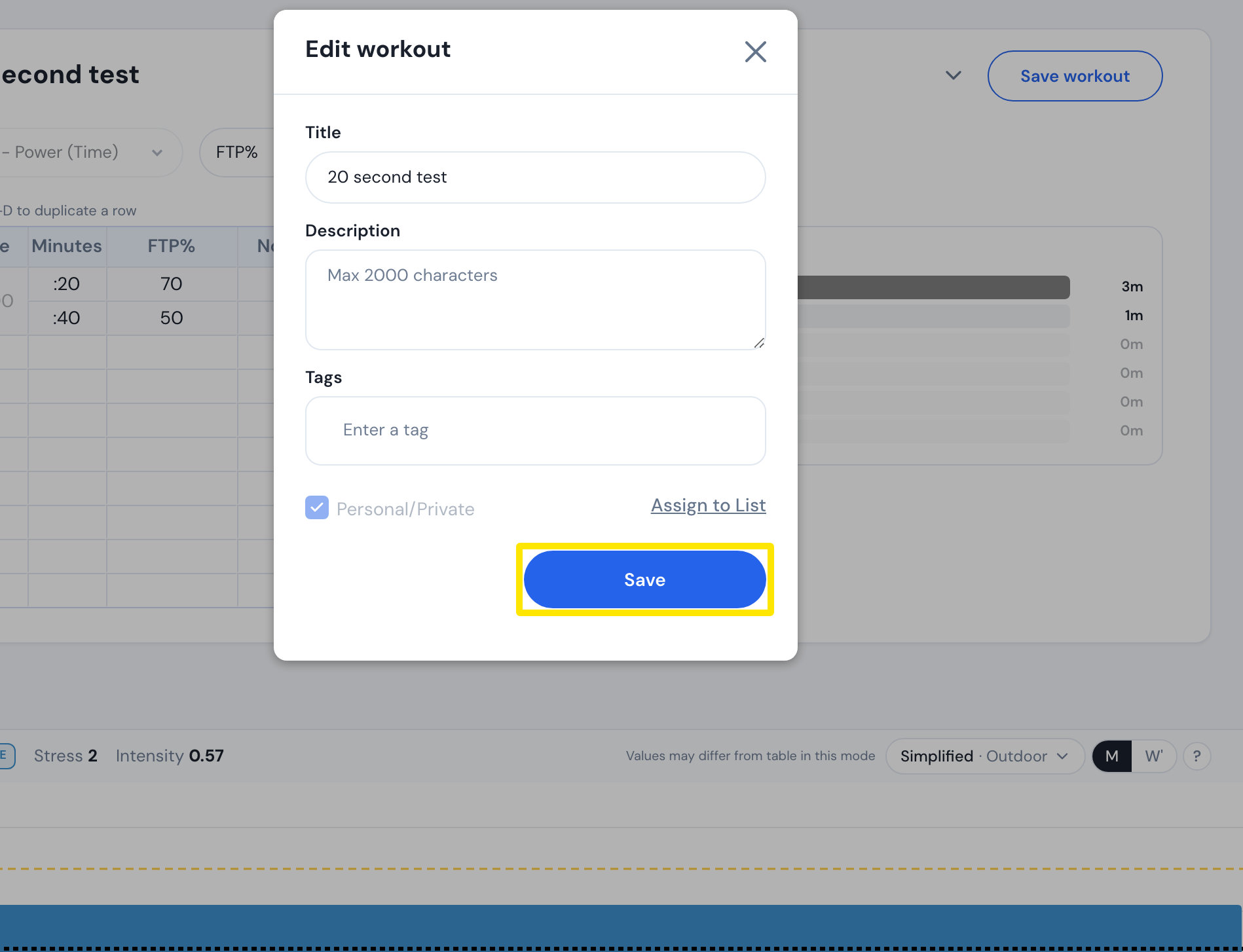 Where: Website · a workout's page → three-dots menu → Edit workout
- If the workout is in one of your plans, the Update My Plans box asks whether to update it in your private plans. Click Yes to use the new version. Click No to keep the old one. The box asks again for your public plans.
- To check, open the plan from Training Plans and look at that workout.
Good to know: Only your own plans change. Other riders' plans keep the version they had. Saving a Copy Workout never updates plans, and mobile edits never change the library workout.