

Bluetoothテストレポートをサポートに送るには?
TrainerDayのBLEテストページ(trainerday.com/ble.htm)でトレーナーを接続してテストを実行し、Download Reportをクリックして、保存されたファイルを[email protected]にメールで送ってください。
- Android、Mac、WindowsのChromeでtrainerday.com/ble.htmを開きます。デバイスを接続してテストを実行します。Request Controlをクリックし、次にSet PowerまたはSet Slopeをクリックしてください。
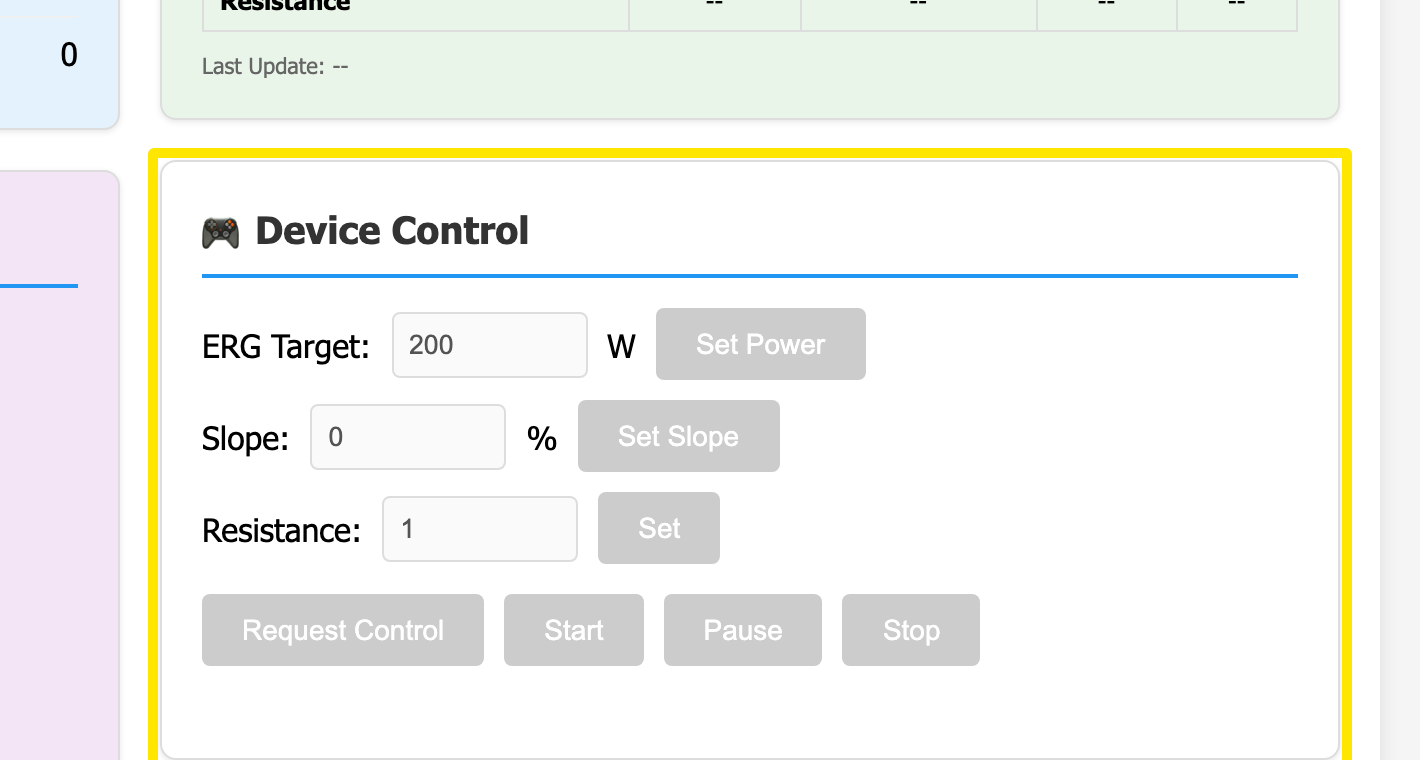 場所:Webサイト · BLEテストページ(trainerday.com/ble.htm)
- 右上の Download Report をクリックします。BLE-Diagnostic-Report-<device>-<time>.txt という名前のファイルが保存されます。
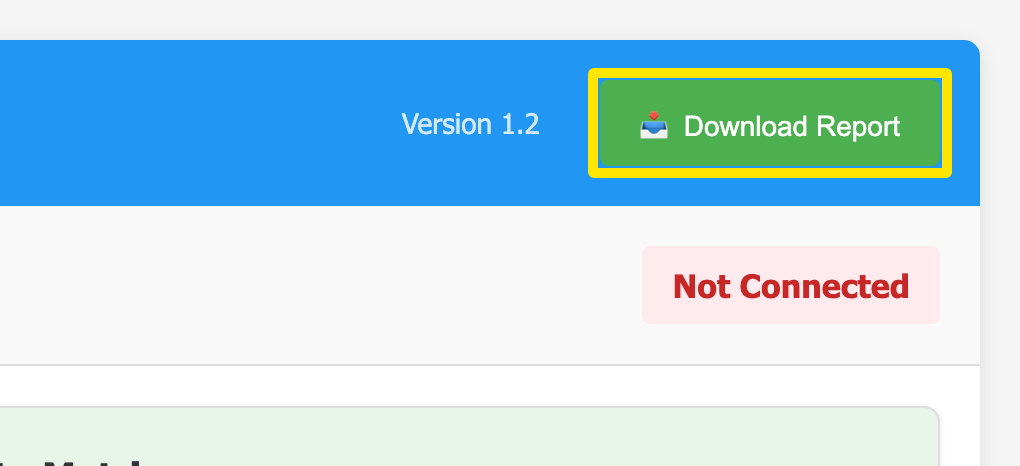 場所:Webサイト · BLEテストページ(trainerday.com/ble.htm)
- そのファイルを、何が起きたかを一言添えて[email protected]にメールで送ってください。
ポイント: デバイスを接続する前にダウンロードしたレポートには見出ししか入っていません。先に接続してテストを実行してください。
対応: Android、Mac、WindowsのChrome系ブラウザ。iPhoneやSafariでは使えません。