

怎樣把藍牙測試報告寄給客服?
在 TrainerDay 的 BLE 測試頁(trainerday.com/ble.htm)連接訓練台、執行測試,點 Download Report,再把存下來的檔案寄到 [email protected]。
- 在 Android、Mac 或 Windows 上用 Chrome 打開 trainerday.com/ble.htm。連接你的裝置並執行測試:點 Request Control,再點 Set Power 或 Set Slope。
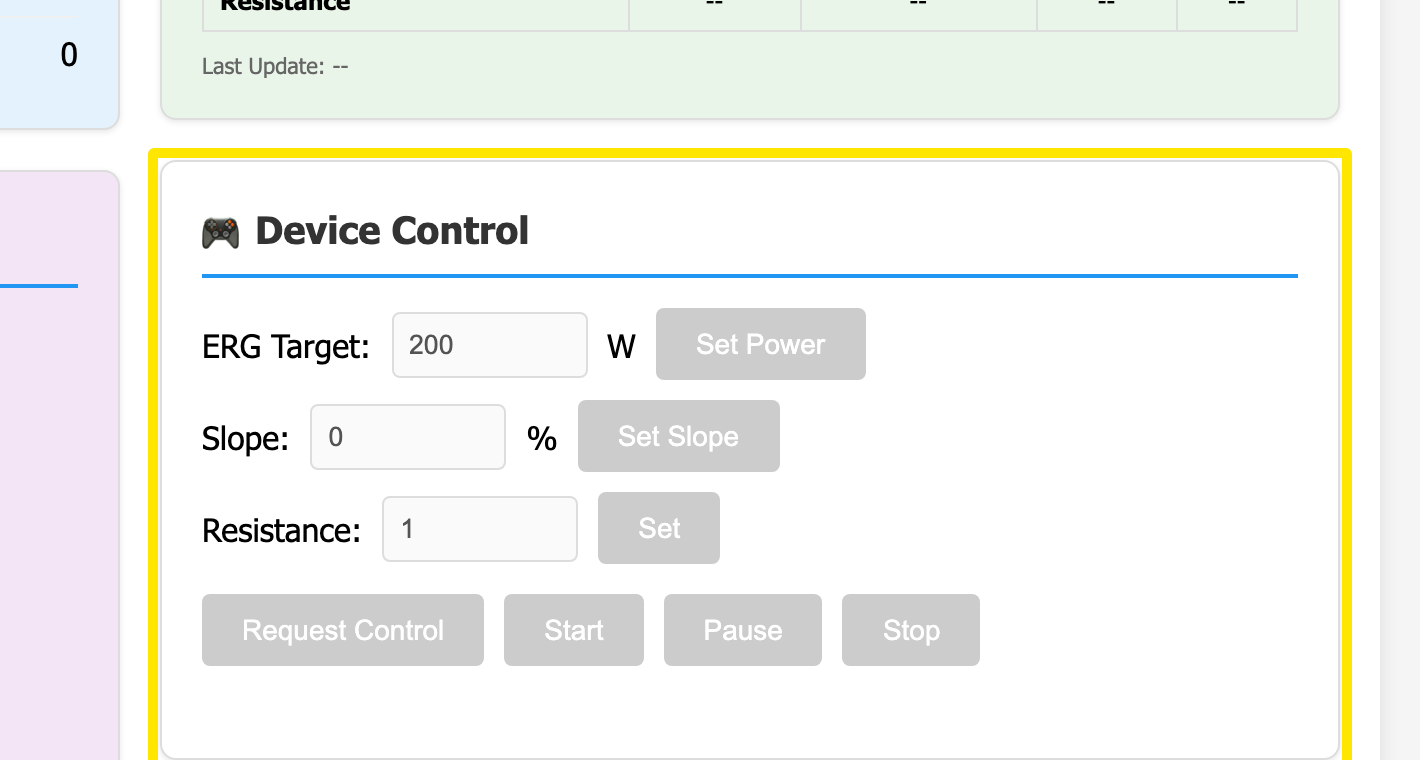 位置:網站 · BLE 測試頁(trainerday.com/ble.htm)
- 點選右上角的 Download Report,系統會儲存一個名為 BLE-Diagnostic-Report-<device>-<time>.txt 的檔案。
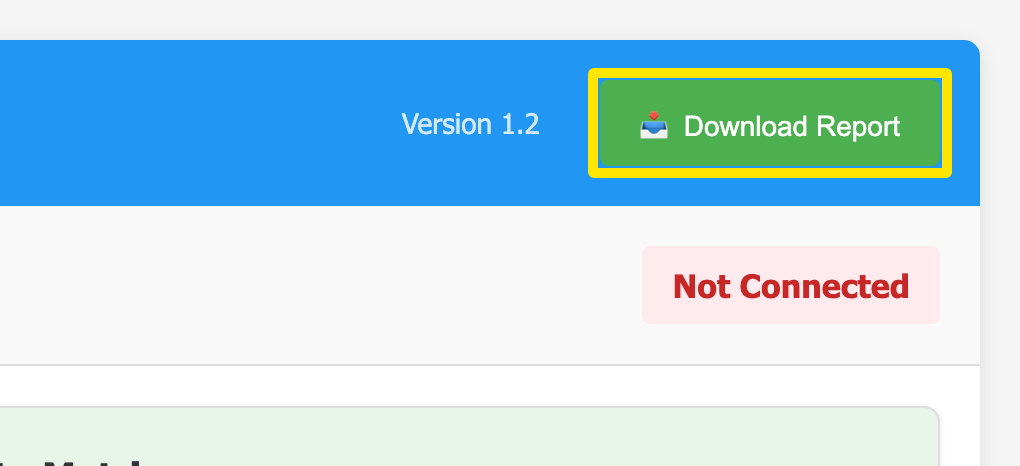 位置:網站 · BLE 測試頁(trainerday.com/ble.htm)
- 把這個檔案寄到 [email protected],簡單說明出了什麼問題。
小提醒: 在裝置連接前下載的報告只有標題,所以請先連接並執行測試。
適用於: Android、Mac 和 Windows 上以 Chrome 為核心的瀏覽器;不支援 iPhone 或 Safari。