

怎麼關閉 TrainerDay 的自動開始?
在 TrainerDay 手機 App 的「設定 → 其他選項」,或桌面版 App 的「設定 → 訓練控制」中關閉自動開始。
- 在手機 App 中,從畫面底部的分頁開啟 設定。
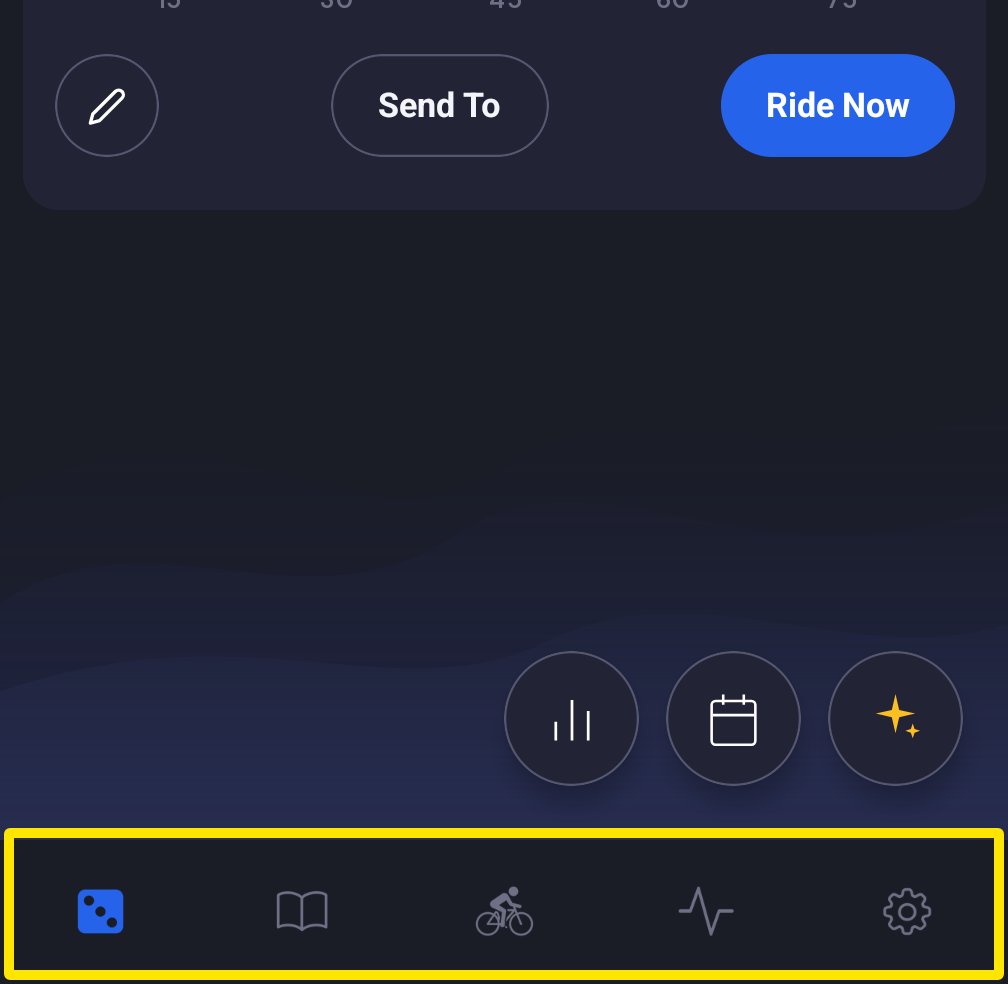 位置:手機 App · 畫面底部的分頁
- 進入 其他選項,開啟 禁用自動啟動/停止。之後就由你自己按開始和暫停。
- 在桌面版 App(Mac 或 Windows)中開啟 設定 分頁。
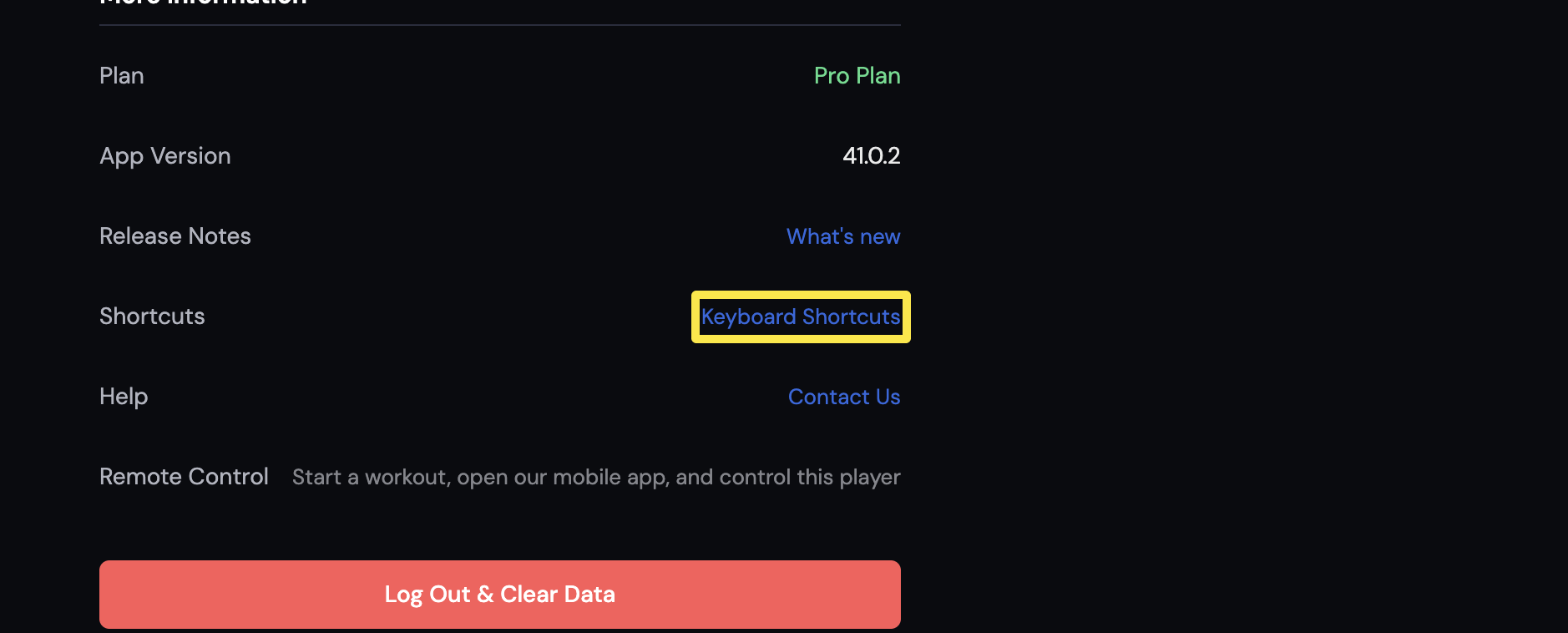 位置:桌面版 App · 設定分頁
- 進入 訓練控制,開啟 停用自動暫停/開始。
小提醒: 騎乘中按下暫停或空白鍵,也會關閉自動開始和自動暫停。
適用於: 手機 App 和桌面版 App。網站沒有訓練播放器,所以沒有自動開始。