

Why the Ramp Test Is the Best FTP Test
Alex VanLaningham · Founder of TrainerDay ·
Three primary tests for normal people
In theory, an 8-minute or even "better," a 20-minute FTP test are superior to a ramp test. But most of the cycling world has moved to ramp tests for a good reason.
Where to find it:
- Website → Search Workouts → search "ramp test" → TD Ramp Test (Automatic) · open it
- Mobile app: tap Take the ramp test in the FTP setup popup.
- Desktop app: FTP setup → I don't know it → Take the ramp test.
Here are the primary reasons
- Both the 8 and 20-minute tests are painful. This means you won't want to perform them often.
- Both the 8 and 20-minute tests require precise pacing, which most riders frequently fail or feel they could have done better. Screwing up the pacing can reduce your motivation because you get a lower FTP.
- The ramp test is almost a fun workout, except for the last 2 minutes. The results are highly consistent, but just might need a slight adjustment down if you have a sprinter profile.
From a training perspective, using a ramp test FTP estimation to base your training is accurate enough. From a TT race pacing perspective, you need to investigate that and potentially spend the first half slightly under your FTP.
No testing protocol is consistently accurate. Even lab tests are inaccurate. I have discussed this at length with a few top coaches and they all agree the ramp test is a superior testing protocol and accurate enough to accomplish the principal goal.
The Standard Modern Ramp Test
On the website, open Search Workouts in the left sidebar and search for "ramp test".
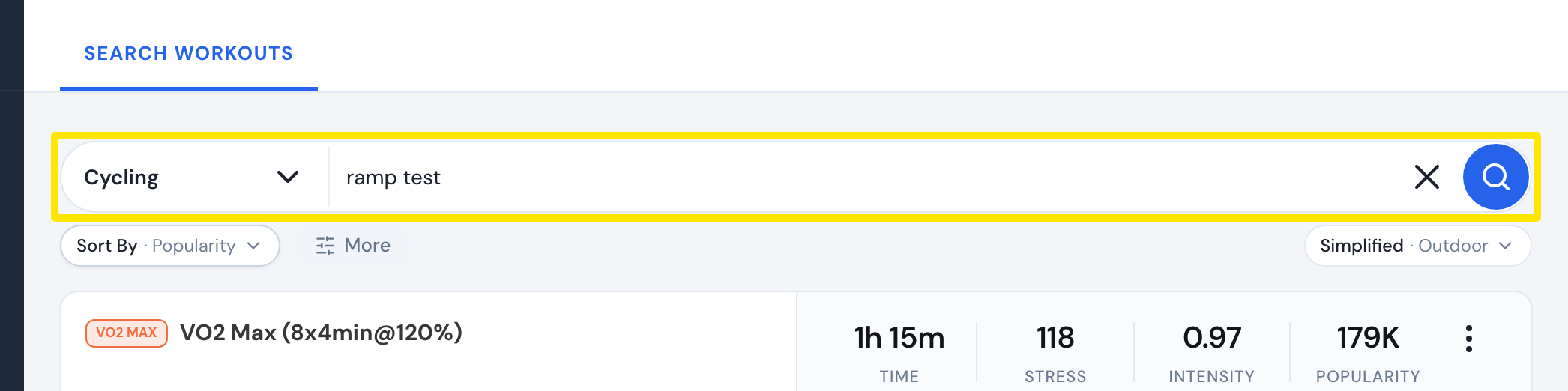 Where: Website · Search Workouts · open it
Pick TD Ramp Test (Automatic) or the slower 6% ramp test. Both calculate FTP automatically. You can also go straight to the TD Ramp Test page. Searching in My Workouts only looks in the selected list and won't find it.
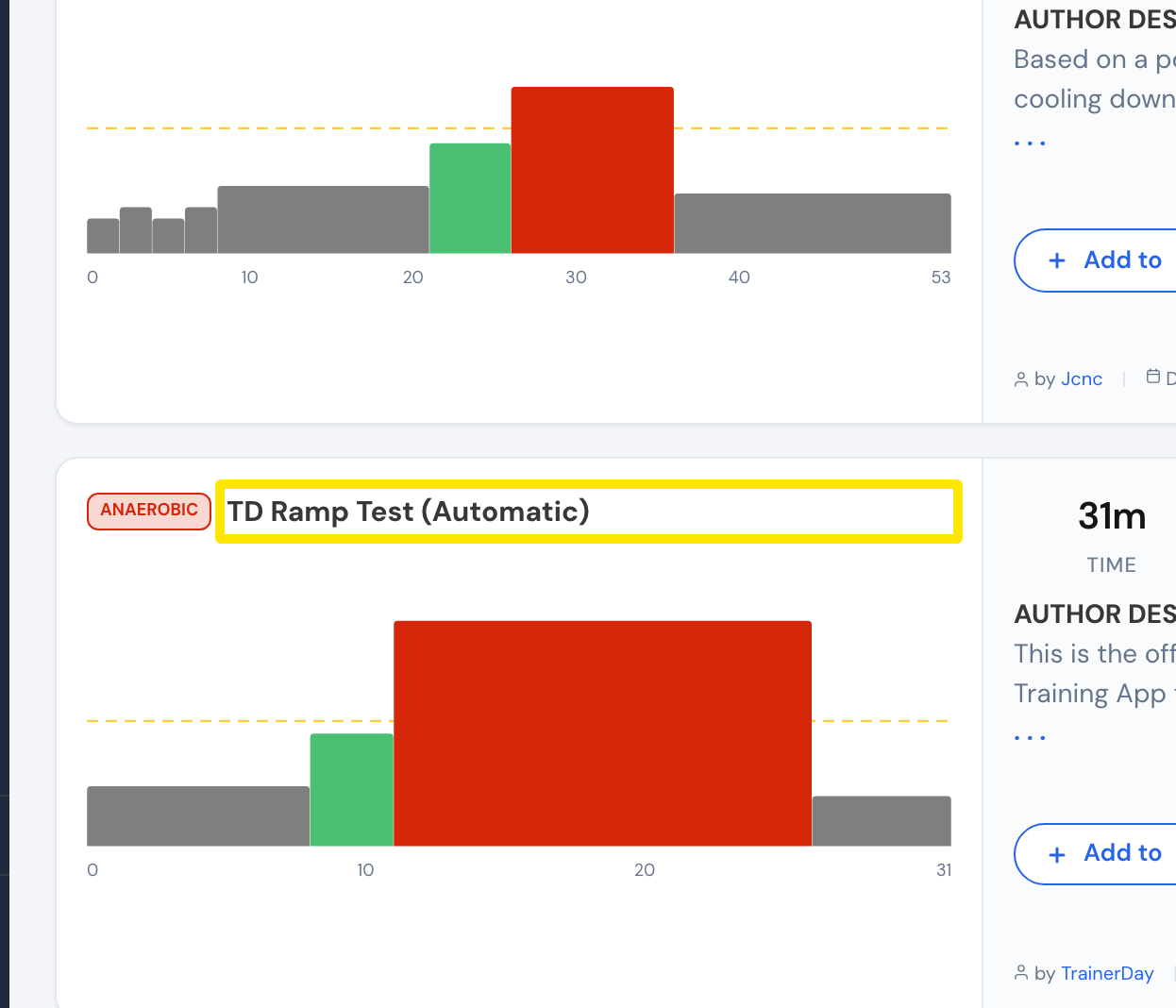 Where: Website · Search Workouts · open it
The test is ridden in the player in the mobile or desktop app. The desktop app needs a trainer or power meter connected. There is no auto-skip: when your power or cadence drops, the desktop app asks "Do you want to cool down?" with Resume or Start Cooldown. In the mobile app, auto-pause is off during the ramp test.
Where the 0.75 comes from
The calculation takes your average watts of the last minute before failure and multiplies it by 0.75 (75%). This gives you the same or very similar FTP scoring to the other major platforms. In talking with a pro lab coach, when comparing this power-based ramp test to actual blood lactate levels, riders fall between 0.7 and 0.8. 0.75 is a great middle range.
Below is Strava Metrics
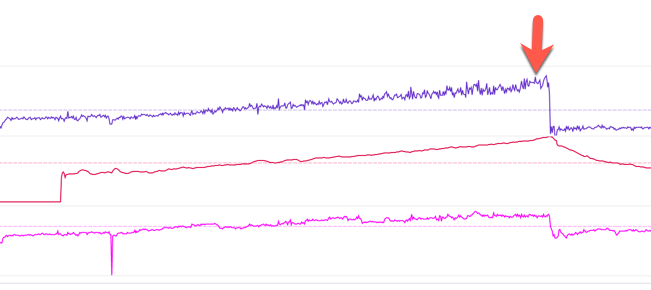
If you test on another ramp protocol, you can do the math yourself. Select the last minute before failure in software such as Strava, TrainingPeaks or GoldenCheetah, and multiply by 0.75.
To enter an FTP yourself, go to Account → Profile and save the new cycling FTP. Setting your own FTP stops automatic FTP updates from ride data. Workout targets are stored as FTP%, so your workout watts change with it and you don't need to recreate your plan.
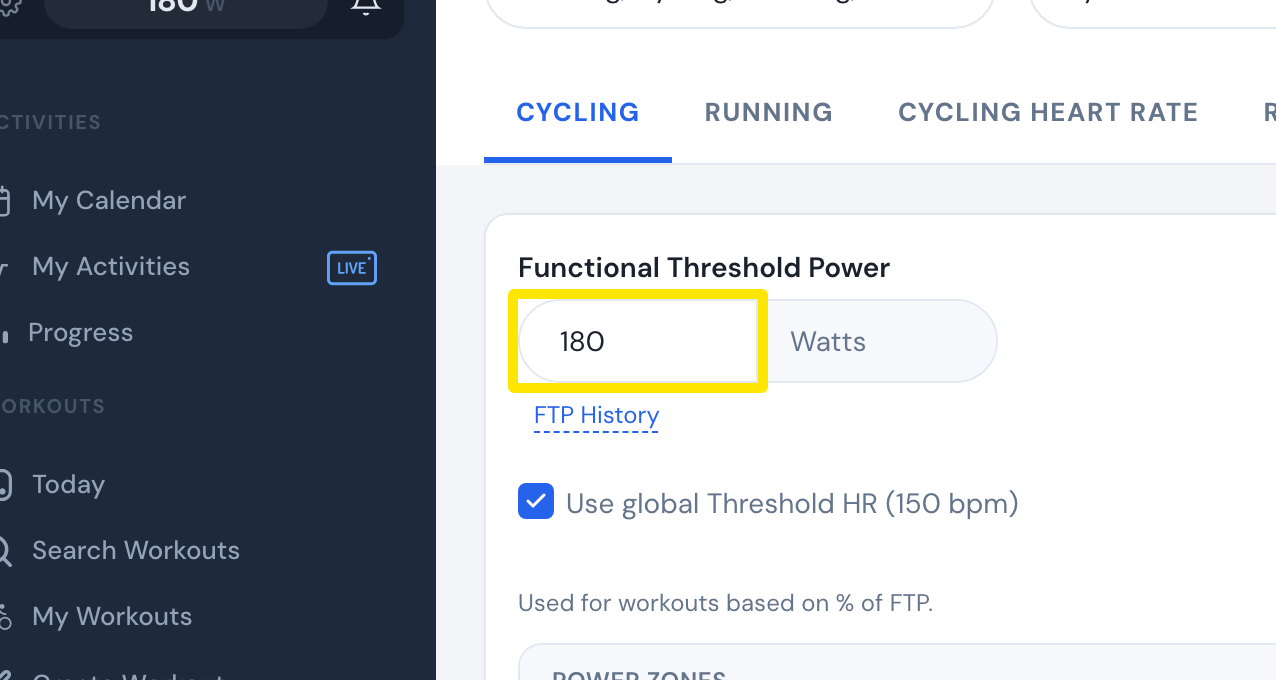 Where: Website · Sports, Zones, FTPs · open it
If you prefer an all-out 8 or 20-minute effort without ERG holding you back, switch the player to RESIST in the mobile or desktop app. Then use - and + to set the resistance.
Happy testing… Below is a slight introduction if needed. Thanks ~alex
What is FTP?
Just as a brief introduction in case someone is unsure. FTP is Functional Threshold Power. This is the average power you can sustain for 40–60 minutes. Above FTP is where you produce more lactate than your body can remove, so you have a significantly shorter amount of time you can operate at this level. Monitoring your FTP and improving it is both motivation and information. It makes it clearer to you what training is working and what is not.
How Often Should You Test Your FTP?
That's a very personal question. If you have not tested in a while and don't know your FTP, before a training plan is good. If you are following a training plan and you are halfway into a build period, that's also a good time. Generally, if you like tests, you can do them every 4 weeks or so. More so, I would recommend every 8 weeks or even longer, especially during periods of slower increases. 10 watts off here or there is not going to have a major impact on your training plan. This is especially true of the Coach Jack plan builder, because it is very incremental and should never be kill-yourself difficult. The peak period can get pretty hard, but you will be prepared for it.
Coach Jack does not add a ramp test after each block, so add one yourself when you want to test. In My Workouts, open Favorites and then TD Ramp Test (Automatic). Click Send To, pick My calendar, choose the day, then click Send.
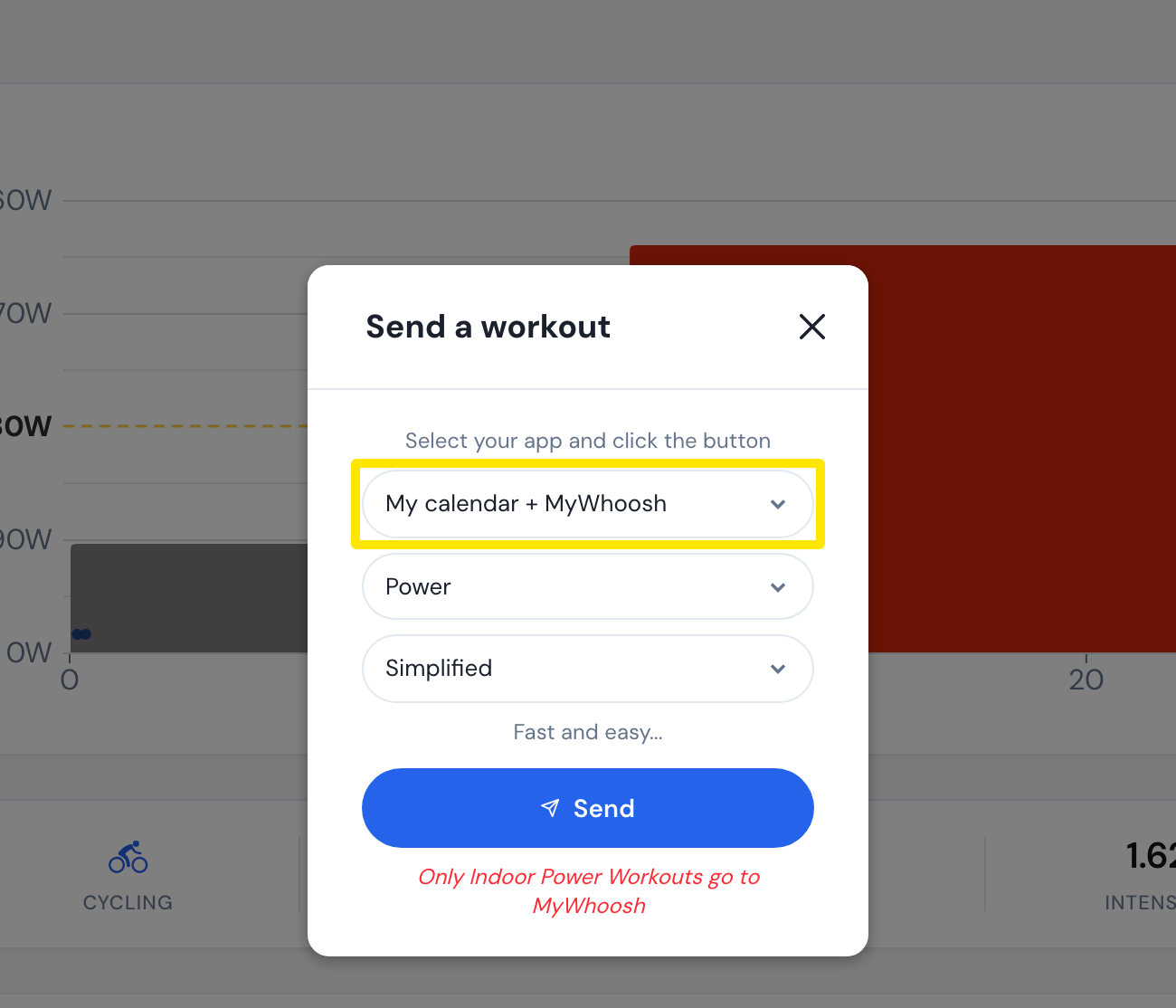 Where: Website · a workout's page