

How do I turn off the Power: Lap setting for Garmin?
Turn off the Power: Lap setting on the Garmin card in the mobile app under Settings → Connections; the desktop app's Garmin card has the same setting.
- In the mobile app, open the Settings tab and tap Connections.
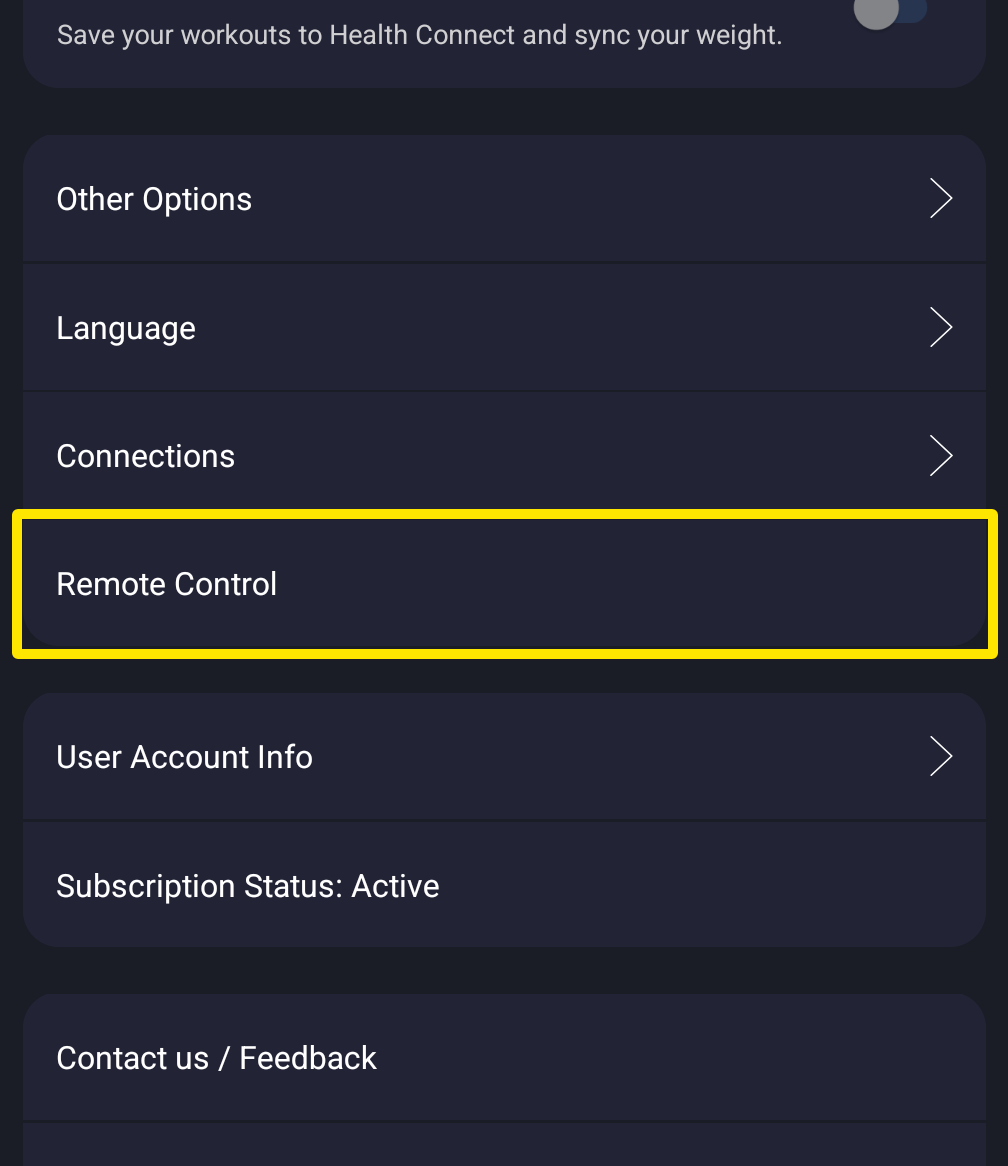 Where: Mobile app · Settings tab
- On the Connections screen, find the Garmin card.
- On the Garmin card, turn off Power: Lap.
Works on: the mobile app and the desktop app. Both have Power: Lap on their Garmin card.