

How do I set Coach Jack for indoor or outdoor rides?
In the website's Coach Jack plan builder, set each training day to Indoor, Outdoor or Heart Rate from that phase's hours window, and the plan is rebuilt with outdoor workouts on outdoor days.
- On the website, in the left sidebar under Training Plans, click Plan Builders (app.trainerday.com/coach-jack).
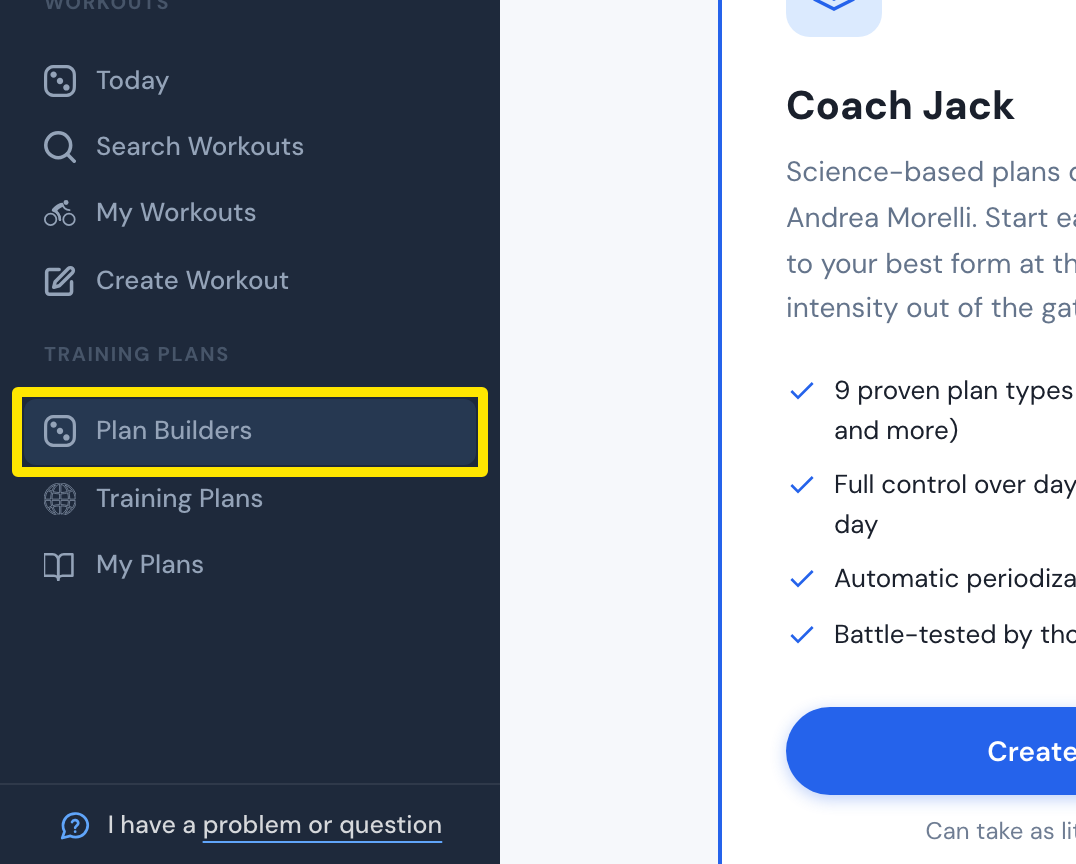 Where: Website · Plan Builders · open it
- On the Coach Jack card, click Start with Coach Jack → (it reads Create New Plan → once you have built a plan) and answer the questions.
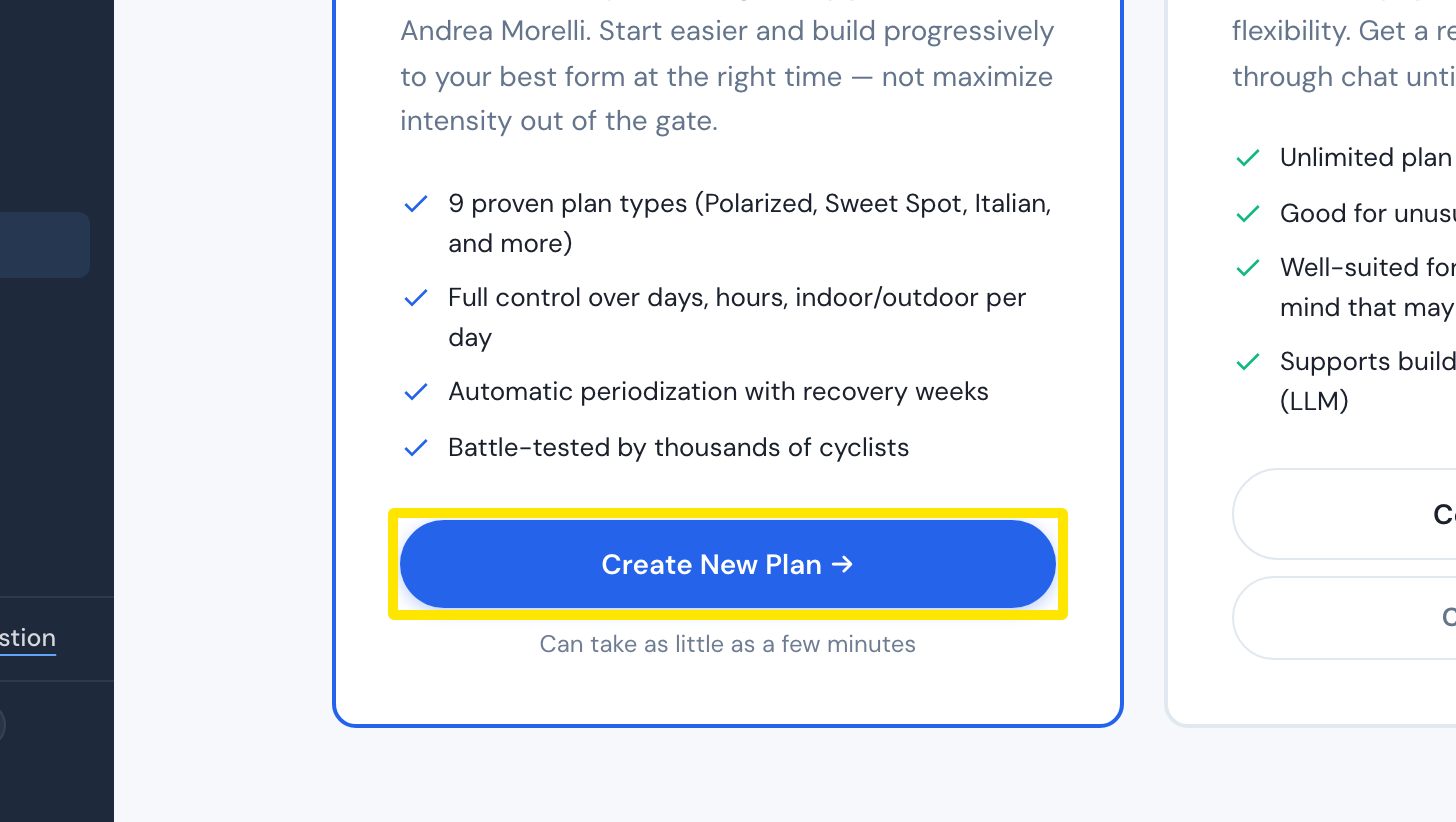 Where: Website · Plan Builders · open it
- In the plan builder, look at the days above the plan's calendar: each training day shows Indoor, Outdoor or Heart Rate. Click a day's hours (the small pencil).
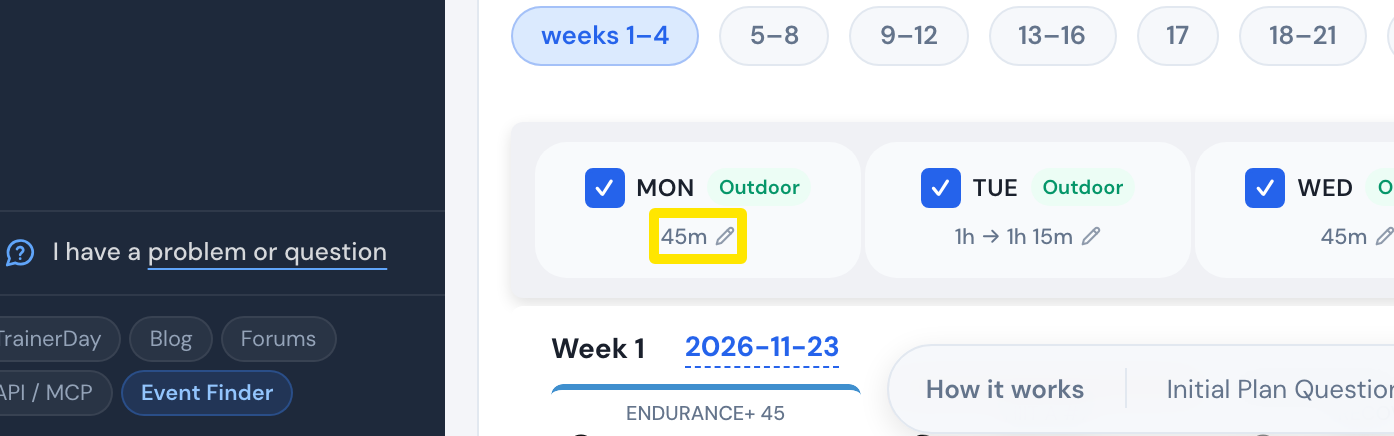 Where: Website · Coach Jack plan builder
- In the phase's hours window, open the day's Indoor / Outdoor / Heart Rate menu (▾) and choose. The plan is rebuilt with outdoor workouts on that day. Repeat for each phase.
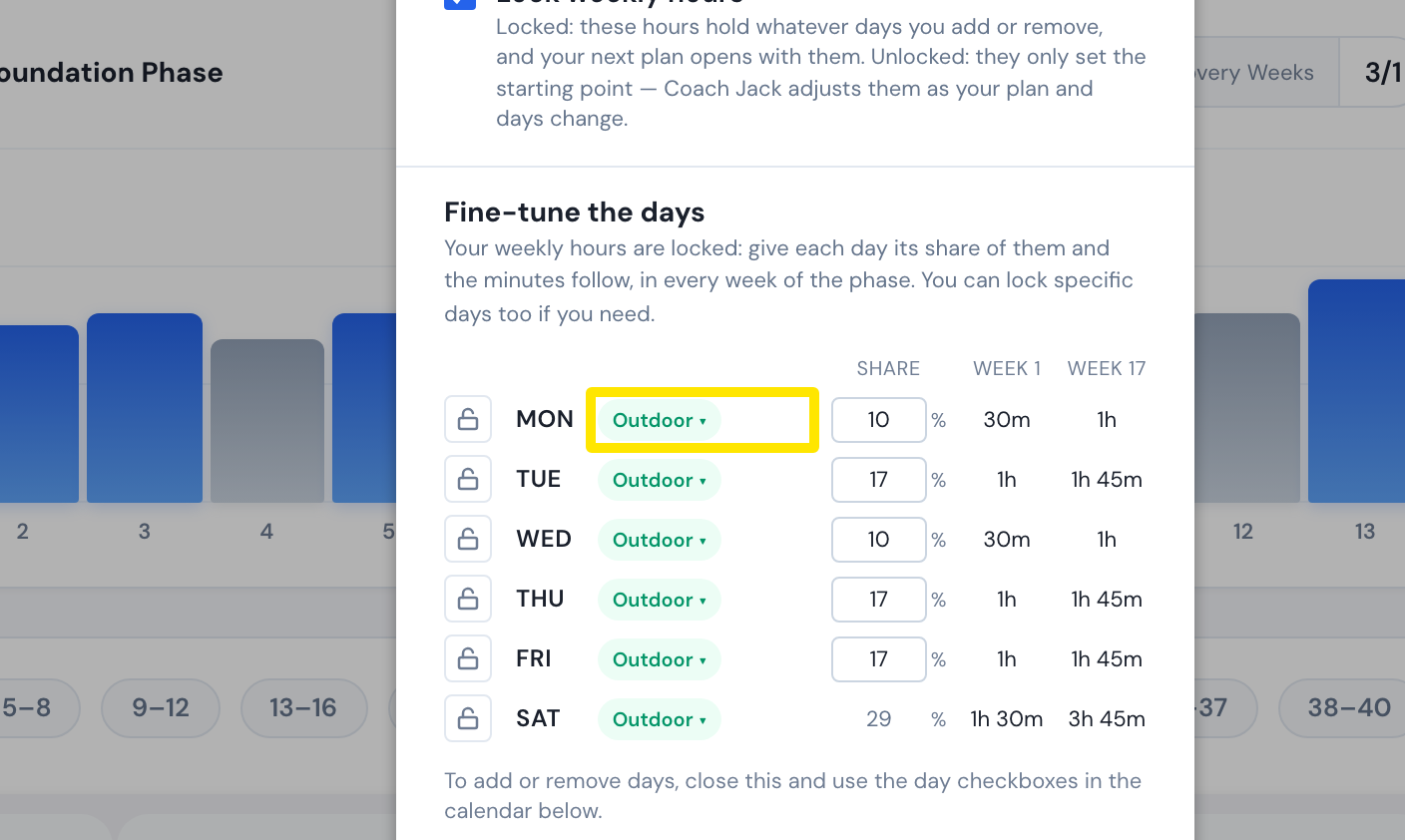 Where: Website · Coach Jack plan builder
Good to know: On My Calendar, you can also turn a single workout into an outdoor one from its menu.
Works on: Website only.