

How do I run two plans on my calendar at once?
Send each plan to your calendar on the TrainerDay website, then open My Calendar and click Plans to see every plan that is active at the same time.
- On the website, open My Plans. On the first plan, click the ⋯ menu, then Send or Download.
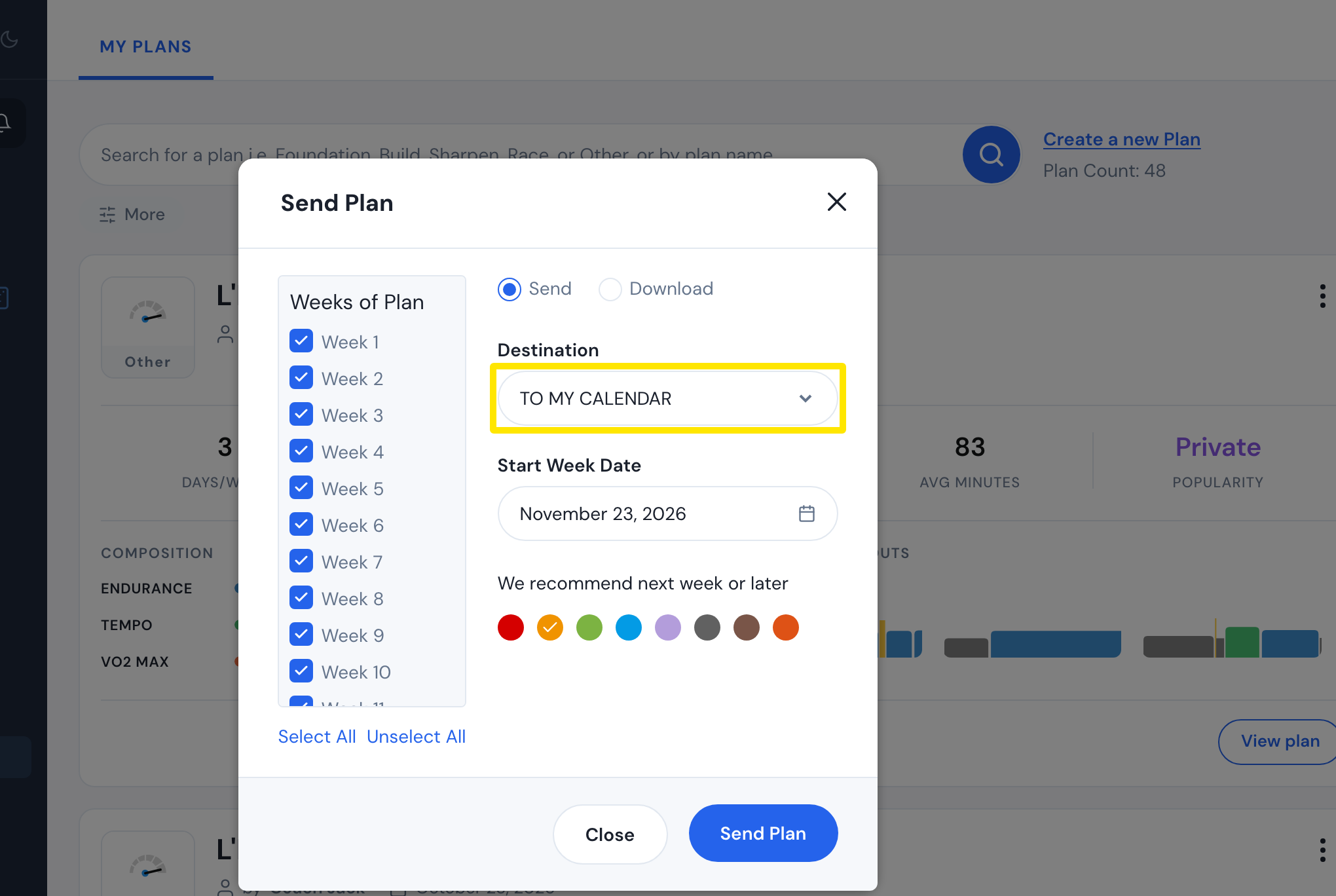 Where: Website · My Plans · open it
- In the window, choose Send, set Destination to TO MY CALENDAR, pick the Start Week Date, and click Send Plan.
- Back on My Plans, do the same for your second plan.
- In the left sidebar, click My Calendar, then click Plans at the top. Both plans are listed there.
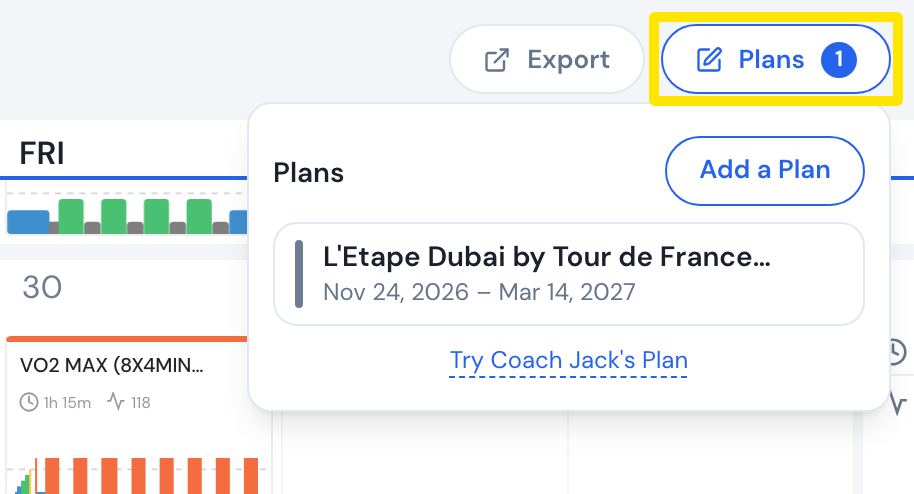 Where: Website · My Calendar · open it
Good to know: The two plans do not adjust to each other. Coach Jack builds each plan only from your answers and settings.
Works on: Send plans on the website. The mobile and desktop apps ride the workouts from every plan on My Calendar.