

How do I rename a workout in my Coach Jack plan?
You can rename a Coach Jack workout in My Calendar on the website, but not in the Coach Jack plan itself: send the plan to your calendar, then change the workout's title in the workout editor.
- In the website's Coach Jack plan builder, click Save & Next at the bottom. The plan builder itself has no rename.
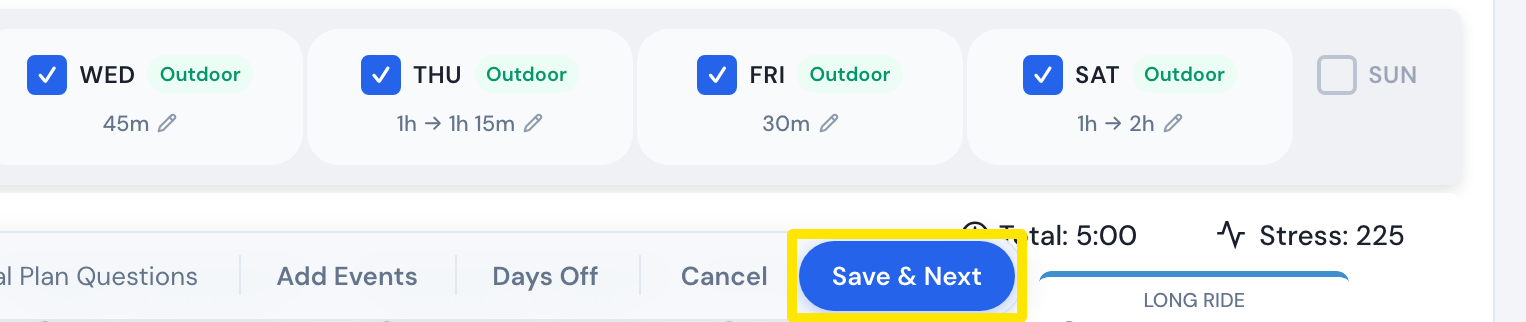 Where: Website · Coach Jack plan builder
- In the save window that opens, click Send to My Calendar.
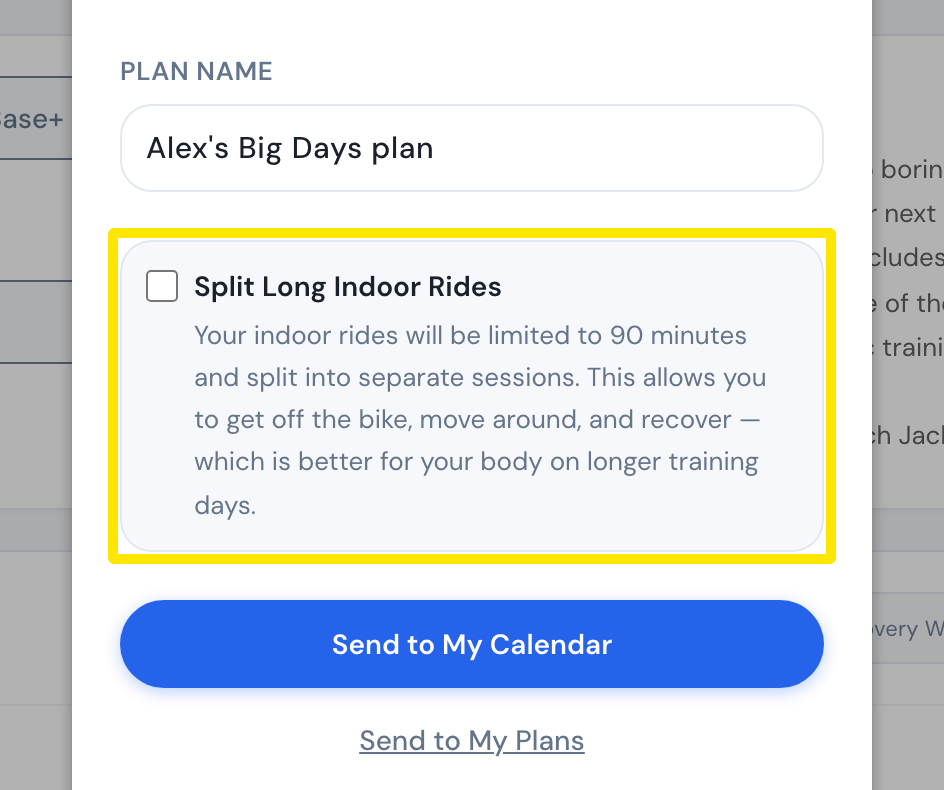 Where: Website · Coach Jack plan builder → Save & Next
- In the left sidebar, click My Calendar. Open the workout's ⋯ menu and click Edit workout (Pro).
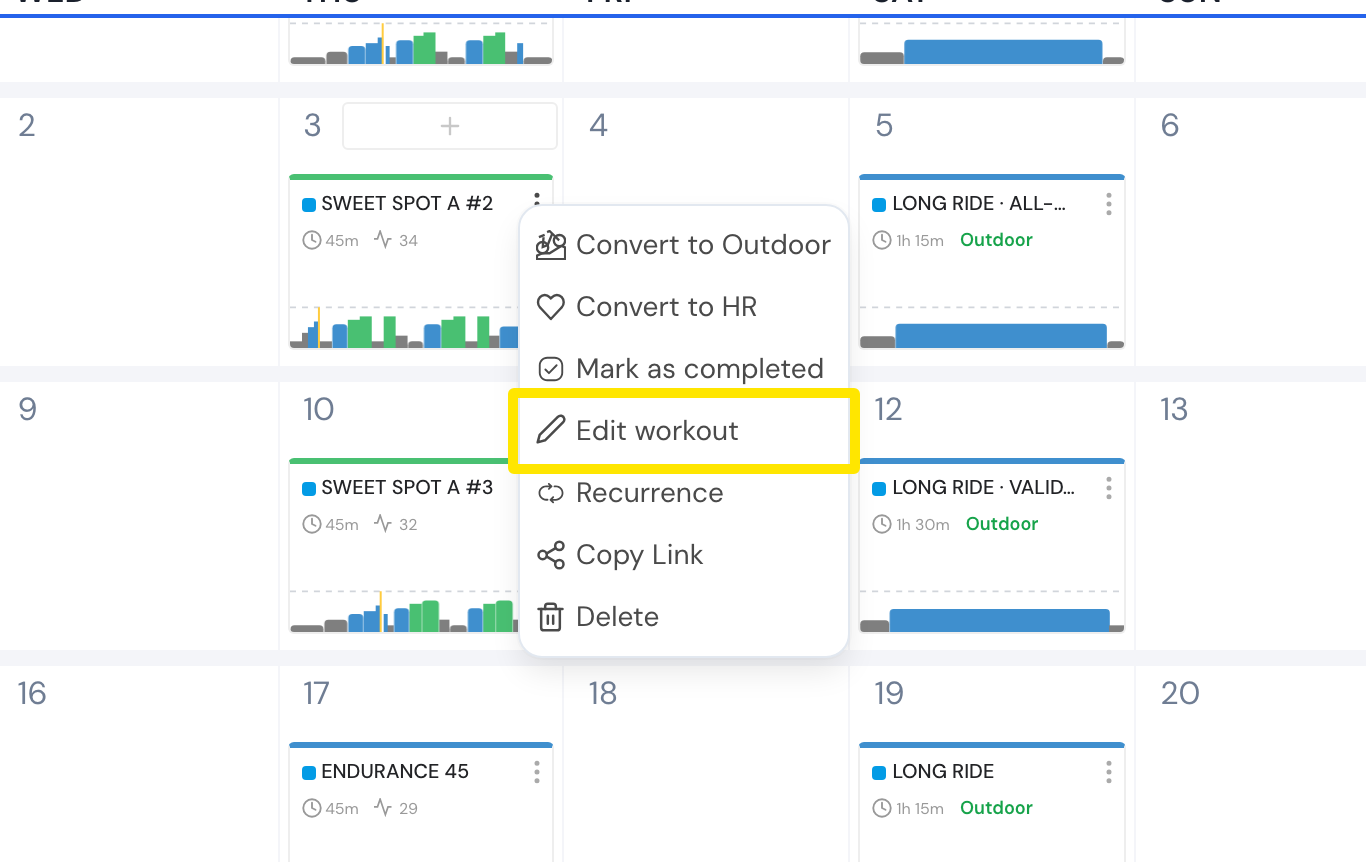 Where: Website · My Calendar · open it
- In the editor, click the workout's title at the top and type the new name (up to 50 characters).
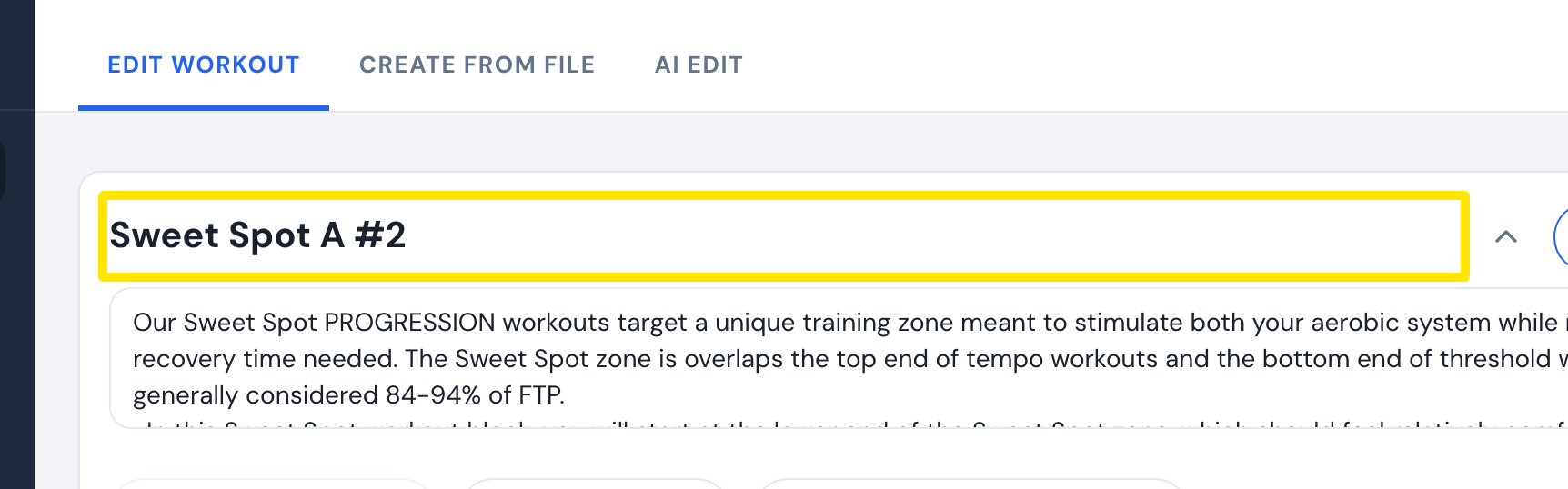 Where: Website · My Calendar → workout ⋯ → Edit workout · open it
- Click Save workout, then finish saving.
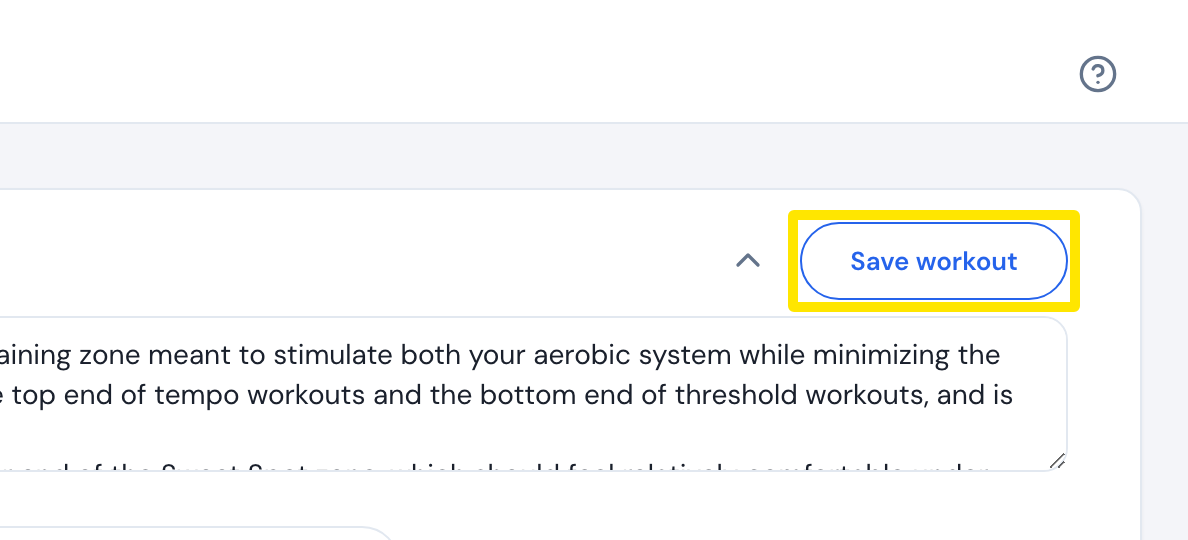 Where: Website · My Calendar → workout ⋯ → Edit workout · open it
Good to know: Only that calendar workout gets the new name. The plan in My Plans keeps the old name, and syncing the plan from the Coach Jack builder again replaces your renamed workout.
Works on: Website. In the mobile app, Edit opens the AI Workout Builder, where you can change the workout but not rename it by hand. The desktop app has no editor.