

How do I make my Coach Jack plan harder or easier?
On the website, open your Coach Jack plan in the plan builder, raise or lower the starting interval level and ride feel in Ride Feel (or pick a harder phase type), then sync the plan to your calendar.
- On the website, in the left sidebar under Training Plans, click My Plans, open your Coach Jack plan and click Edit Plan. The Coach Jack plan builder opens.
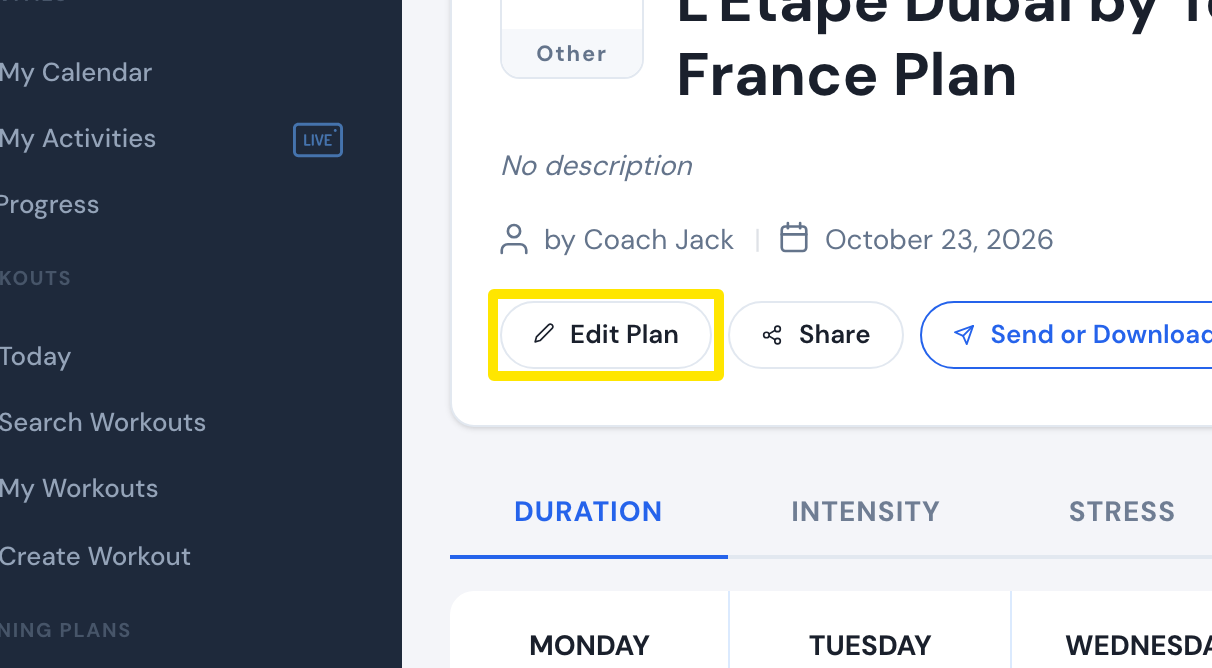 Where: Website · a plan's page (My Plans → View plan)
- Above the plan's calendar, click Ride Feel.
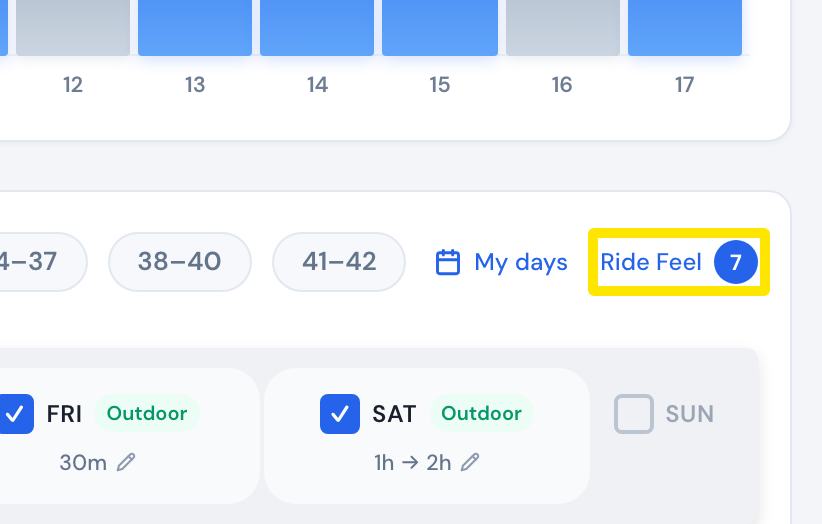 Where: Website · Coach Jack plan builder
- Move Starting Interval Intensity Level for this Phase down (easier) or up (harder), pick an easier or harder ride feel option, and click Save.
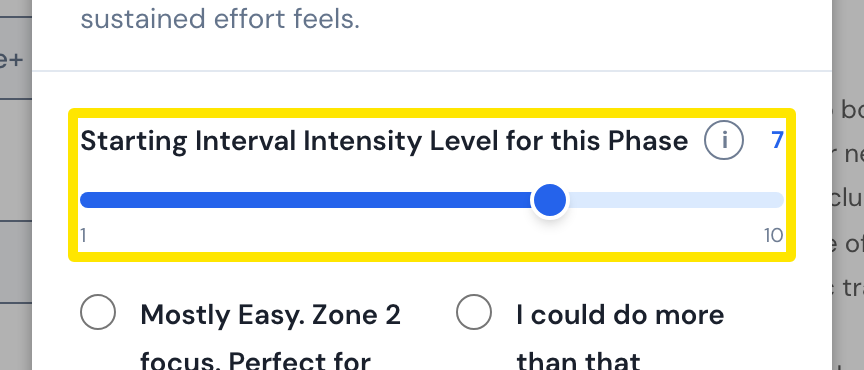 Where: Website · Coach Jack plan builder → Ride Feel
- For a bigger change, pick another phase type in the box at the top (the Harder group for more), or Custom ⚙.
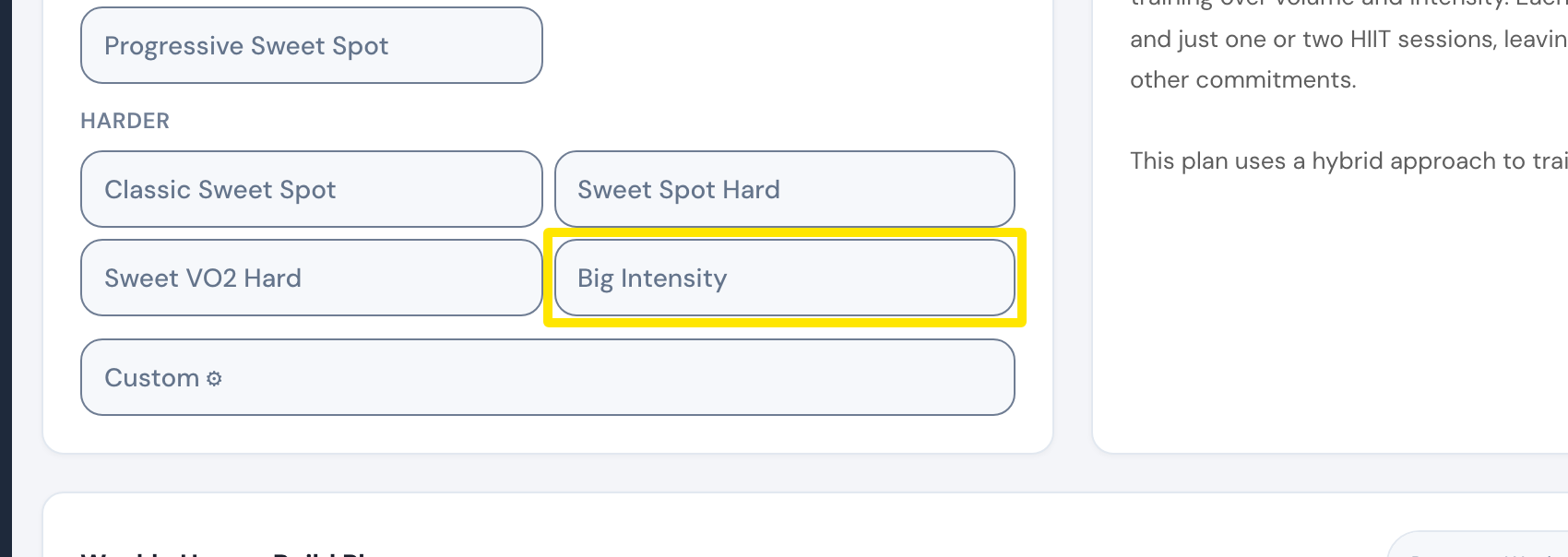 Where: Website · Coach Jack plan builder → Build phase tab
- Click Save & Next, then Sync with My Calendar.
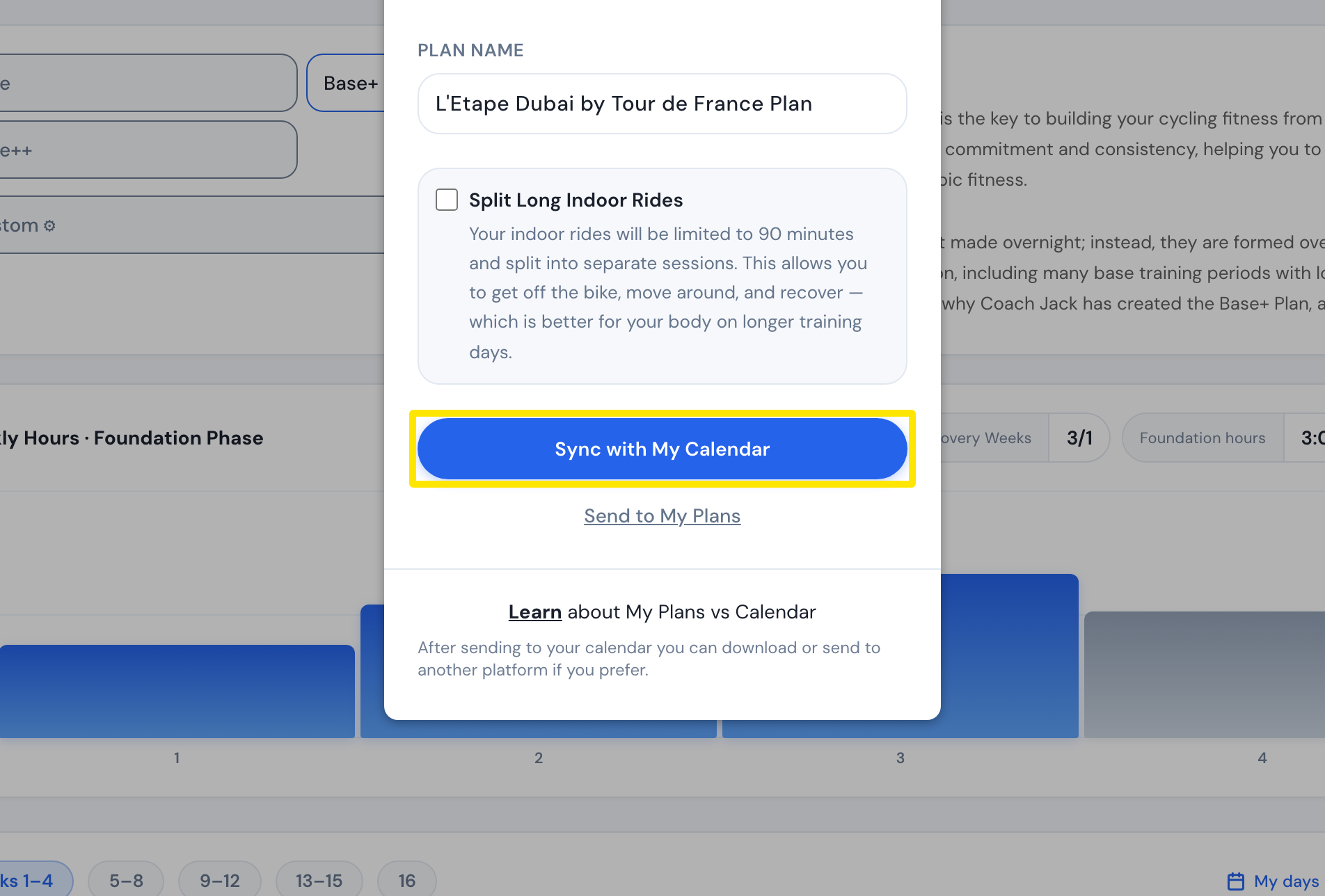 Where: Website · Coach Jack plan builder
Good to know: Syncing replaces the plan's workouts from today on. The Harder group only shows for a Build or Sharpen phase, or a single-phase plan of at least 6 weeks.
Works on: Website only. The mobile and desktop apps have no Coach Jack builder.