

Why don't I see the 'Original' label on workouts in the phone app?
The phone app (iPhone and Android) does not show the Original label on workouts; only the TrainerDay website does, so open your workouts on the website to see it.
If you want to find the workouts you made yourself in the phone app, see: How do I find my custom workouts in the mobile app?
The Original label is not missing by mistake. The iPhone and Android apps do not show it. Only the website does.
- On a computer or browser, open the website at https://app.trainerday.com and look at your workouts there to see the Original label.
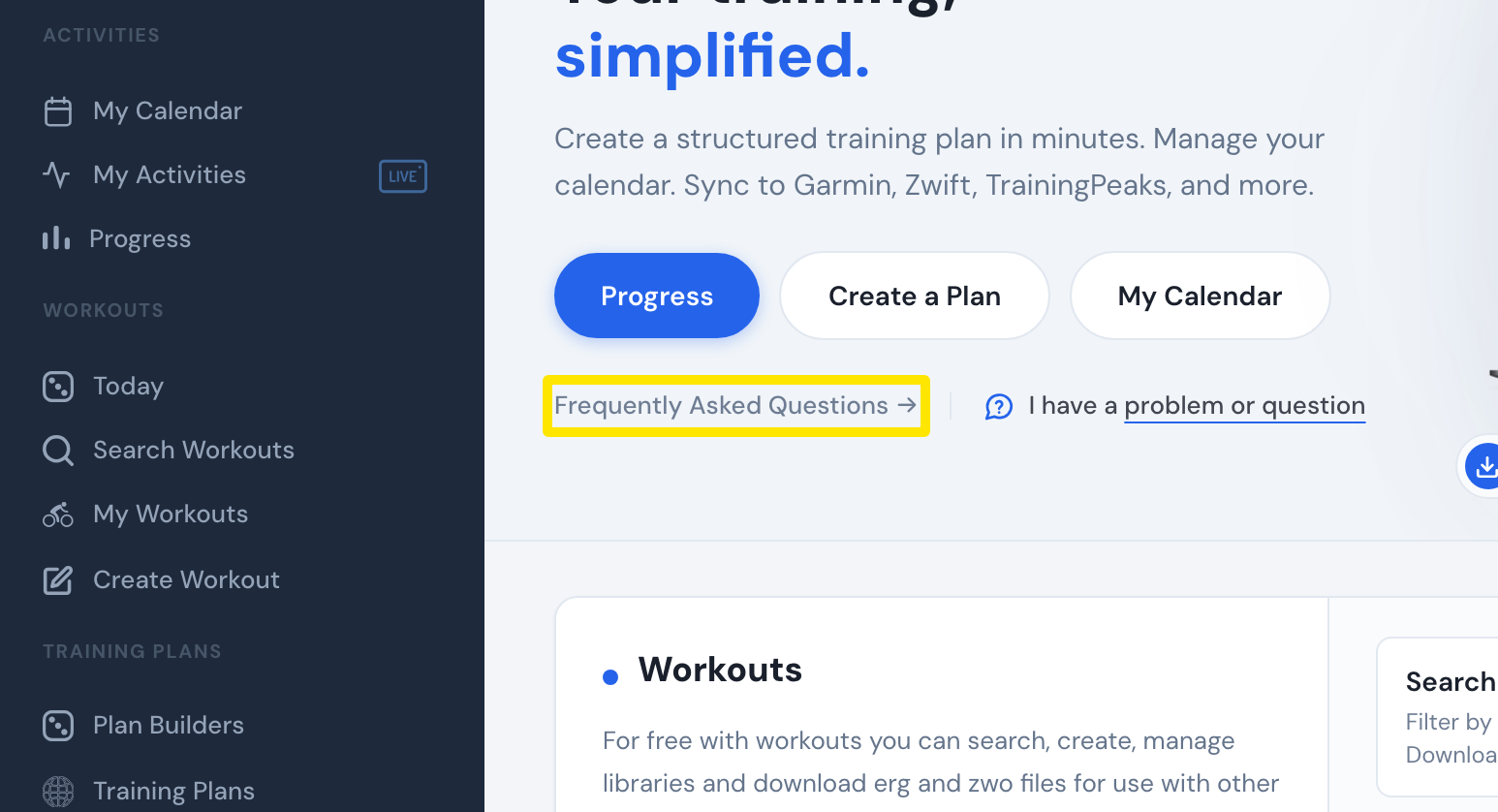 Where: Website · Home · open it
Works on: website only. Not on iPhone or Android.