

How do I send my rides to Garmin Connect with RunGap?
TrainerDay can't send finished rides to Garmin Connect itself, so on iPhone you connect both TrainerDay and Garmin Connect in the free RunGap app, which passes your rides on.
- On the TrainerDay website, open Connections and point to the info icon next to Garmin. The note explains that Garmin's policies block completed-activity uploads and suggests RunGap on iOS.
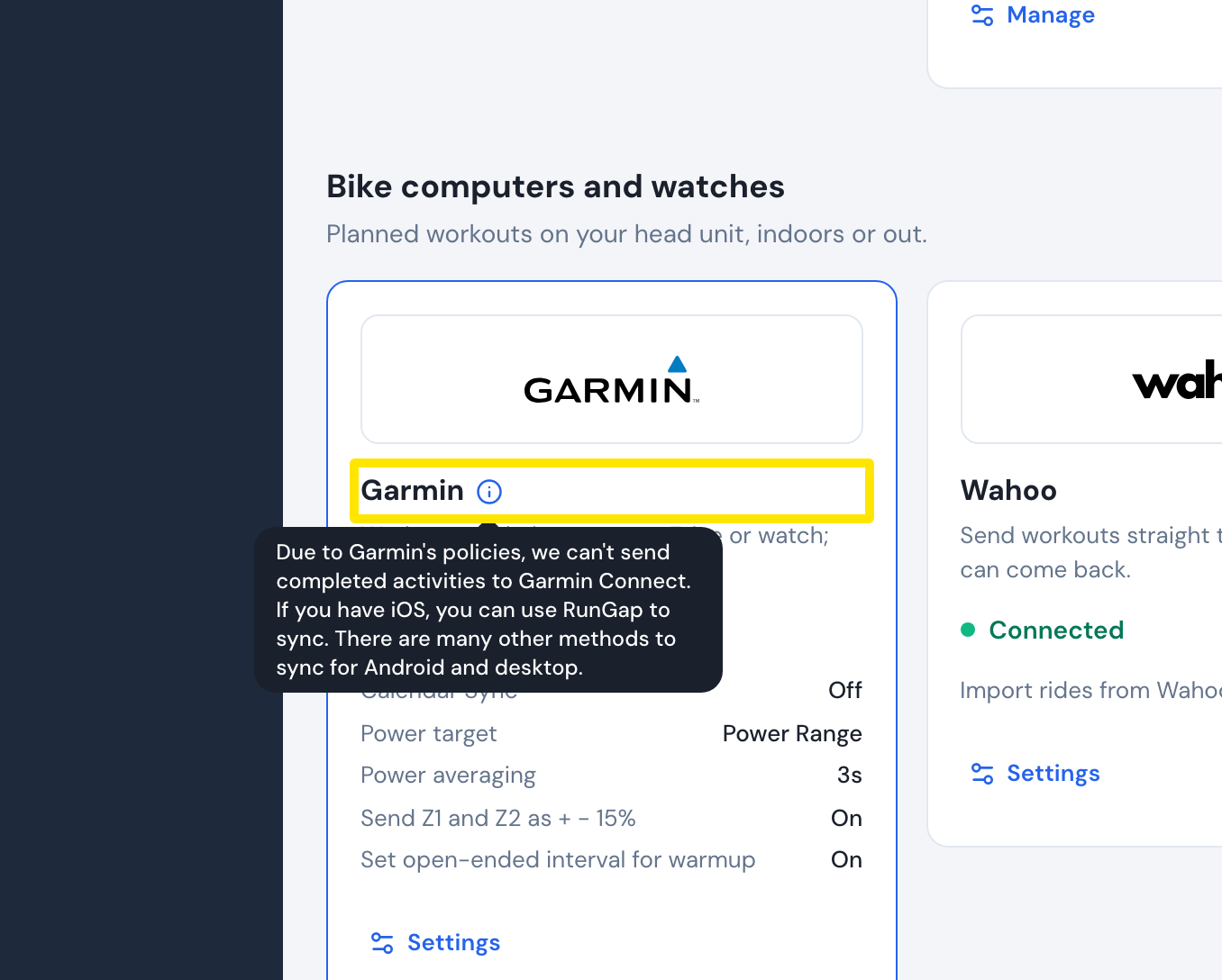 Where: Website · Connections · open it
- On your iPhone, open the free RunGap app and link TrainerDay by signing in with your TrainerDay account.
- In RunGap, also connect Garmin Connect. RunGap then sends your TrainerDay rides, including TSS, to Garmin Connect.
Good to know: If Garmin's two-step sign-in (2FA) blocks the sync, reconnect both accounts in RunGap.
Works on: iPhone (RunGap is an iOS app).