

How do I send my rides to Dropbox automatically?
Connect Dropbox on the TrainerDay website's Connections page, and every ride you finish is saved automatically as a TCX or FIT file in your Dropbox.
- On the TrainerDay website, open Connections (the menu under your name) and click the Dropbox card.
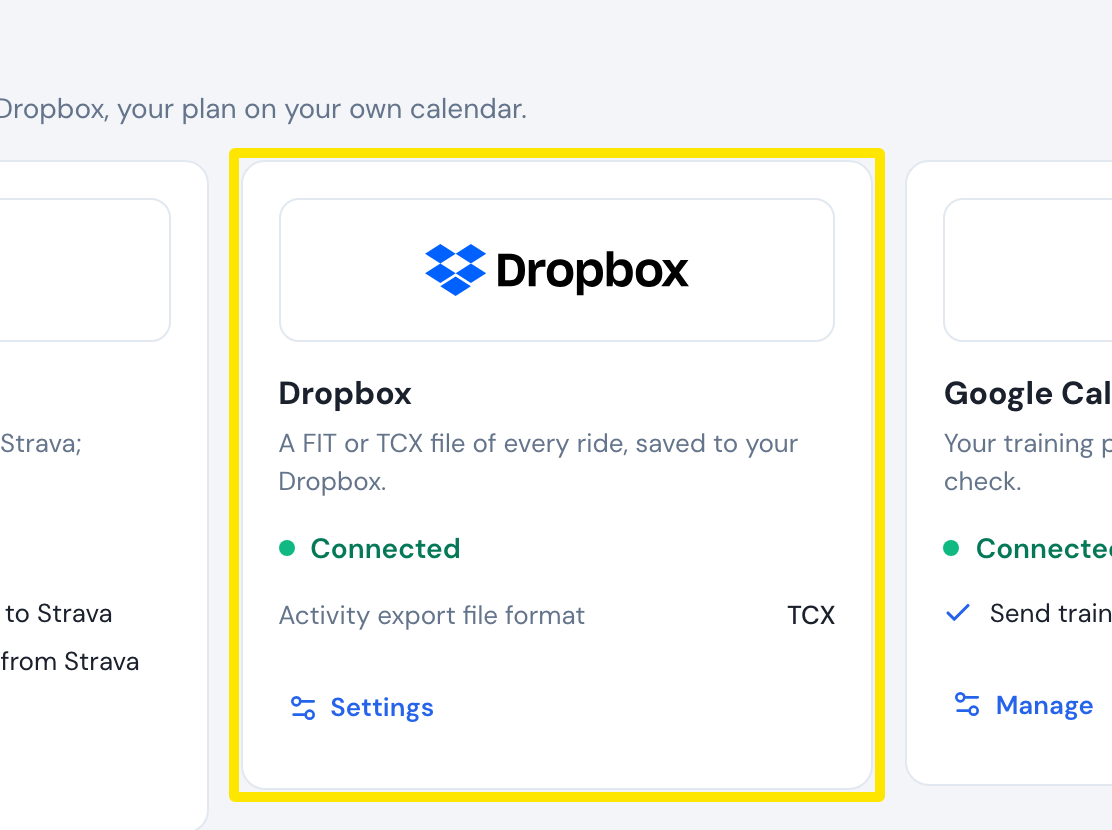 Where: Website · Connections · open it
- Click Connect and sign in to Dropbox. This needs a Premium plan; otherwise the upgrade prompt opens.
- Back on the Dropbox card, under Activity export file format, choose FIT or TCX (TCX is the default).
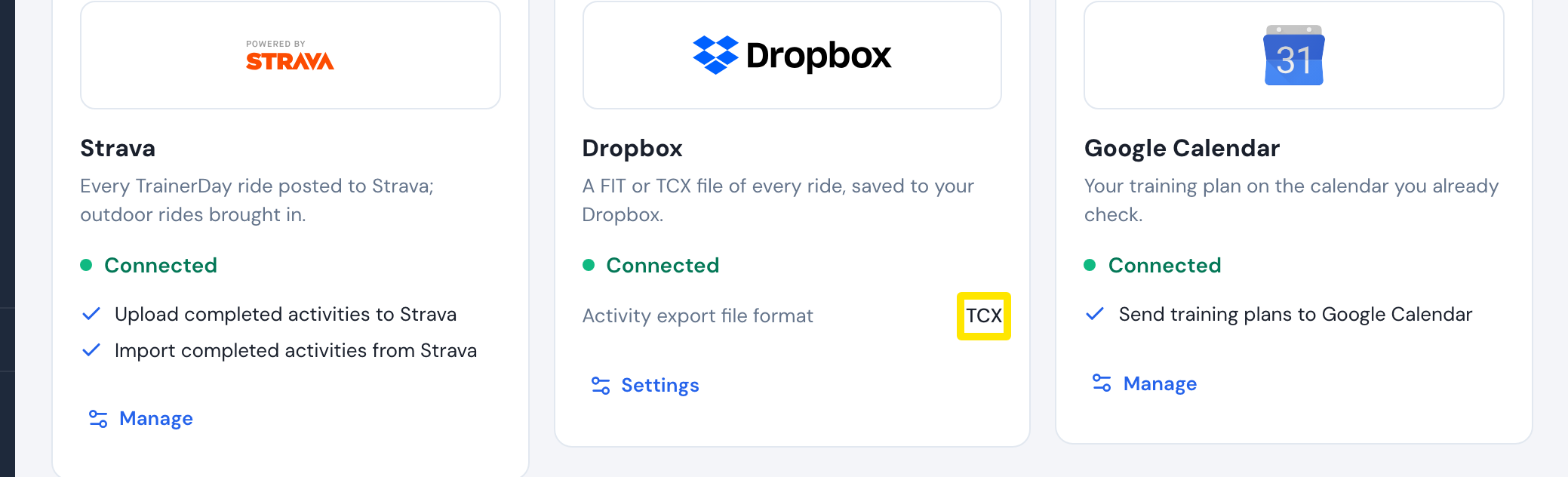 Where: Website · Connections · open it
- From then on, every ride you finish is saved to the TrainerDay folder in your Dropbox. If some rides were not sent, click Sync Activities on the Dropbox card to send them (up to 500).
Good to know: The folder and file name (date, time and ride name) cannot be changed.
Works on: Website, phone app (Settings → Connections → Dropbox) and desktop app (Connections); rides recorded in any app are uploaded.