

How do I change workout intensity by a percentage while riding?
During a ride in the TrainerDay mobile or desktop app, tap the up/down arrows (mobile) or the − and + buttons (desktop) on the workout screen to raise or lower the target power of the whole workout by a percentage, without changing your FTP.
- In the TrainerDay mobile app, start a workout. On the workout screen, in ERG mode, tap the up or down arrow in the bar under the chart.
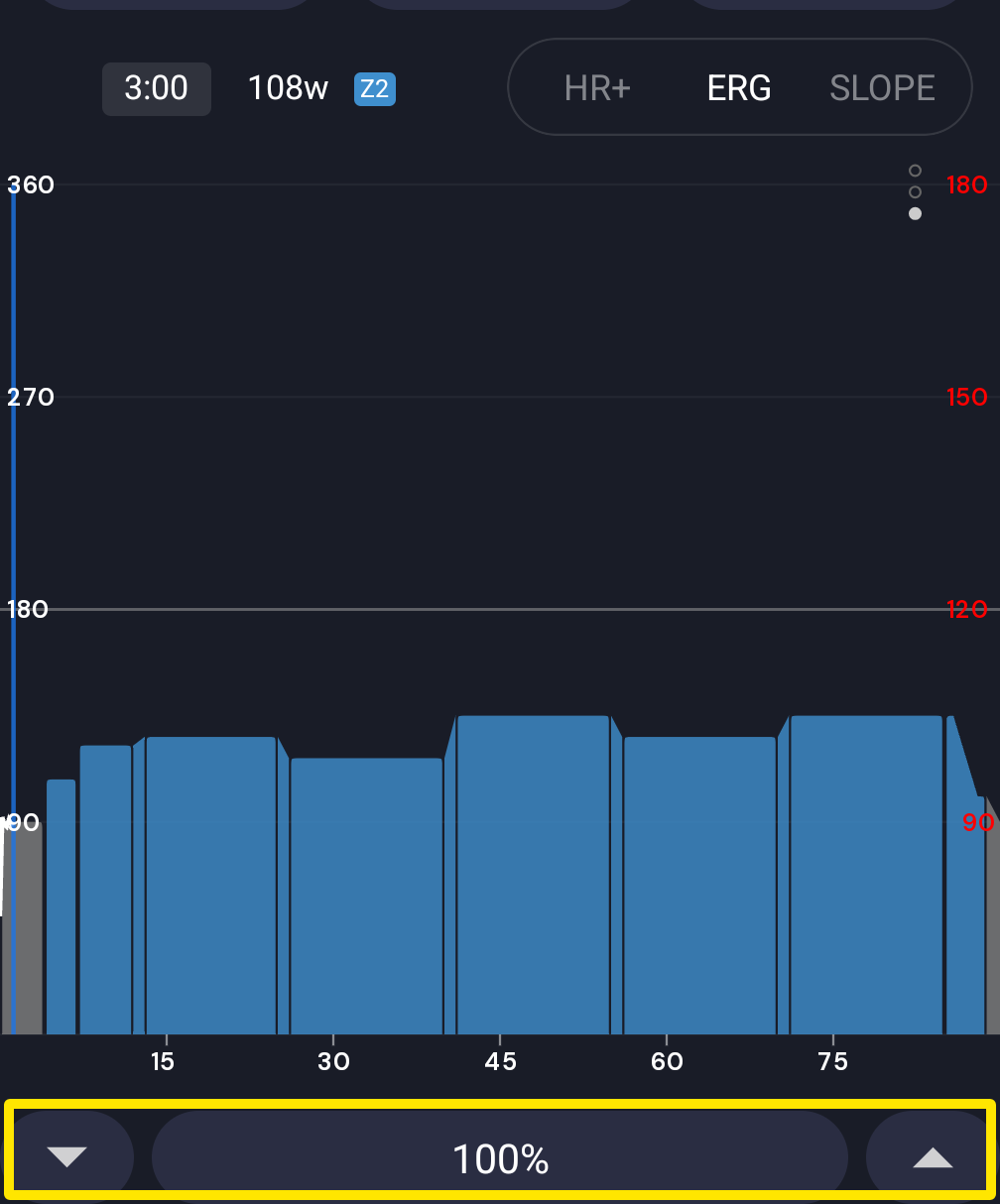 Where: Mobile app · the workout screen during a ride
- Each tap raises or lowers the target power of the whole workout, recoveries included, by 5% unless you change it. The number between the arrows shows the current workout intensity: 100% means the original workout targets.
- In the desktop app, start a workout from the Today tab with Ride Now. On the workout screen, click the − or + button at the right of the bottom bar, or press the ↓/↑ keys. Each click changes the target power by 1% unless you change it, from 10% to 200%.
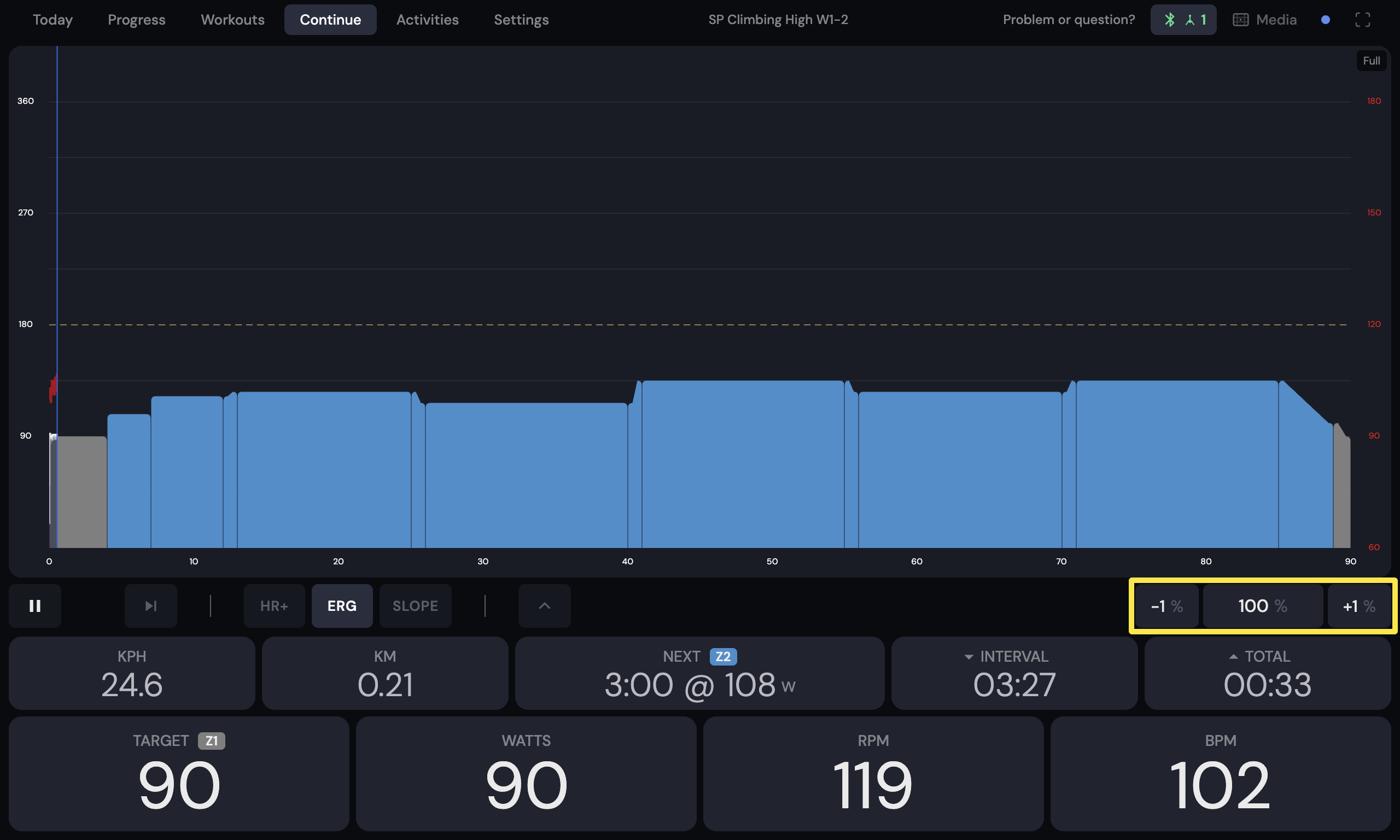 Where: Desktop app · the workout screen during a ride (Today tab → Ride Now)
Good to know: To set the percentage change per tap, see page 1881. It is easiest to do this before you start the workout.
Works on: mobile app and desktop app.