

How do I change ERG and slope targets faster?
Set a bigger step size before you ride in the desktop or mobile app's Settings, then change ERG and slope targets with the arrow keys on desktop or the up and down arrows on mobile.
Desktop app (Mac/Windows)
- Before the ride, open the Settings tab and go to Step Sizes. Set ERG Step (%) (1–20) and Slope Step (%).
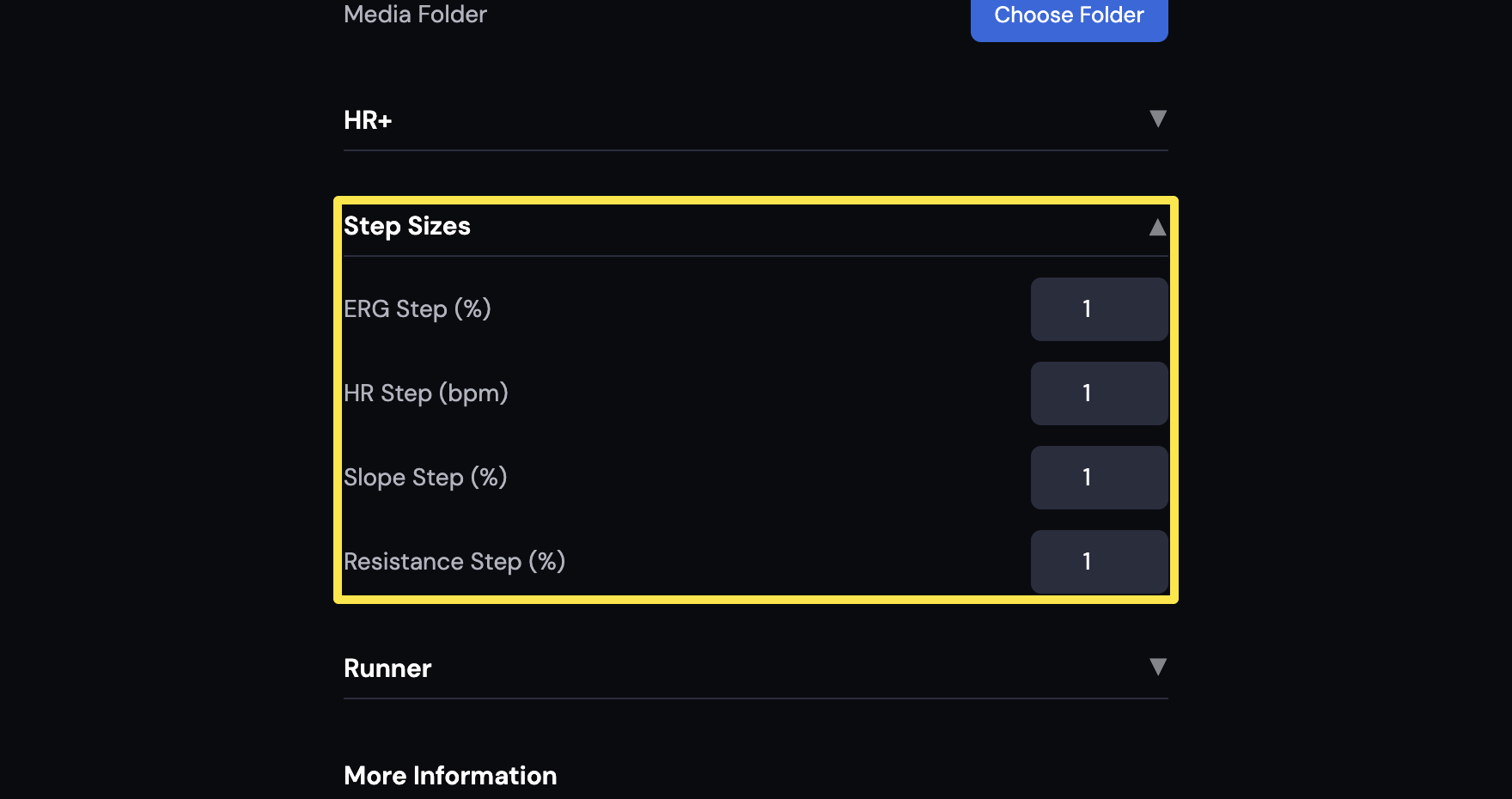 Where: Desktop app · Settings tab → Step Sizes
- Go to the Today tab and click Ride Now.
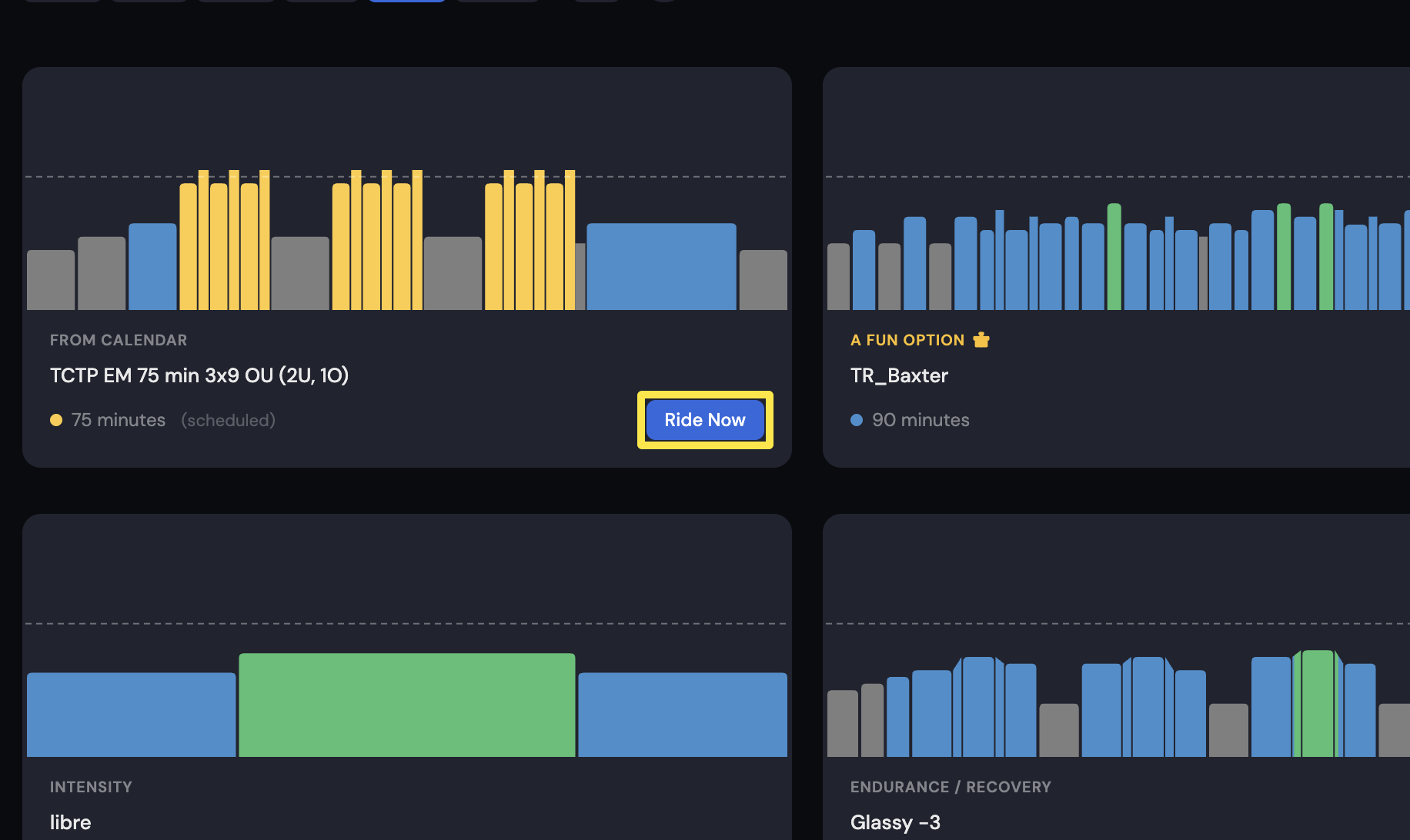 Where: Desktop app · Today tab
- On the workout screen, press the Up and Down arrow keys, or click the -N / +N buttons beside the target.
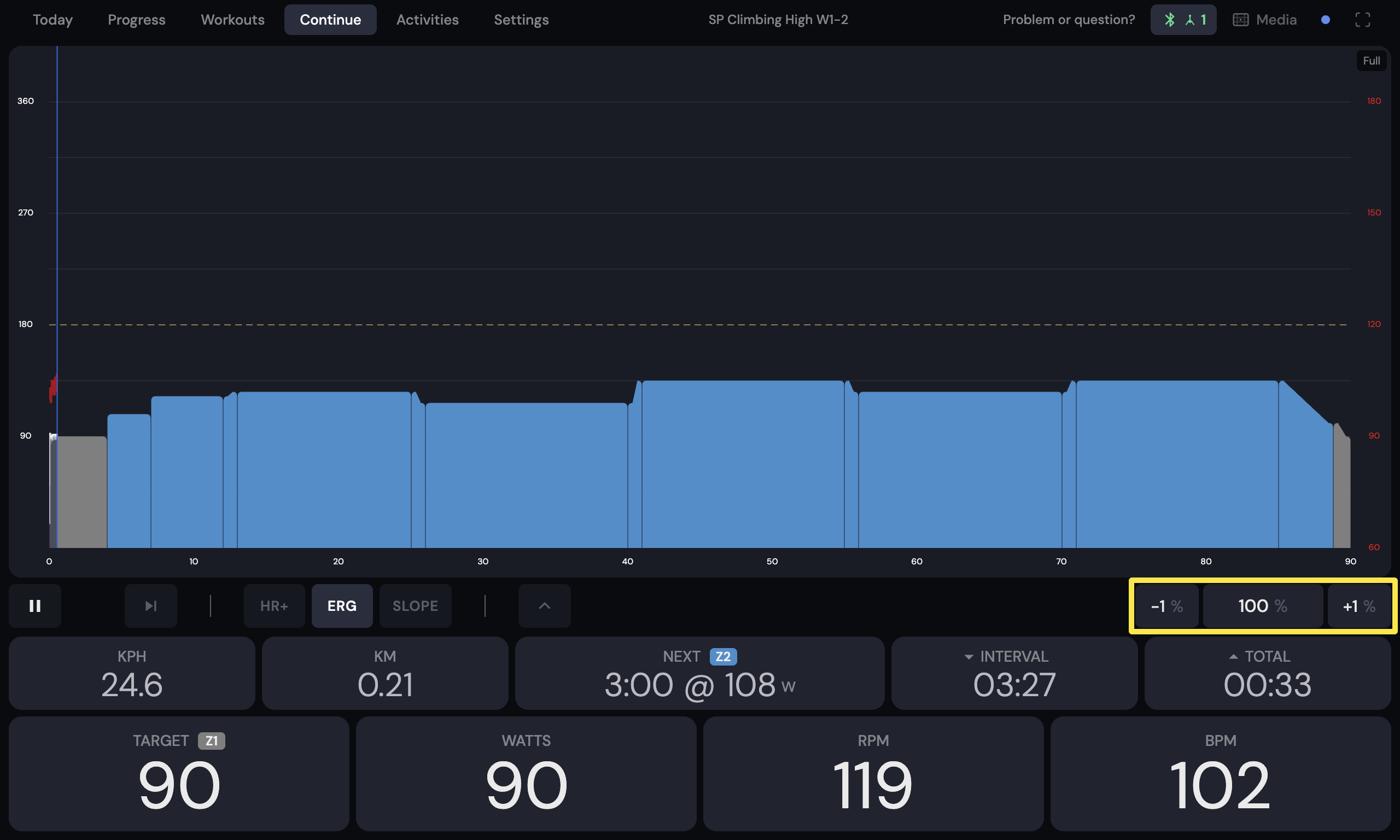 Where: Desktop app · the workout screen during a ride (Today tab → Ride Now)
Mobile app
- Before the ride, open the Settings tab and tap Other Options.
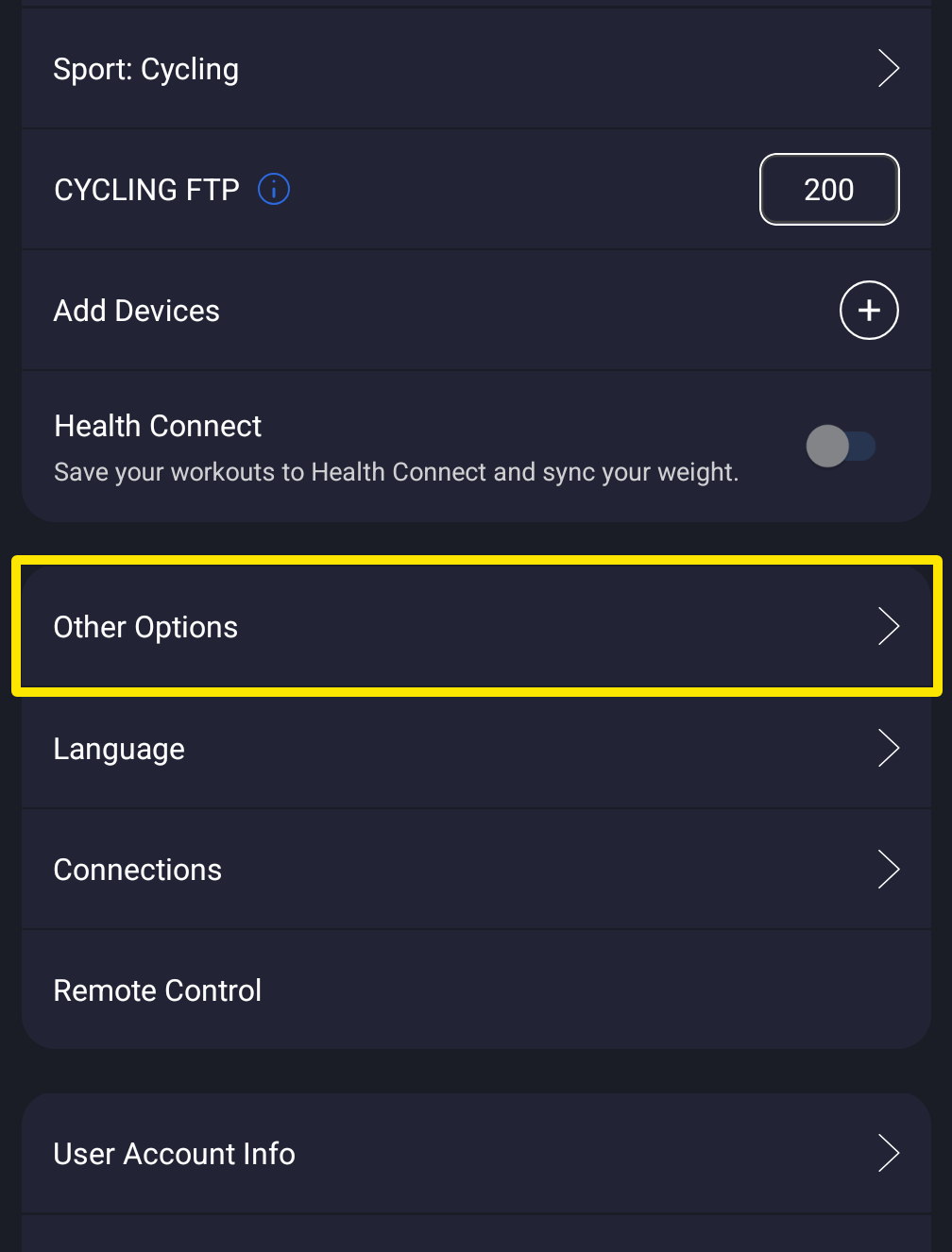 Where: Mobile app · Settings tab
- Set ERG Increase % (1–20) and Slope Increase % (0.1–2).
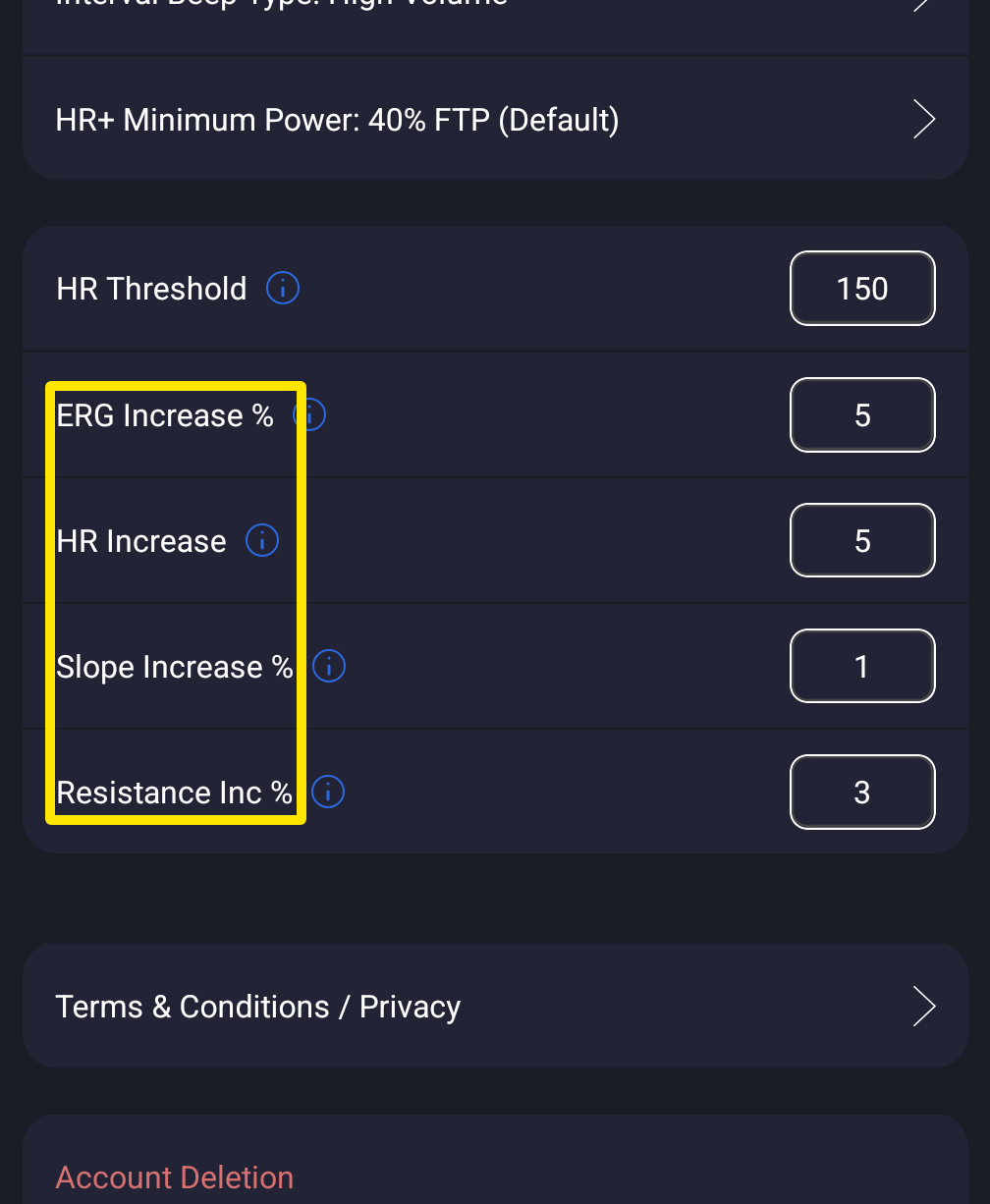 Where: Mobile app · Settings tab → Other Options
- During the ride, tap the up and down arrows under the chart.
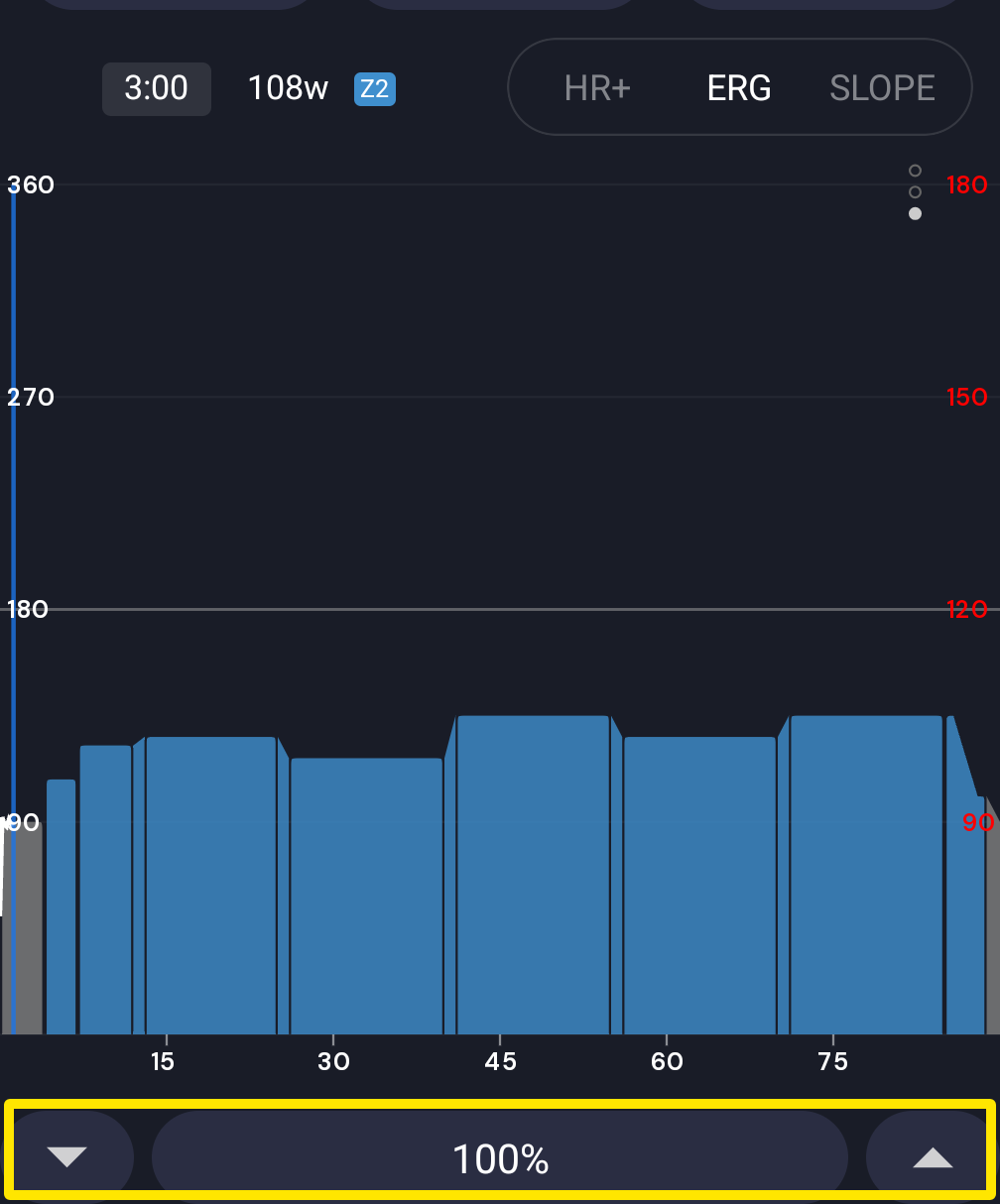 Where: Mobile app · the workout screen during a ride
Good to know: Holding a button does not repeat changes. While a desktop ride is running, open Settings → Remote Control on your phone for big +/- buttons.
Works on: Desktop and mobile apps. Arrow keys work on desktop only. The website has no player.