

How do I bulk import workouts using the TrainerDay API?
To bulk import workouts with the TrainerDay API, zip up to 100 .zwo files and send the zip to POST /api/v2/workouts/import-zip; the same zip upload is also on the website's Create Workout page.
- Put your workouts in one zip file, up to 100 .zwo files.
- Send the zip to the bulk import call:
POST /api/v2/workouts/import-zip. - If you don't want to write code, open the website at app.trainerday.com/workouts/create and click Upload ZIP of ZWO files to upload the same zip.
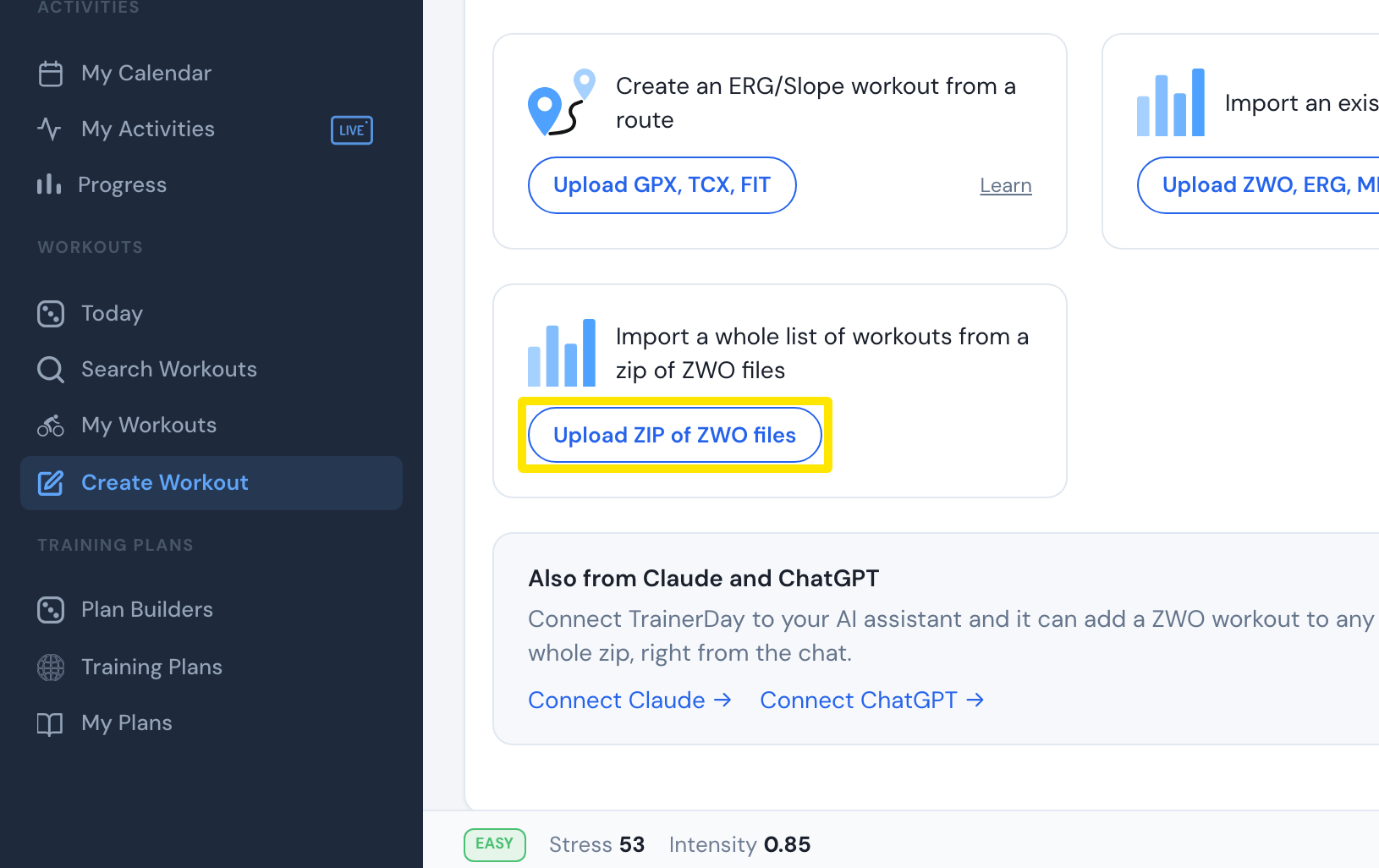 Where: Website · Create Workout · open it
Good to know: POST /api/v2/workouts creates only one workout from one ZWO file per call. Use import-zip for bulk imports.