

How do I get my cadence targets onto my Wahoo, Garmin or Zwift?
Add a cadence target to each step in the website's workout editor, then use Send To on the workout's page to send it to Garmin, Wahoo or Zwift.
- On the website, click Create Workout in the sidebar (app.trainerday.com/workouts/create).
- Open the Fields: dropdown and tick Cadence.
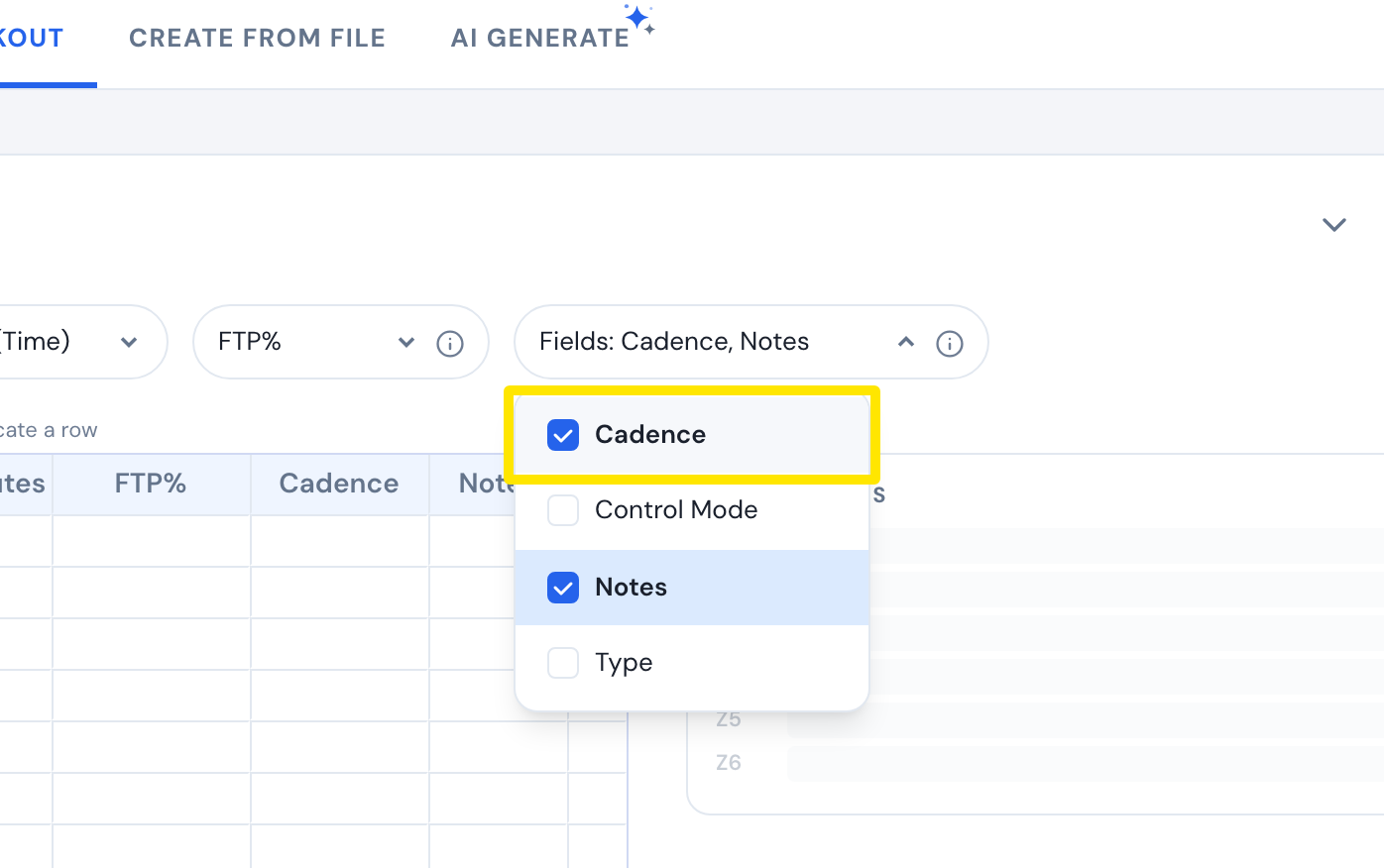 Where: Website · Create Workout · open it
- In each step's Cadence box, type the rpm, e.g. 85-95.
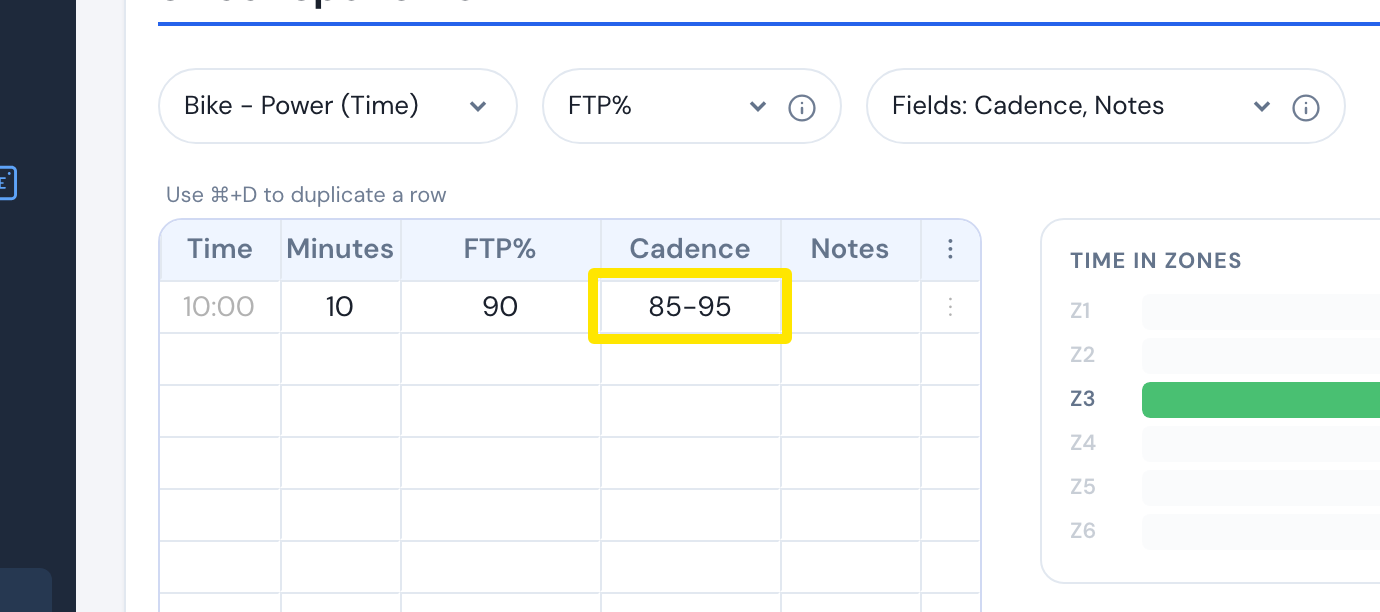 Where: Website · Create Workout · open it
- Click Save workout, then Save.
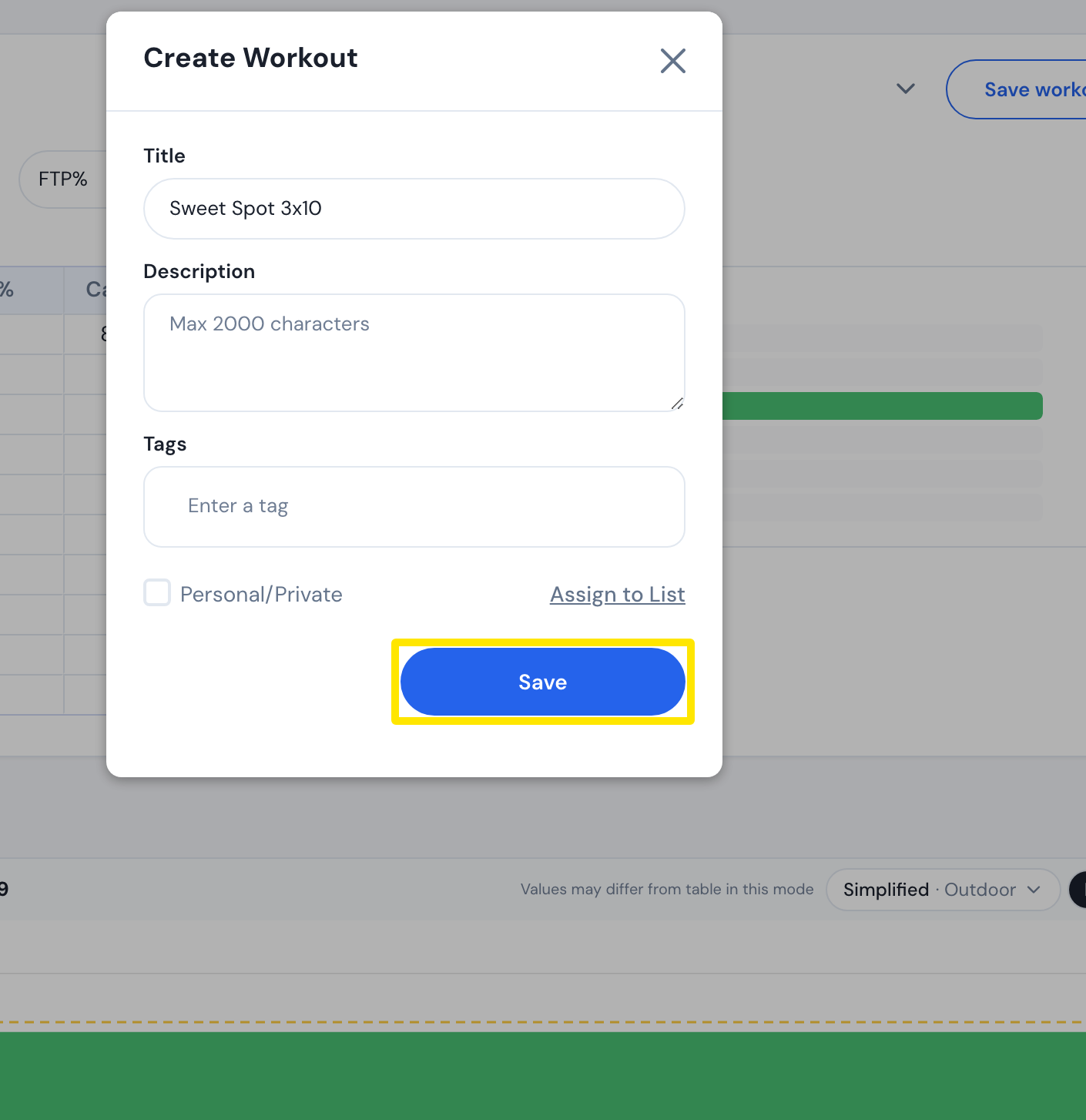 Where: Website · Create Workout · open it
- Go to the Connections page and connect Garmin, Wahoo or Zwift.
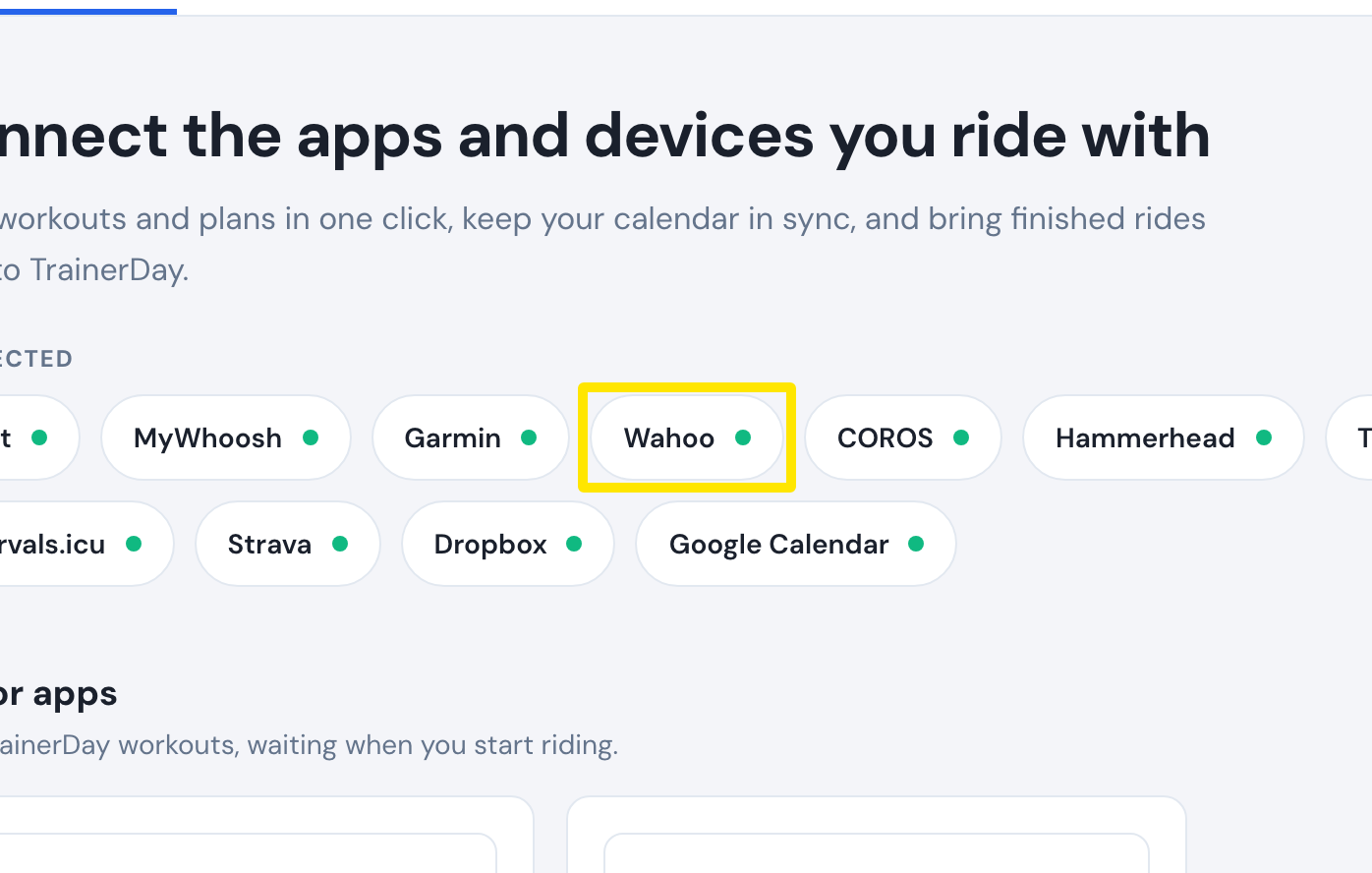 Where: Website · Connections · open it
- Open My Workouts and click your workout to open its page.
 Where: Website · a workout's page (click a workout in My Workouts)
- Click Send To, choose Garmin, Wahoo or Zwift, and click Send.
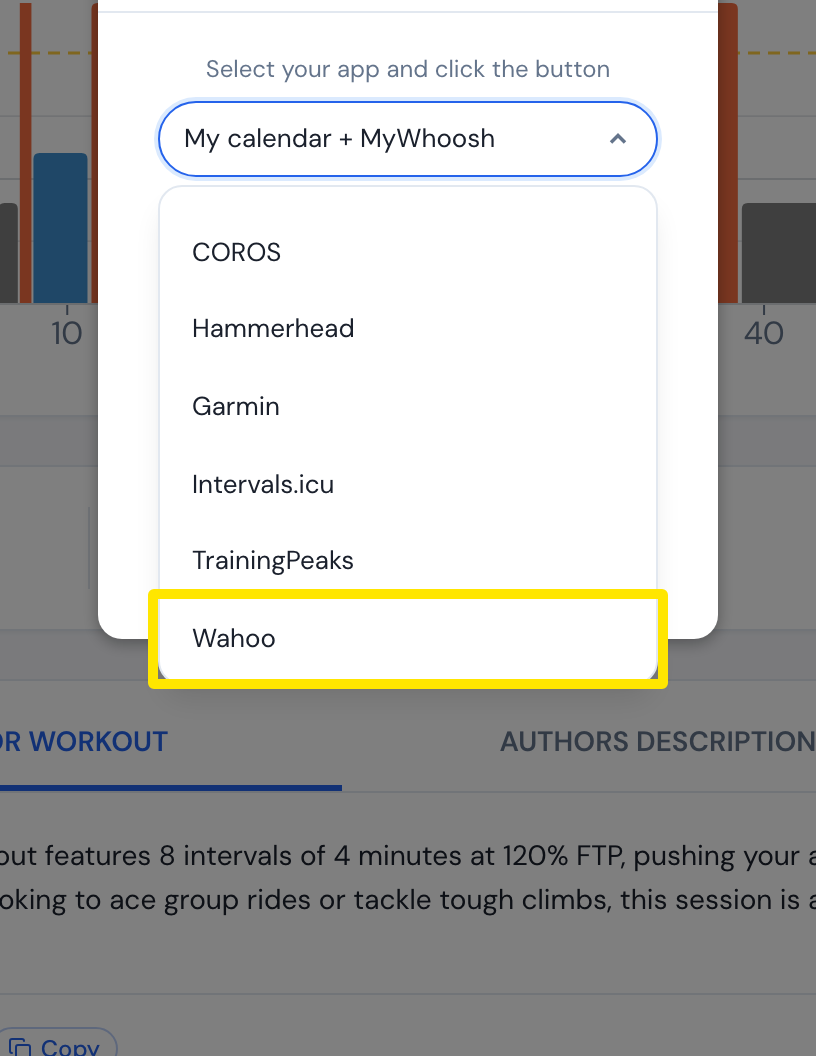 Where: Website · a workout's page (click a workout in My Workouts)
Good to know: Garmin and Wahoo keep the range (85-95); Zwift gets one cadence per interval, the middle of the range (90).