

How do I add cadence targets to Coach Jack workouts?
Turn on Cadence blocks under Ride Feel in the website's Coach Jack builder, or pick the "Zone 2 + Cadence Blocks" sequence in Custom, to add cadence work to your plan's endurance rides.
To add a cadence target to just one workout, edit it in the workout editor: see How do I add a cadence target to a workout?
- On the website, open your plan in the Coach Jack builder: go to My Plans, open your plan, and click Edit Plan. (For a new plan, use Plan Builders → Create New Plan.)
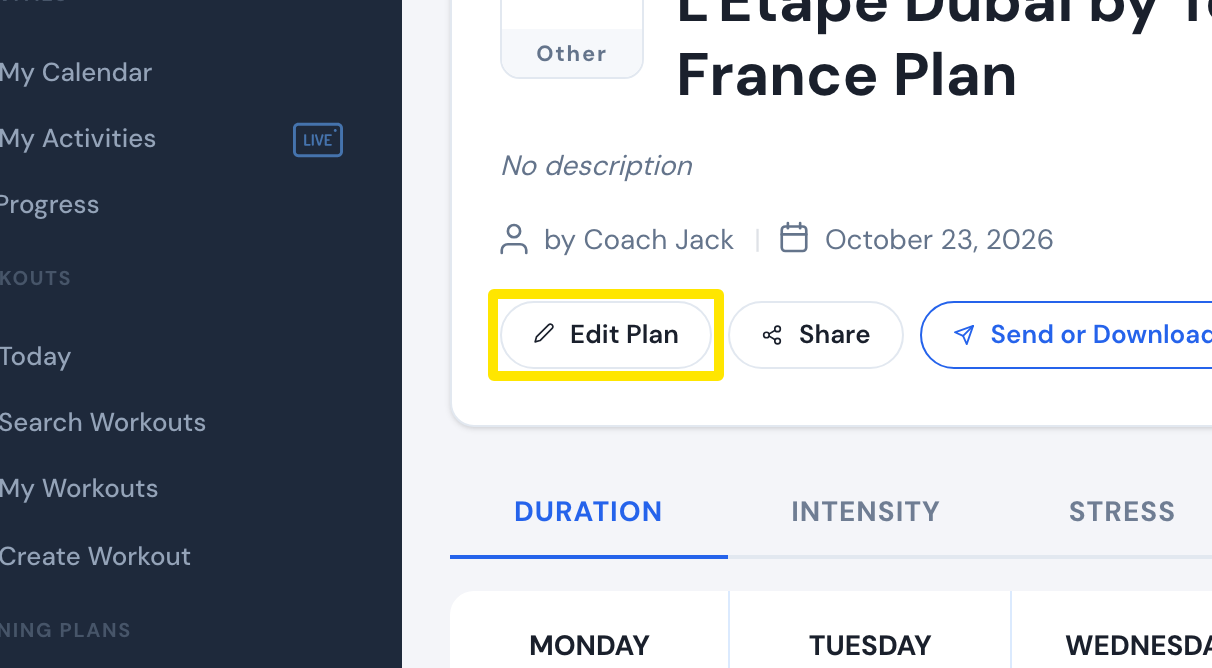 Where: Website · a plan's page (My Plans → View plan)
- Above the calendar, click Ride Feel (with its number).
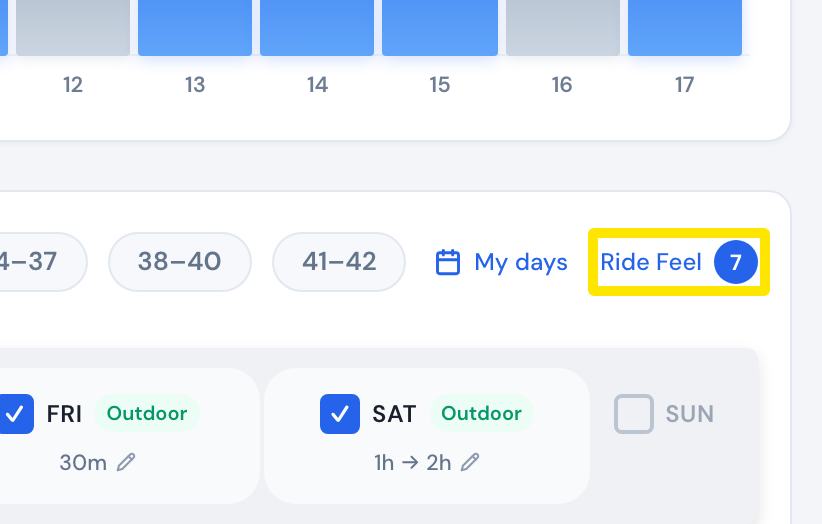 Where: Website · Coach Jack builder
- Under Endurance rides, turn on Cadence blocks. Under Target cadence, keep the measured rpm or type your own.
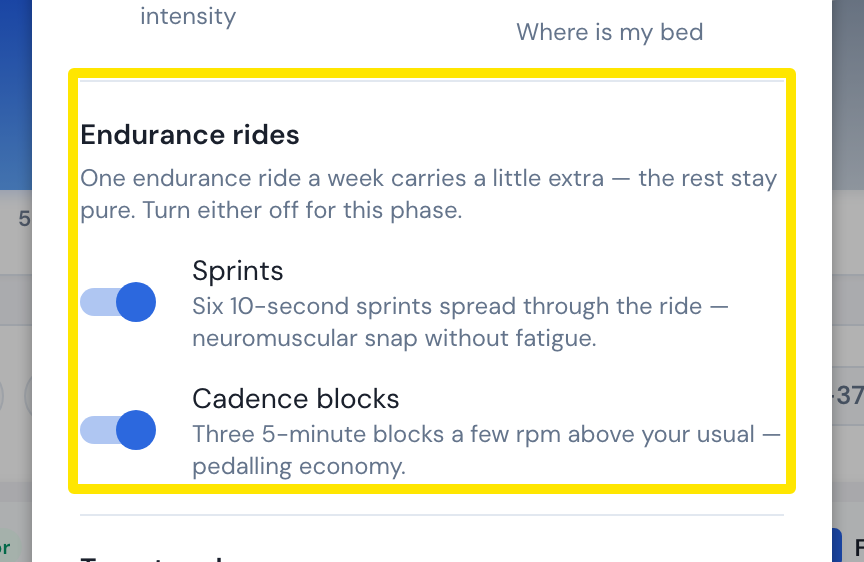 Where: Website · Coach Jack builder → Ride Feel
- Click Save.
- Or, back in the builder, click Custom ⚙ and choose Zone 2 + Cadence Blocks as one of your 3 sequences.
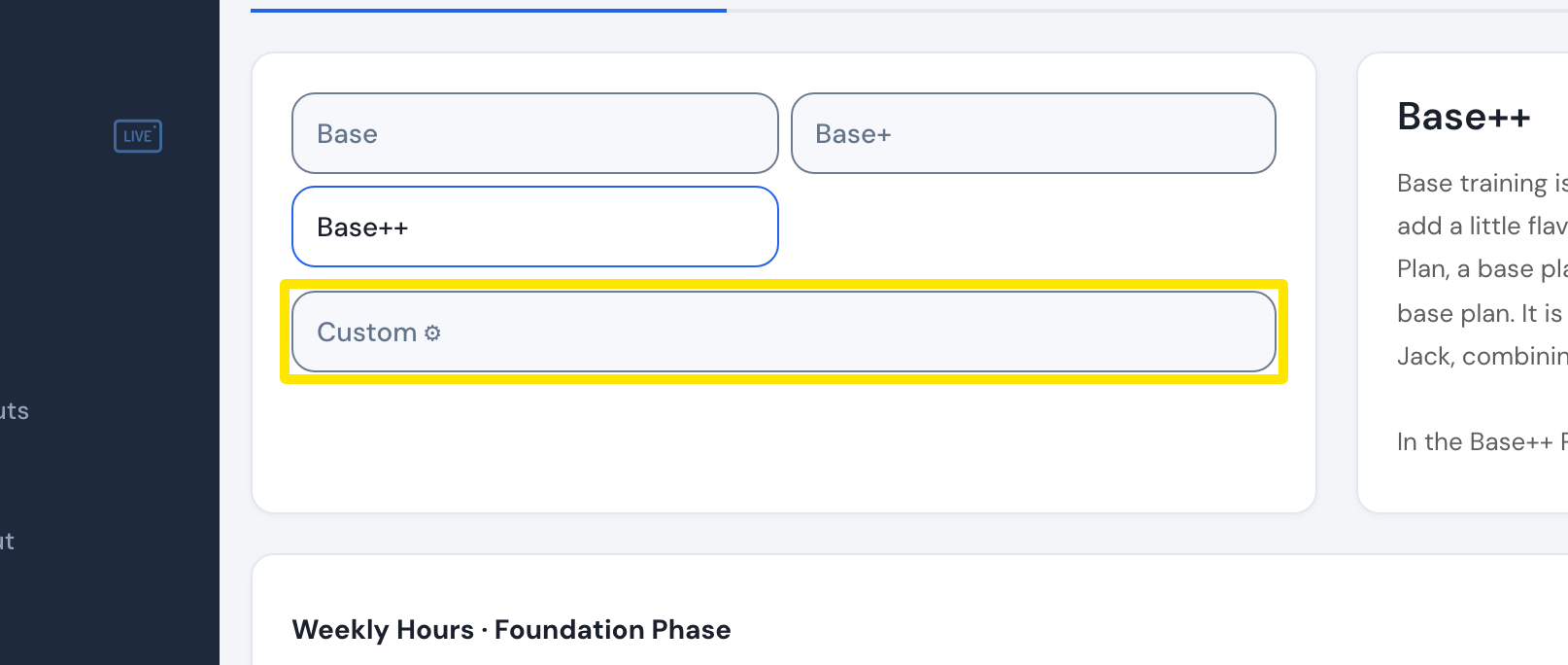 Where: Website · Coach Jack builder
Good to know: One endurance ride a week gets three 5-minute blocks a few rpm above your usual cadence. Without a target cadence, those days ride as plain Zone 2. With Sprints also on, the weeks alternate.
Works on: website only. The mobile and desktop apps have no plan builder.