

How do I set a heart rate target in Quick Start?
In the TrainerDay mobile app, open the Quick Start tab, tap HR+ and use the up/down arrows to set your BPM TARGET; the app then sets your trainer's power to bring your heart rate to that target.
- In the TrainerDay mobile app, make sure your smart trainer (with Control selected) and your heart rate strap are connected, then open the Quick Start tab.
- Tap HR+ in the mode buttons (Pro).
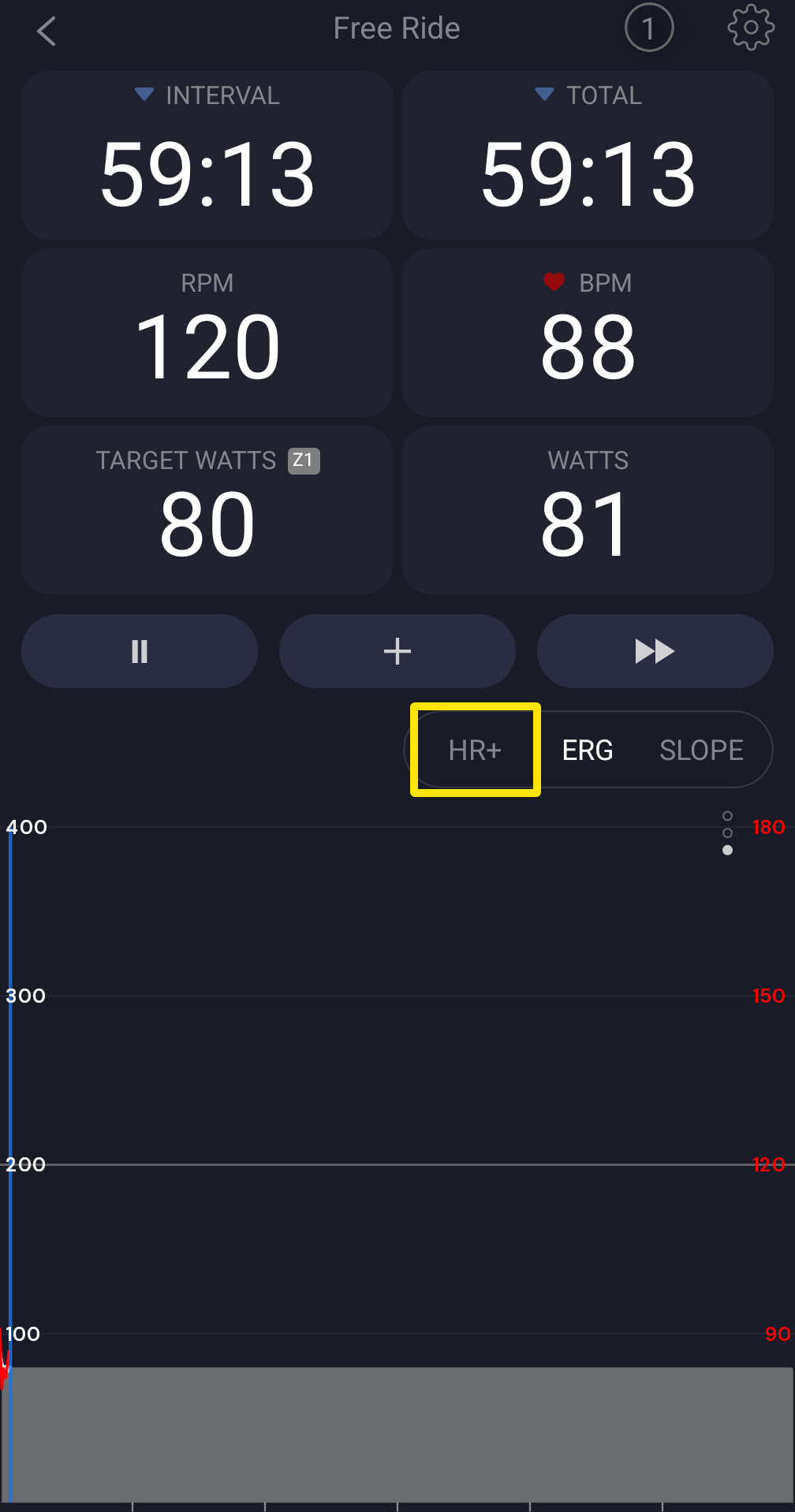 Where: Mobile app · Quick Start tab during a ride
- Use the up/down arrows to set the BPM TARGET in the toolbar. The app remembers it for next time (120 bpm the first time).
- Pedal or press Start. HR+ adjusts your trainer's power to bring your heart rate to that target.
Good to know: Quick Start is a 60-minute free ride (40 % of FTP, 1 % slope), so ERG and Slope work there too.
Works on: mobile app; desktop app (Quick Start page, HR+ in the bottom bar or press M, - / + set the BPM, starting at your threshold HR the first time). The website has no Quick Start.