

Ramps and Steps in TrainerDay
Ramps let power rise or fall smoothly over an interval. That suits warm-ups that build gently, cooldowns that ease off, and progressive efforts. Steps hold one flat target. In TrainerDay you choose between them with what you type in a single cell.
Where to find it:
- Website → Create Workout (sidebar) → Create Workout tab · open it
- Mobile app: no workout editor
- Desktop app: no workout editor
Make a ramp
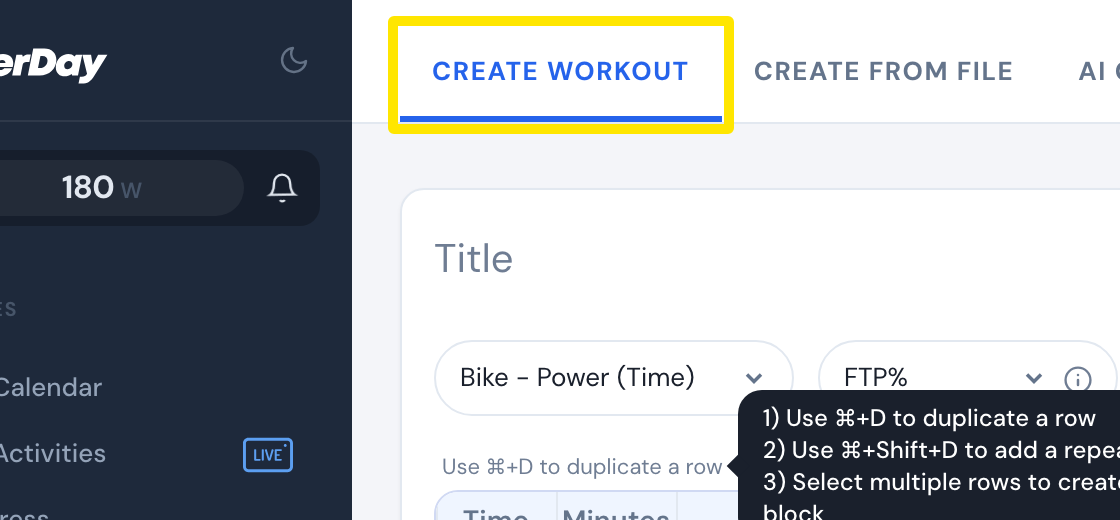
- On the website, open Create Workout in the sidebar and stay on the Create Workout tab.
 Where: Website · Create Workout · open it
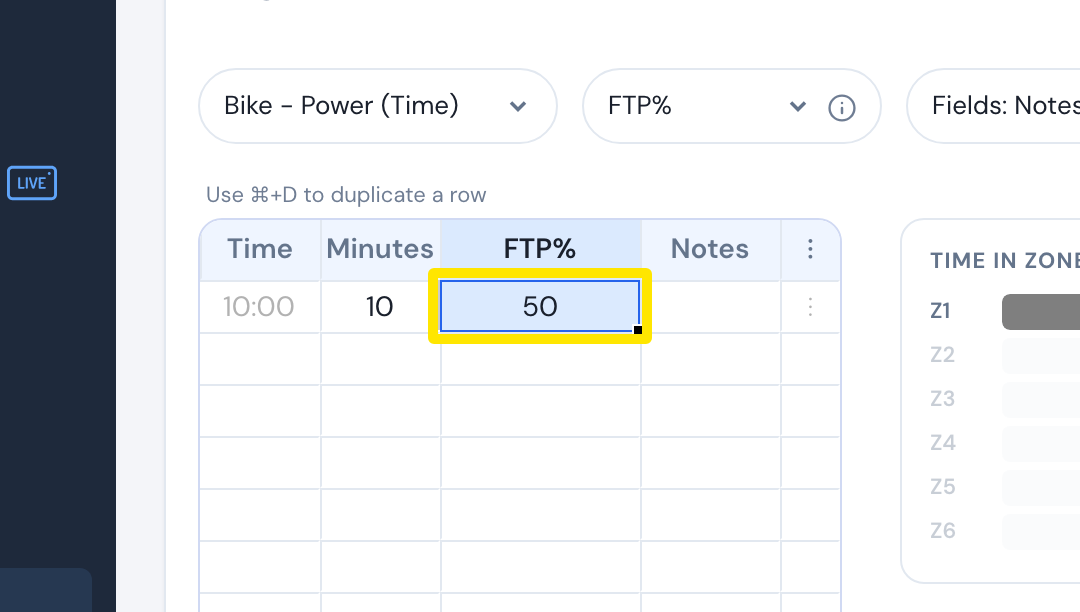
- Click the FTP% cell of a row.
 Where: Website · Create Workout · open it
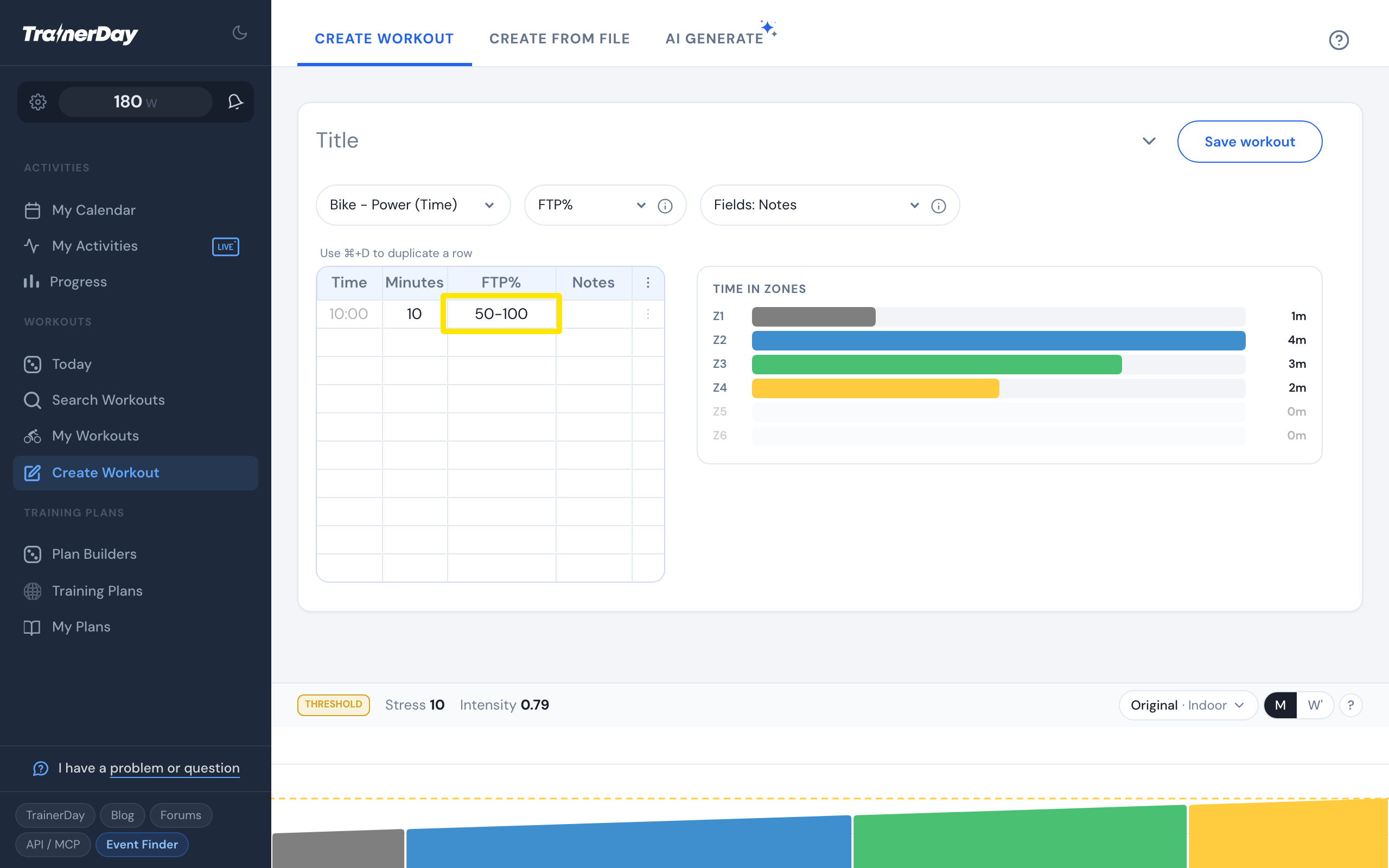
- Type two numbers with a dash, such as 50-100, and press Enter. The row ramps from 50% to 100% over its minutes, and the chart shows the slope. For a cooldown, put the higher number first.
 Where: Website · Create Workout · open it
Make a step
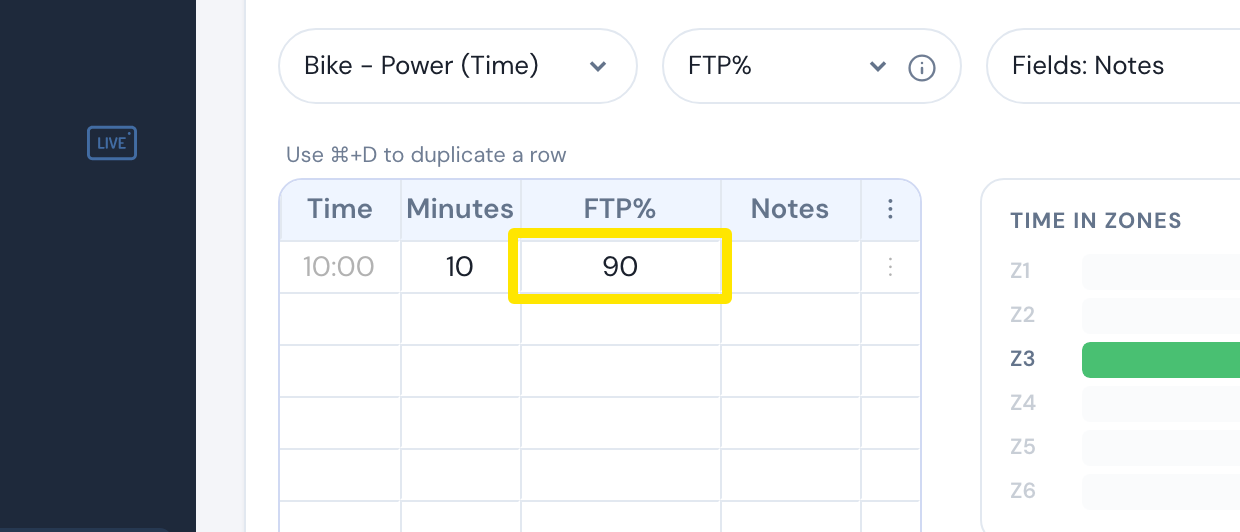
For a flat target, type a single number, such as 90. There is no separate flat-range option. A range in the power column is always a ramp.
 Where: Website · Create Workout · open it
Ramps in Watts or Zones
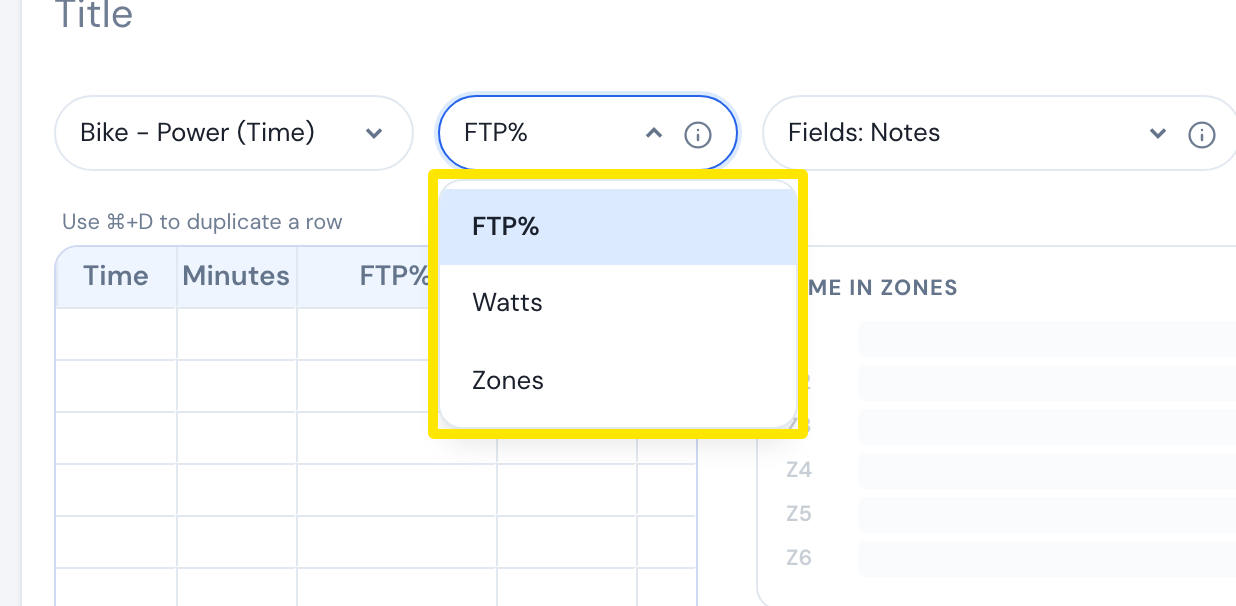
To work in Watts or Zones, switch the column with the FTP% header dropdown. Ranges work there too, such as 150-250 in Watts or 2-3 in Zones.
 Where: Website · Create Workout · open it
Take your ramps elsewhere
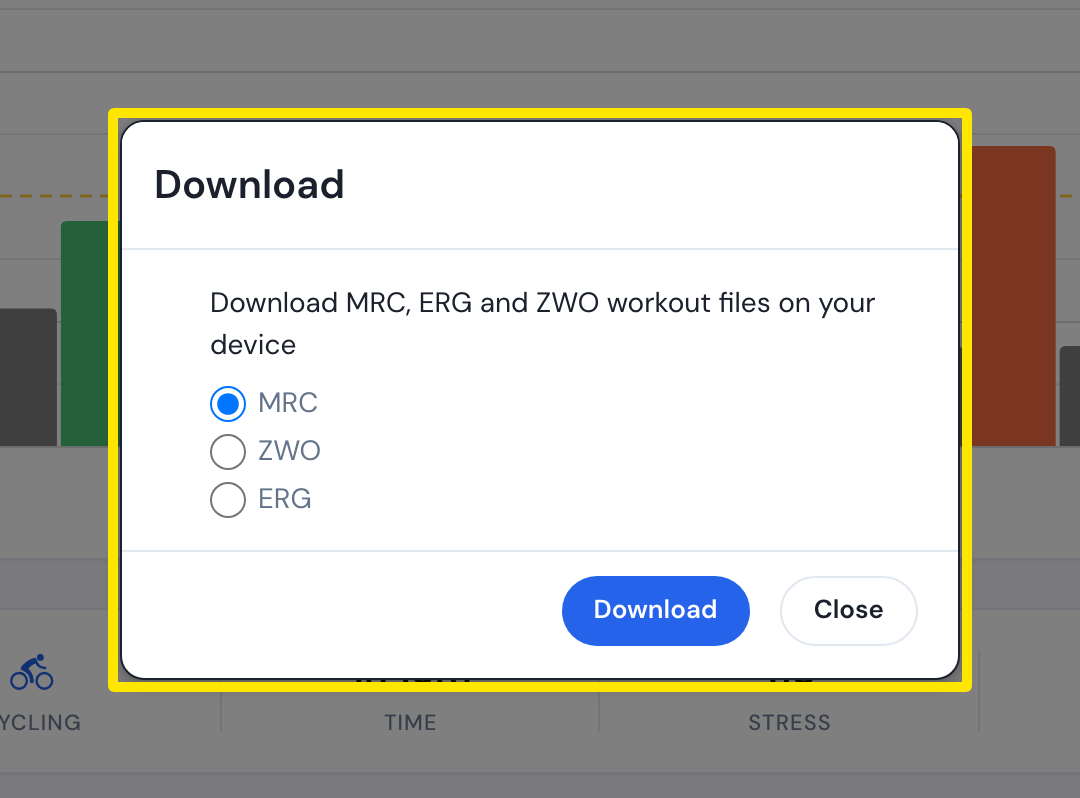
To download a workout file, open the workout's page, click the three-dots menu, click Download file, and choose MRC, ZWO or ERG. Only ZWO keeps cadence targets.
 Where: Website · a workout's page (click a workout in Search Workouts or My Workouts)
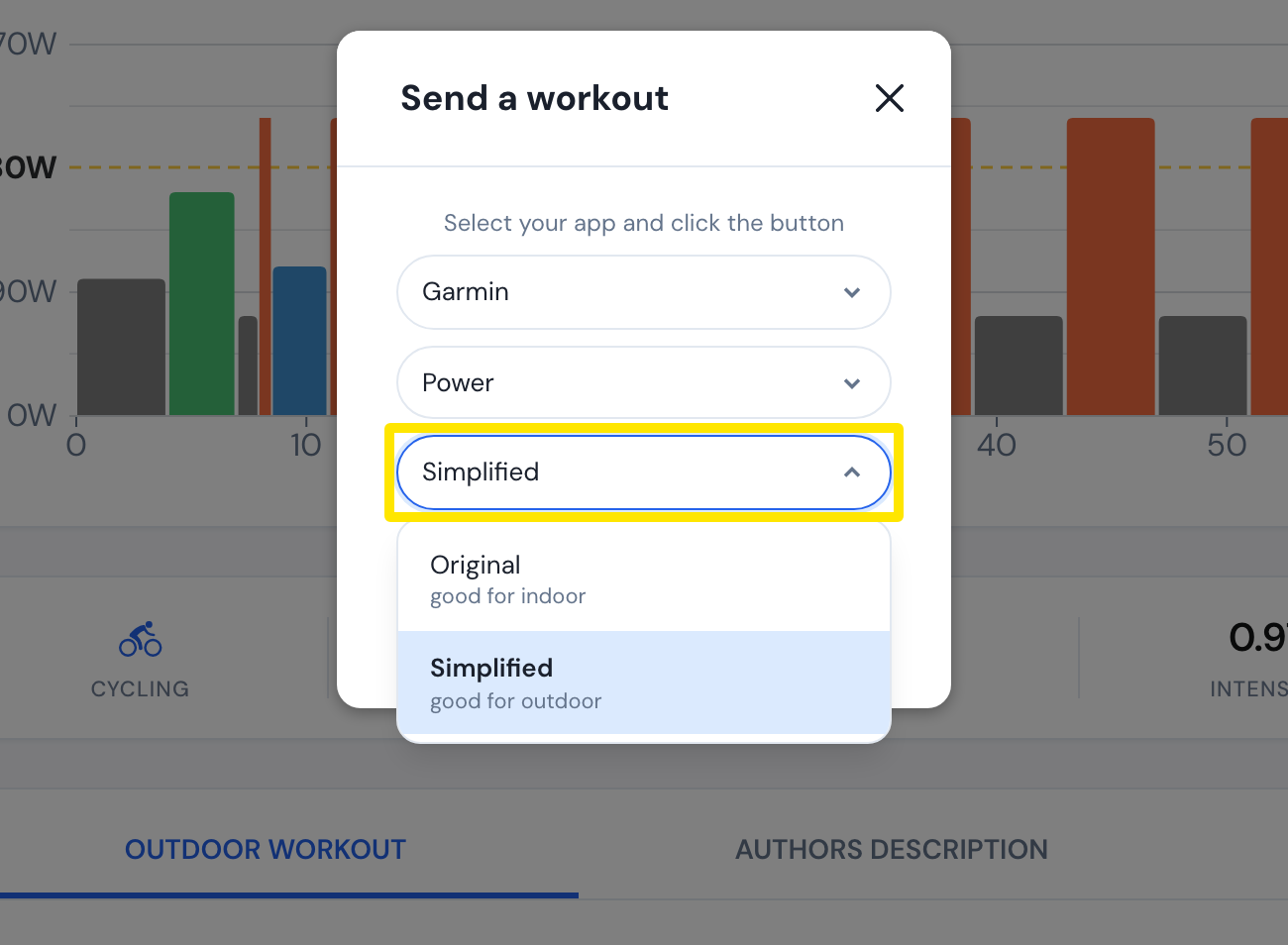
When you send to Garmin or TrainingPeaks with Send To, you pick a format. Original (good for indoor) sends each interval as written. Simplified (good for outdoor) merges steps under 90 seconds into similar neighbors and splits ramps by zone.
 Where: Website · a workout's page (click a workout in Search Workouts or My Workouts)
Garmin refuses power workouts above 100 steps, even though the error message says 50. If a workout is too long, choose Simplified or use repeat blocks to cut the step count.
Quick answers
- How do I create a ramp interval?
- How do I create a workout with a power range instead of a ramp?
- How do I download or export a workout file from TrainerDay?
- How do I send my TrainerDay workouts to Garmin?
- How do I choose Original or Simplified when sending to Garmin?
- How do I send a single workout to TrainingPeaks?
- How do I switch between ERG and slope mode during a ride?