

How do I choose which device gives power, heart rate and cadence?
In the mobile or desktop app, open Devices and tap the Control, Power, Cadence or Heart Rate button on the device that should provide that reading.
- In the mobile app, open the Settings tab and tap Add Devices (or tap the device counter on the workout screen).
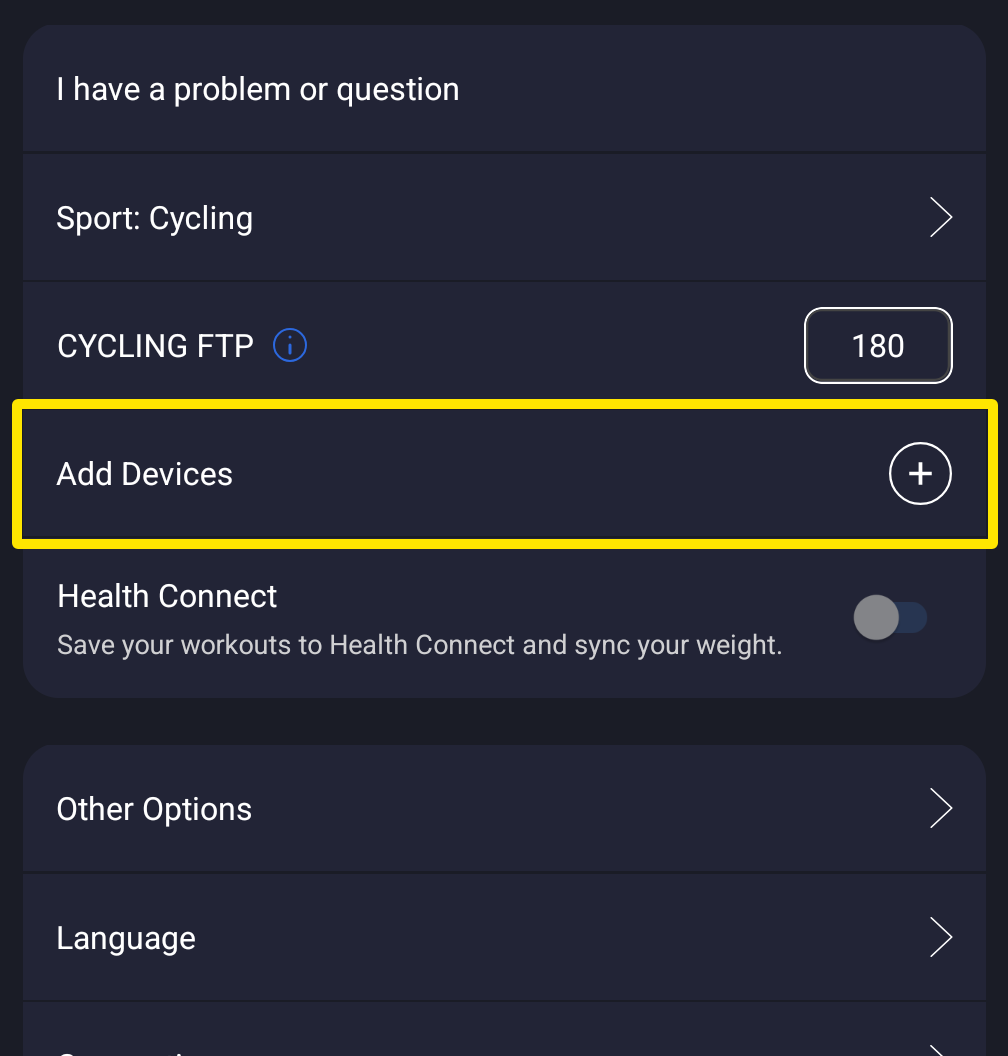 Where: Mobile app · Settings tab
- Each connected device shows buttons: Control, Power, Cadence, Heart Rate (Speed for run sources). A filled button is on. A button with + is off.
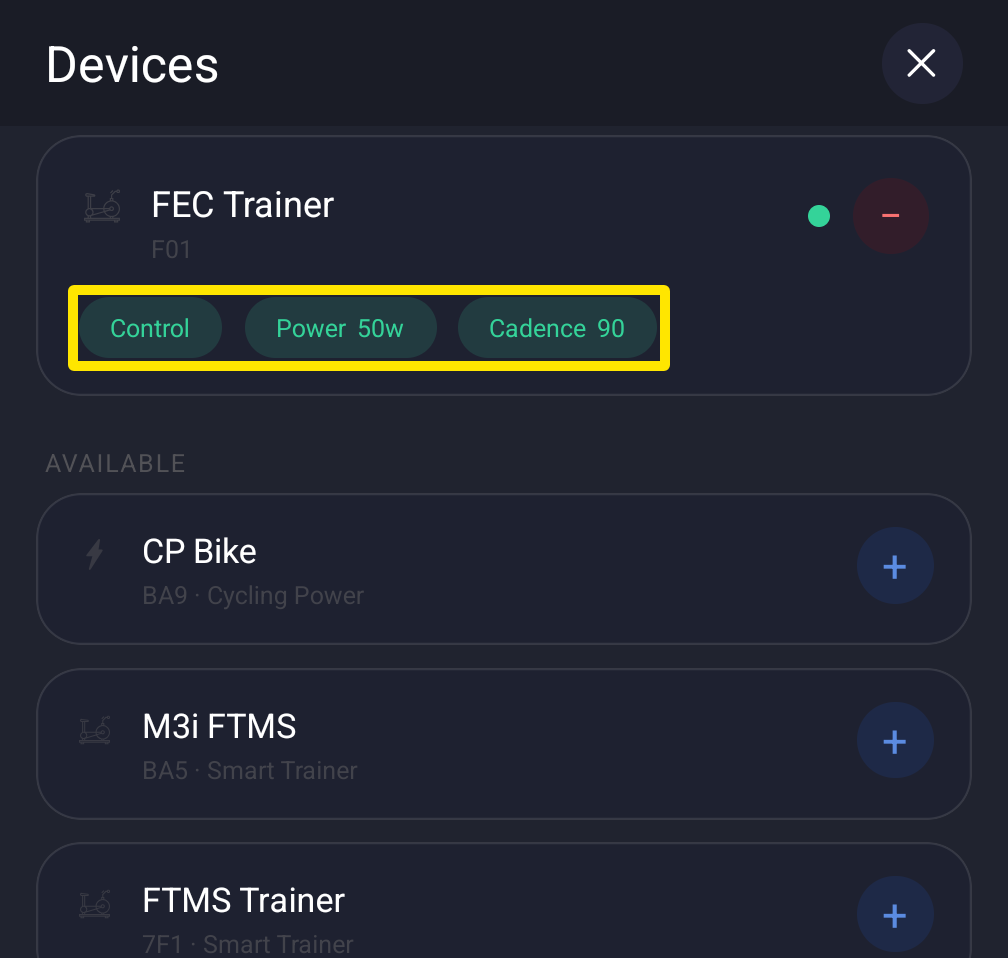 Where: Mobile app · Settings tab → Add Devices
- Tap the button on the device that should provide it, for example Cadence on your cadence sensor. It moves off the other device.
- Tap Done.
Good to know: Each reading comes from one device at a time. You can't pick a Bluetooth service type or how the app connects to control the trainer.
Works on: Mobile app and desktop app (the same buttons on each device in Devices). Not on the website.