

How do I change how often recovery weeks come in my Coach Jack plan?
On the TrainerDay website, open your plan in the Coach Jack builder and click the Recovery Weeks button above the weekly hours chart to switch between a recovery week after every 3 load weeks (3/1) or every 2 (2/1).
- On the TrainerDay website, go to My Plans, open your plan's ⋯ menu and click Edit. The Coach Jack builder opens with your plan.
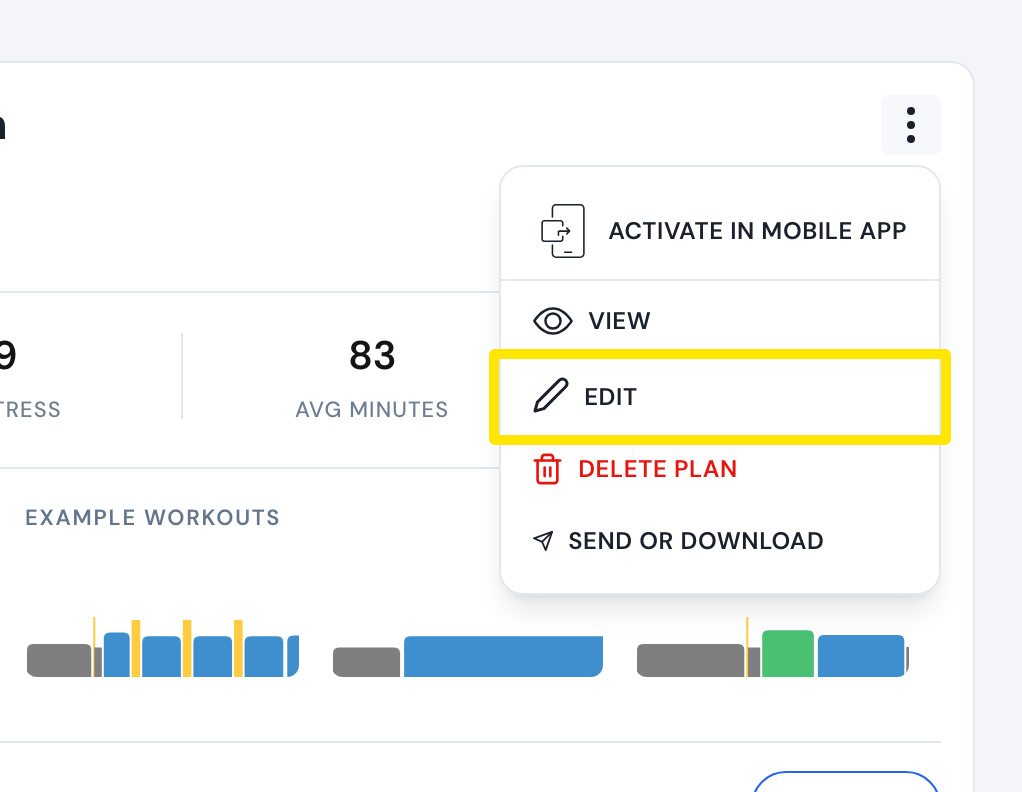 Where: Website · My Plans · open it
- Above the weekly hours chart, click Recovery Weeks to switch between 3/1 (three load weeks, then a recovery week) and 2/1. It applies to every phase.
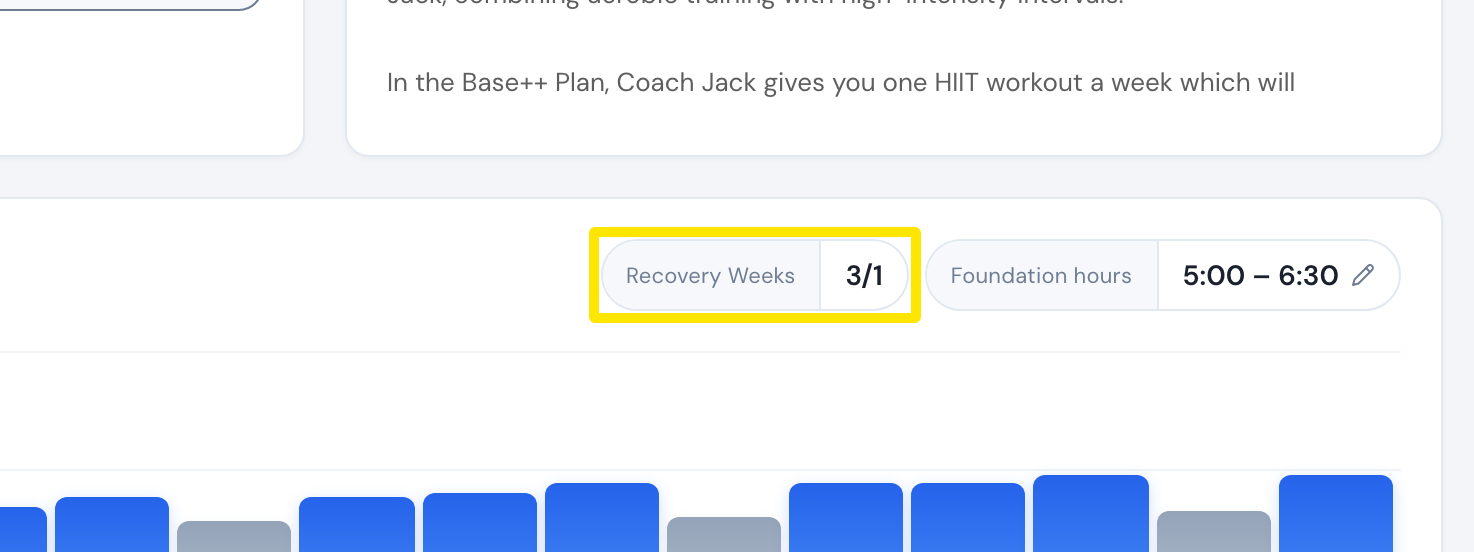 Where: Website · Coach Jack plan builder
- Click Save & Next, then Sync with My Calendar.
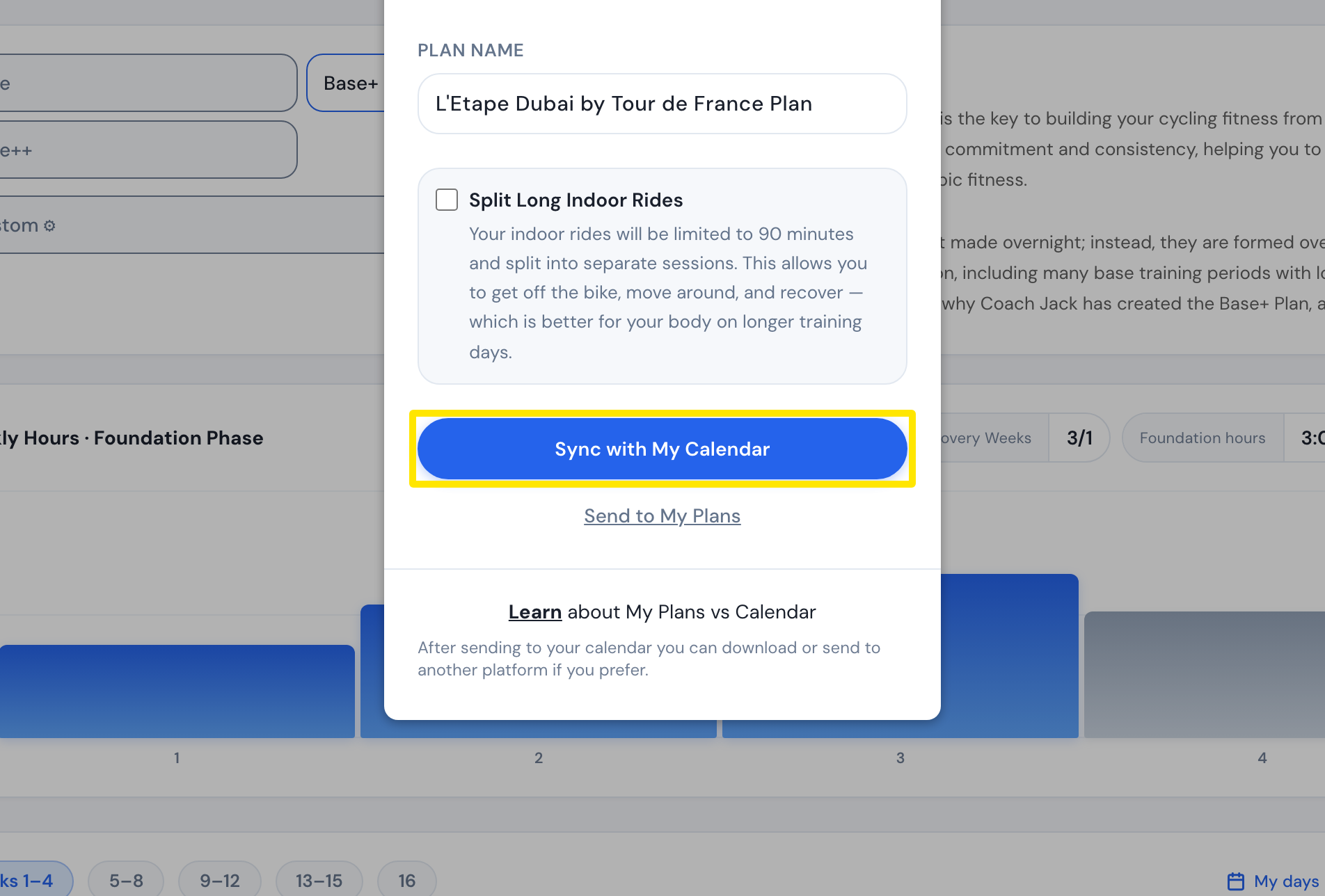 Where: Website · Coach Jack plan builder
Good to know: Recovery weeks show as "Week N (Recovery)" in the plan calendar and as grey bars in the weekly hours chart.
Works on: Website only. The mobile and desktop apps have no plan builder.