

How do I change an interval from slope to ERG?
On the TrainerDay website's workout editor, change the interval's Control Mode from slope to erg. The interval keeps its FTP% target and loses its slope target.
- On the website, click Create Workout in the sidebar (app.trainerday.com/workouts/create).
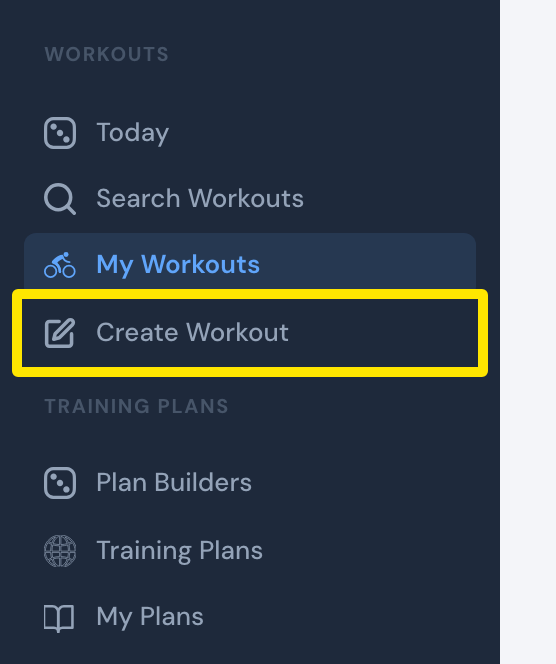 Where: Website · My Workouts · open it
- Click the CREATE FROM FILE tab.
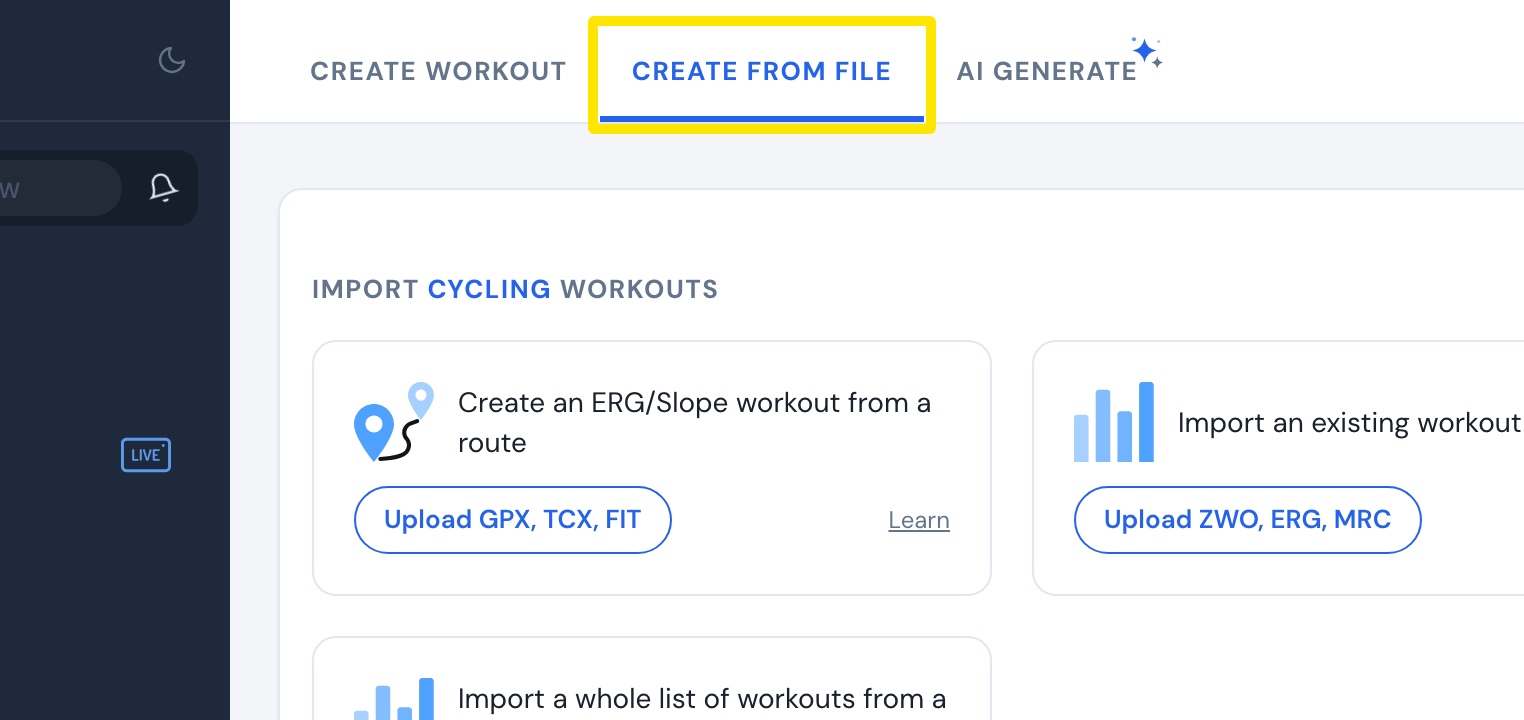 Where: Website · Create Workout · open it
- Under Create an ERG/Slope workout from a route, click Upload GPX, TCX, FIT and choose your route file. The intervals open in the editor.
- In the editor, find each interval you want to ride in ERG. Click its Control Mode box and choose erg.
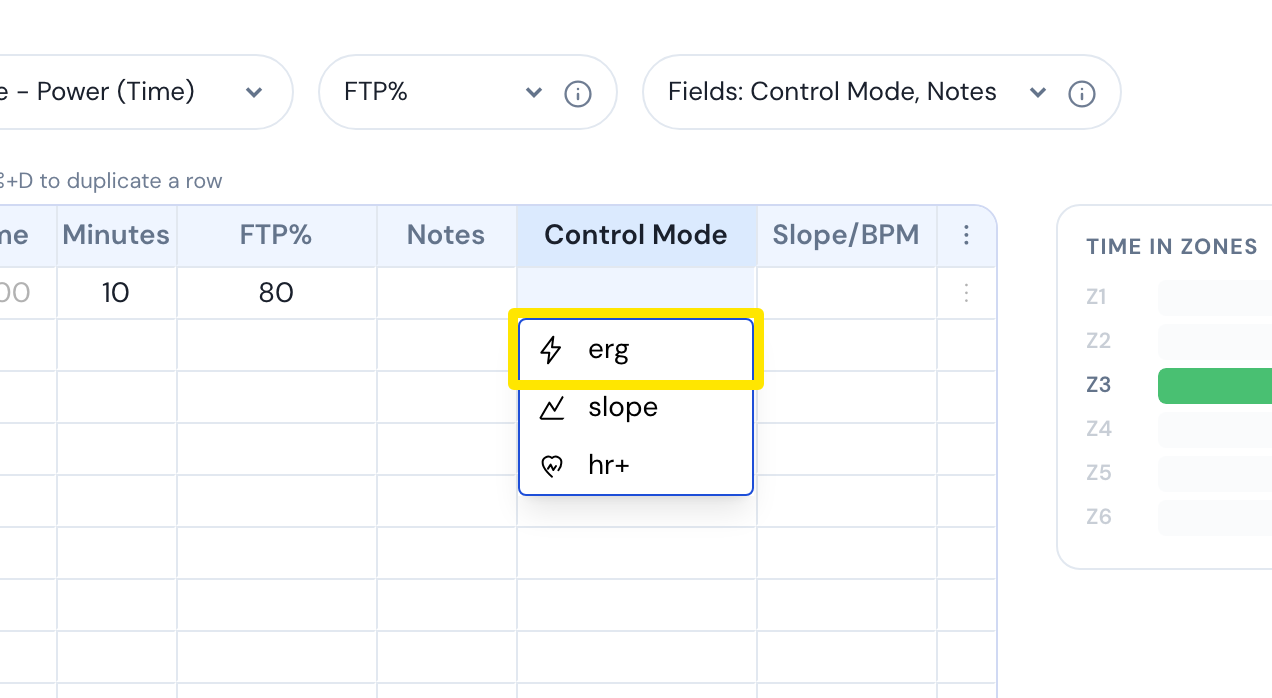 Where: Website · Create Workout · open it
Good to know: There is no one-click slope-to-ERG switch. You change each interval one at a time. A route file that has power already comes in as watts targets with no slope.
Works on: Website only. The mobile and desktop apps do not convert slope to ERG during a ride.