

Creating Cycling Training Plans
Alex VanLaningham · Founder of TrainerDay ·
A training plan turns a pile of good workouts into weeks of structured riding. On TrainerDay you build plans on the website by dragging workouts from your own library onto the days you want, then you either share the plan with other riders or send it to My Calendar and ride it from the mobile or desktop app.
Where to find it:
- Website → My Plans → Create a new Plan · open it
- Mobile app: plans are not made here; ride plan workouts from My Calendar
- Desktop app: plans are not made here; ride plan workouts from My Calendar
Gather your workouts first
Your plan is built from My workout library, so collect the workouts you want before you start.
- Open a workout from My Workouts or a search result.
- Click Add to, then Add to Favorites, or pick one of your own lists.
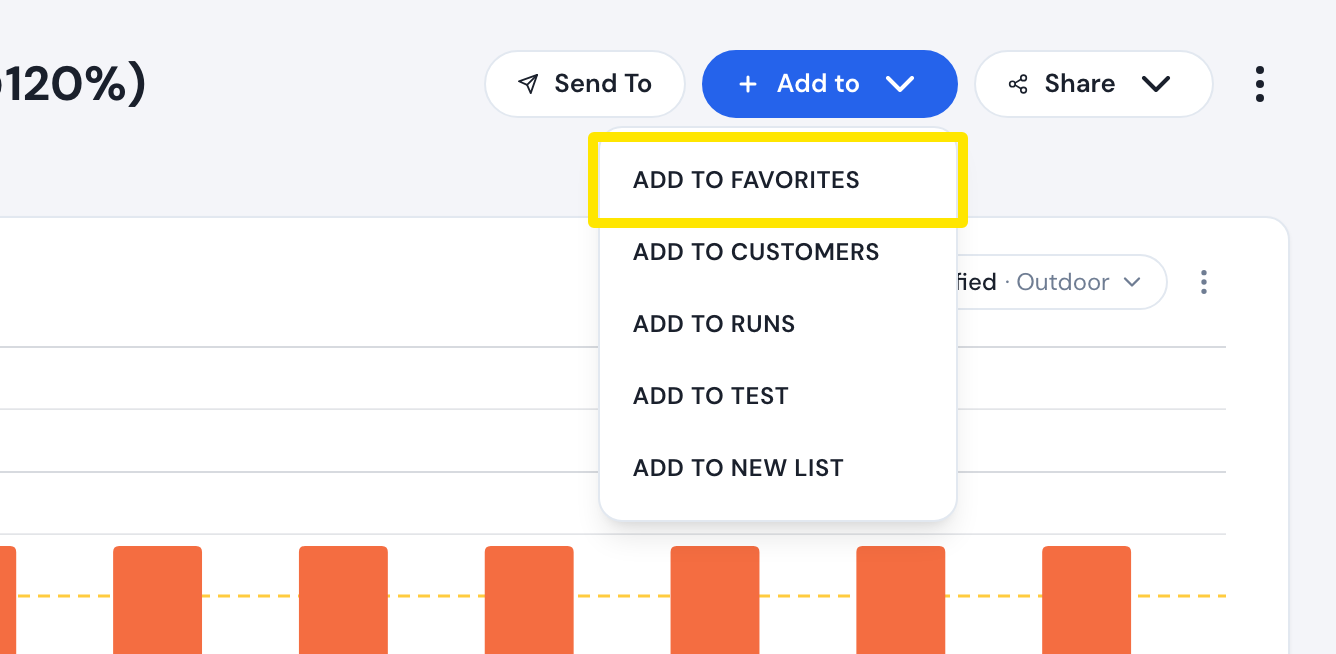 Where: Website · a workout's page
To keep things tidy, make a list just for this plan: in My Workouts, click List Manager, then + Create new list, name it and click Save List.
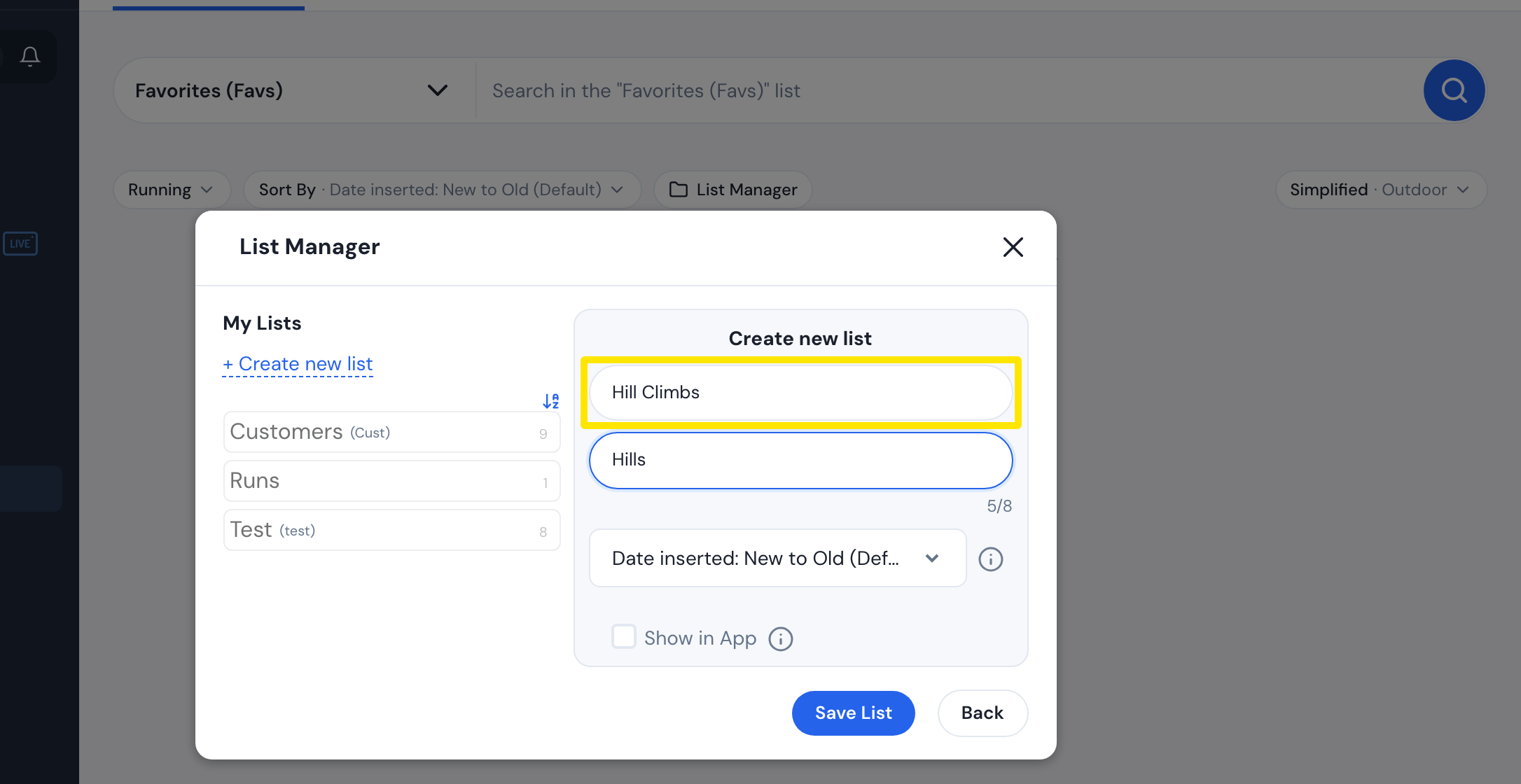 Where: Website · My Workouts → List Manager · open it
Create the plan
- Click My Plans in the left sidebar, then Create a new Plan at the top right. On Training Plans, the New plan button does the same.
- In the Create Plan window, enter the Plan Name, Period Type and Number Of Weeks (1 to 56). Click Done.
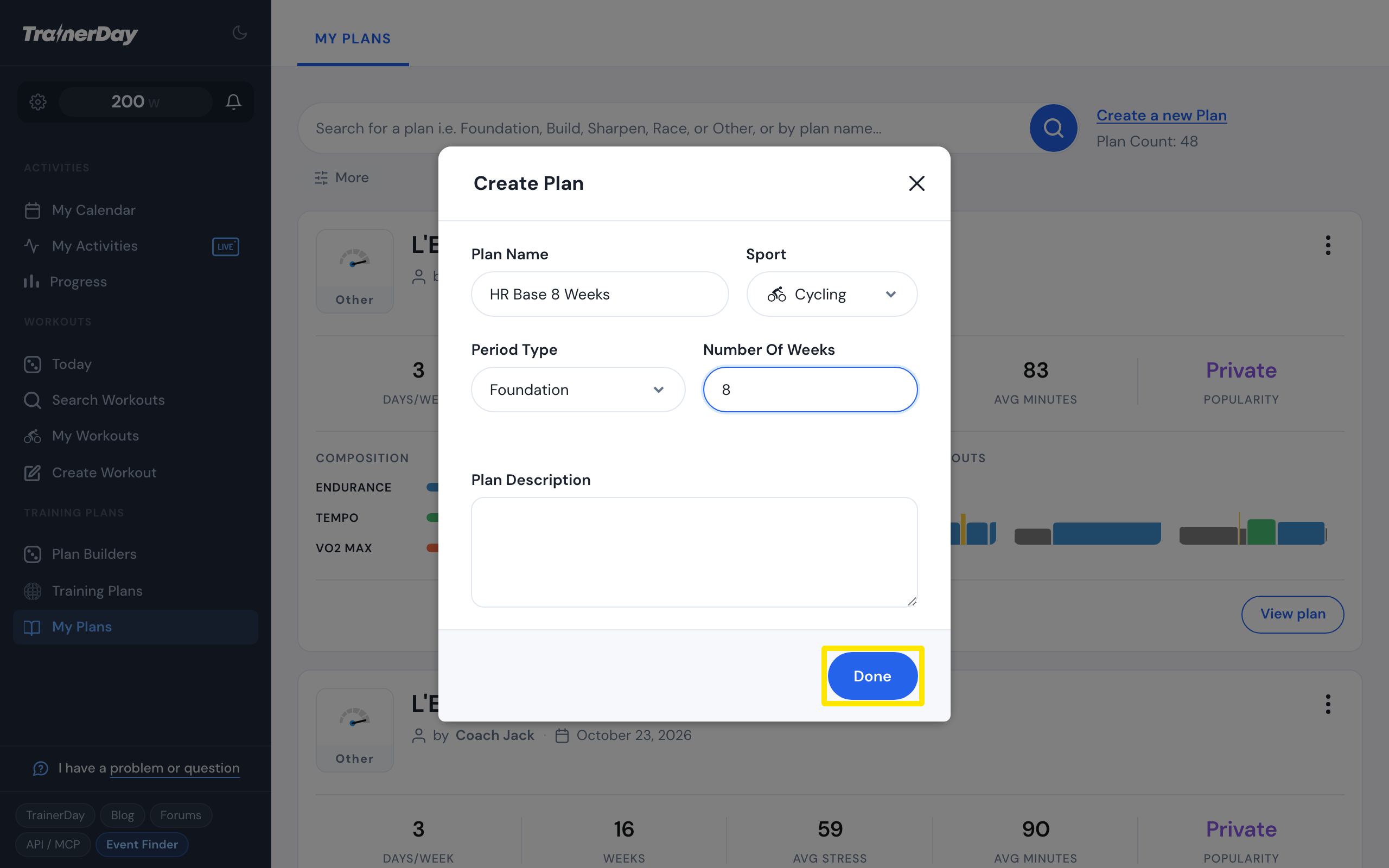 Where: Website · My Plans → Create a new Plan · open it
Fill in the days
- The new plan opens. Drag workouts from My workout library on the right onto the days.
- Hold Alt while dragging to copy a workout to another day.
- Click Save Changes.
To take a workout out, drag it onto the trash at the bottom of the My workout library panel and save. Discard undoes your changes. To shorten the plan, click Edit Plan and lower Number Of Weeks.
Share it or ride it
To share the plan, turn on Public plan. It needs at least 3 workouts. Other riders find shared plans on the Community plans tab of Training Plans. Keep in mind that a public plan has to be made private again before you can edit it.
To ride it yourself, click Send or Download, choose TO MY CALENDAR, pick the Start Week Date and click Send Plan.
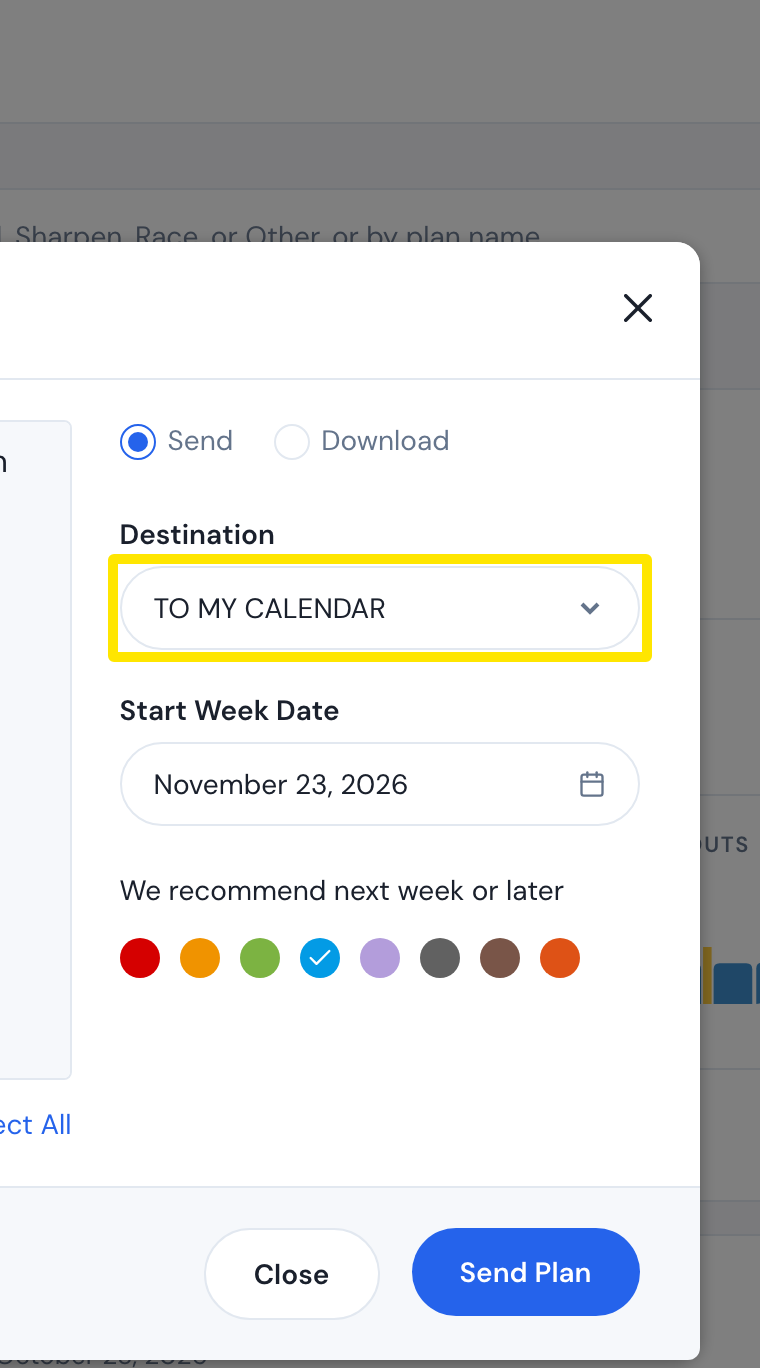 Where: Website · My Plans → a plan's menu → Send plan · open it
If you'd rather have a plan built for you, click Plan Builders in the sidebar and use Coach Jack.
Quick answers
- How do I add or remove workouts from my favorites?
- How do I create a custom list and add workouts to it?
- How do I create a training plan?
- How do I find and open training plans?
- How do I remove workouts from a plan I made or copied?
- How do I make a workout public or private?
- How do I get my training plan workouts into Zwift?